Best 24 Drag and Drop App Builder Software products
What is Drag and Drop App Builder Software?
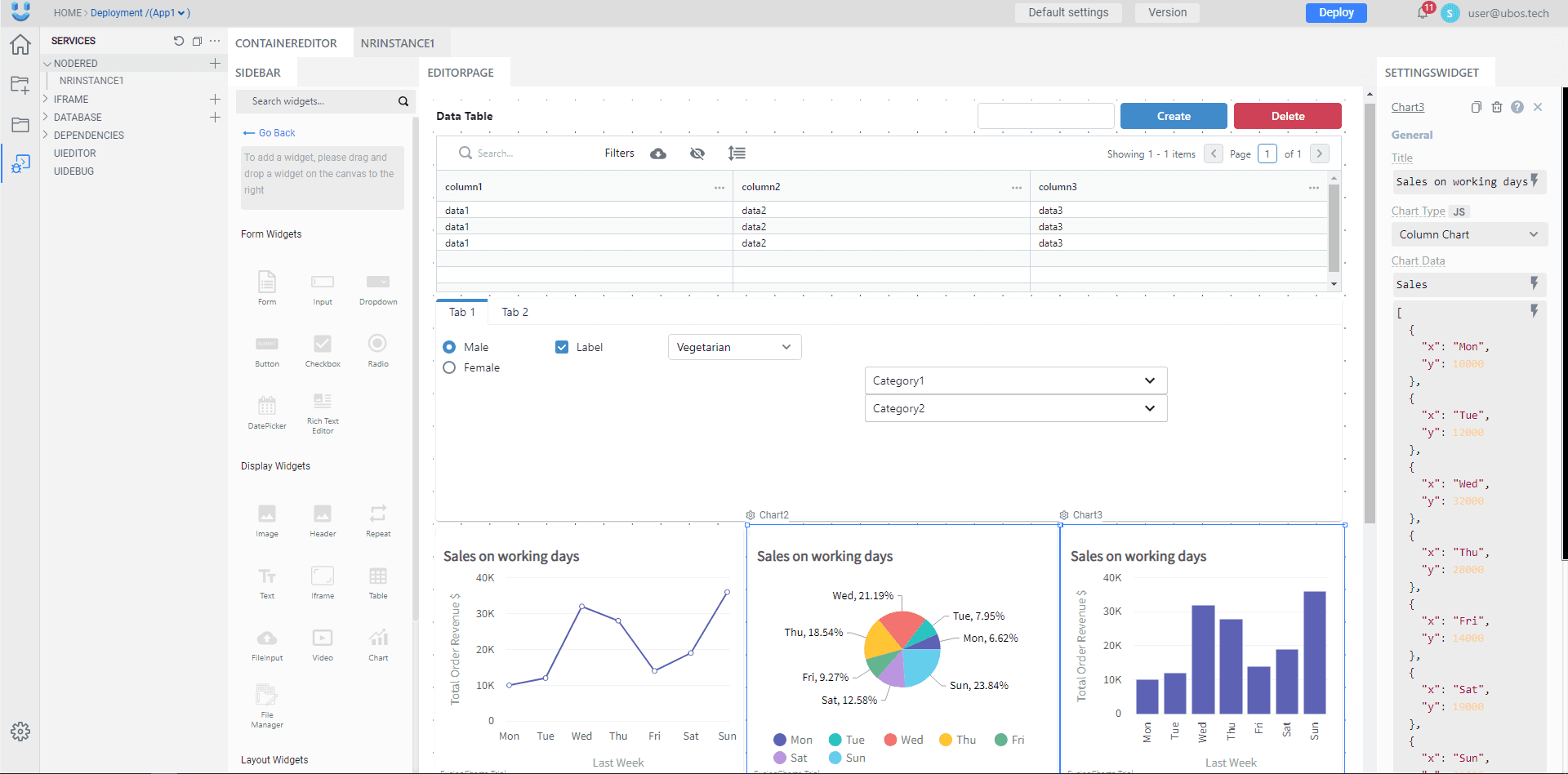
Drag and Drop App Builder Software lets anyone create mobile or web apps without needing to write code. Users simply drag elements onto a canvas and arrange them to build app interfaces and workflows visually.
What are the top 10 Development Software products for Drag and Drop App Builder Software?
Newest Drag and Drop App Builder Software Products

Drag and Drop App Builder Software Core Features
- Visual interface design
- pre-built templates and components
- easy integration with data sources
- real-time preview
- no coding required
Advantages of Drag and Drop App Builder Software?
- No programming needed
- fast prototyping
- cost-effective
- easy to update
- empowers non-technical people
Who is suitable to use Drag and Drop App Builder Software?
Non-developers, entrepreneurs, small business owners, educators, and anyone wanting to build apps quickly without programming skills.
How does Drag and Drop App Builder Software work?
Users pick UI components like buttons, text boxes, images, etc., and drag them onto a workspace. They can configure behaviors and logic via simple settings or visual rules. Once done, the software compiles the design into a working app.
FAQ about Drag and Drop App Builder Software?
Do I need any coding knowledge to use these builders?
Nope, they're designed for users with zero coding skills.
Can I build both mobile and web apps?
Many builders support both, but some focus on specific platforms.
Are apps made with drag and drop tools customizable?
To an extent, but highly custom features might require coding.
Is the performance of these apps good?
For most standard apps, yes, but complex apps might run slower.
Can I publish my app on app stores using these tools?
Most provide options to export or publish apps directly.