Best 4 Hard Drive Cloning Software products
What is Hard Drive Cloning Software?
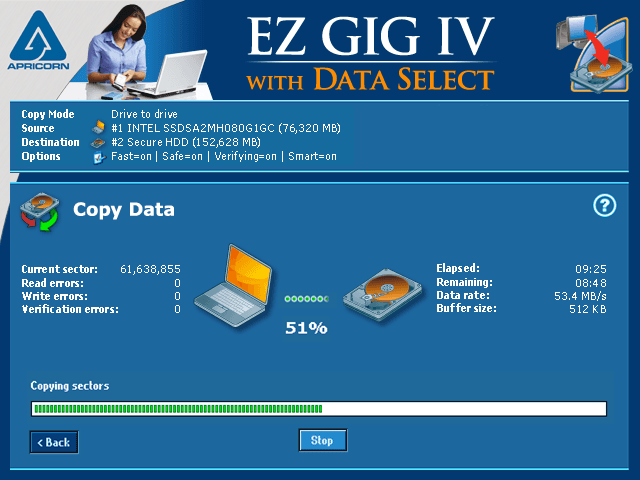
Hard Drive Cloning Software creates an exact copy of a hard drive, including the OS, applications, and data. It's mainly used for upgrading drives, backups, or transferring everything to a new disk.
What are the top 10 IT Management Software products for Hard Drive Cloning Software?
Newest Hard Drive Cloning Software Products

Hard Drive Cloning Software Core Features
- Sector-by-sector cloning
- Supports SSD and HDD
- Cloning of entire drives or partitions
- Bootable clone creation
- Fast cloning speed
Advantages of Hard Drive Cloning Software?
- Saves time on reinstallation
- Creates full system backups
- Easy migration to new drives
- Ensures data integrity
- Supports various drive types
Who is suitable to use Hard Drive Cloning Software?
IT pros, computer enthusiasts, anyone upgrading or backing up their entire system drives.
How does Hard Drive Cloning Software work?
The software reads every bit of data from the source drive and duplicates it to the target drive. This creates a bootable copy that’s identical, so you can swap drives without reinstalling anything.
FAQ about Hard Drive Cloning Software?
Is cloning different from backing up?
Yeah, cloning copies everything exactly, backup saves files separately.
Can I clone to a smaller drive?
Only if the data fits and the software supports resizing.
Does cloning erase the destination drive?
Usually yes, the target gets overwritten.
Can I boot from the cloned drive?
Yes, a proper clone should be bootable.
How long does cloning take?
Depends on drive size and speed, can be minutes to hours.