Best 22 Remote Desktop Software products
What is Remote Desktop Software?
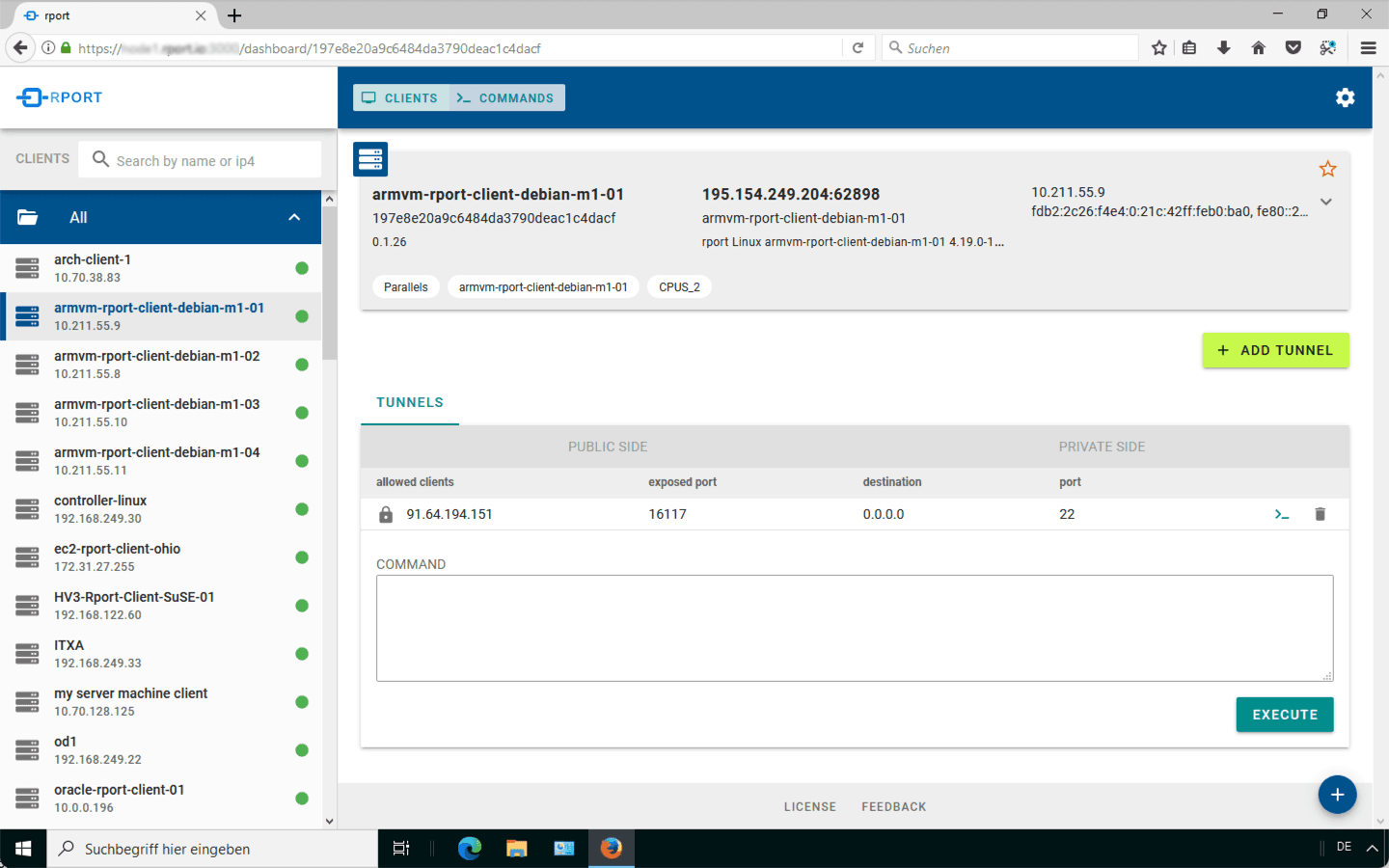
Remote Desktop Software lets you access and control a computer from another location over the internet or network. It’s super useful for IT support, remote work, or accessing your personal PC while on the go.
What are the top 10 IT Infrastructure Software products for Remote Desktop Software?
Newest Remote Desktop Software Products

Remote Desktop Software Core Features
- Secure remote access and control
- Cross-platform support
- File transfer between local and remote devices
- Session recording for auditing
- Multi-user access for collaboration
Advantages of Remote Desktop Software?
- Enables work from anywhere
- Saves time by fixing issues remotely
- Cuts down on travel costs for IT support
- Increases productivity with instant access
- Supports multiple devices and platforms
Who is suitable to use Remote Desktop Software?
IT support teams, remote workers, freelancers needing access to office PCs, businesses with distributed teams.
How does Remote Desktop Software work?
You install the remote desktop client on your device and connect to the host computer using credentials. The software transmits screen visuals and inputs back and forth, allowing you to interact with the remote system as if you were physically present.
FAQ about Remote Desktop Software?
Is the connection encrypted and secure?
Yes, most remote desktop tools use strong encryption to protect your sessions.
Can I transfer files during a session?
For sure, file transfer is often built in for easy sharing between devices.
Does it work on mobile devices?
Many remote desktop apps have mobile versions for accessing PCs from phones or tablets.
What if the remote PC is behind a firewall?
Most tools handle firewall traversal with VPNs or relay servers to ensure connectivity.
Can multiple users access the same machine simultaneously?
Some software supports multi-user sessions, but it depends on the specific product.