Best 5 Version Control Clients products
What is Version Control Clients?
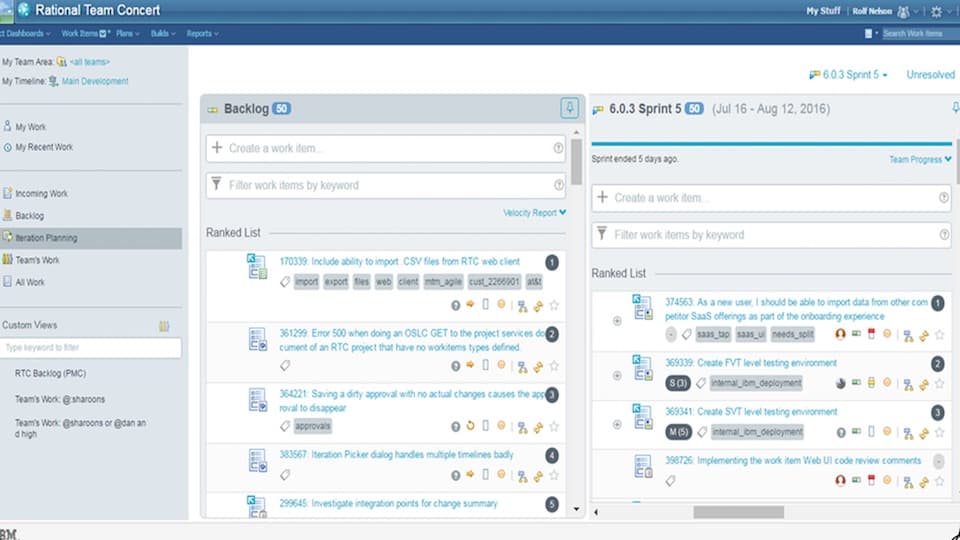
Version Control Clients are applications or interfaces that let users interact with version control systems in an easier, often graphical way instead of using command-line tools.
What are the top 10 Development Software products for Version Control Clients?
Newest Version Control Clients Products
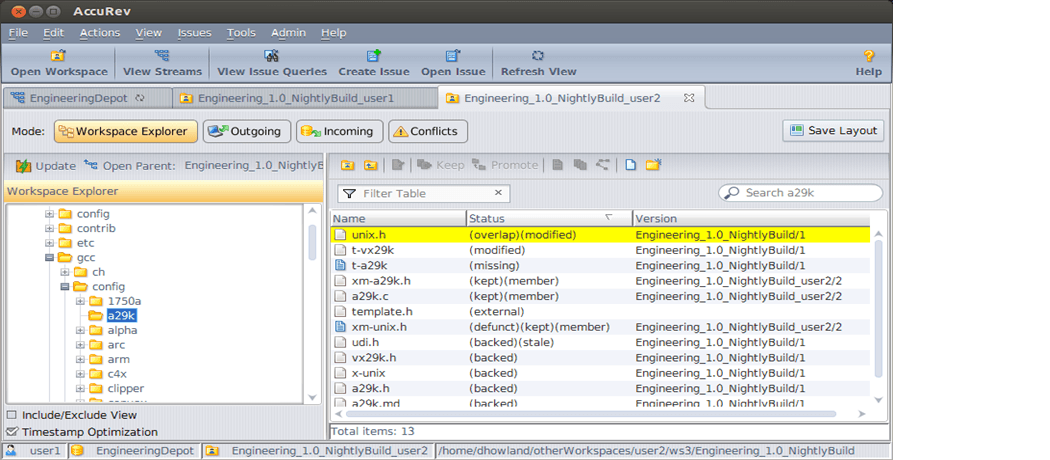
Version Control Clients Core Features
- Graphical user interface
- commit history visualization
- branch management
- conflict resolution tools
- drag-and-drop functionality
Advantages of Version Control Clients?
- Simplifies version control usage
- reduces errors
- speeds up workflows
- great for learning
- supports visual diff tools
Who is suitable to use Version Control Clients?
Developers preferring GUI over command-line, beginners learning version control, teams wanting quicker access to version control features.
How does Version Control Clients work?
Clients connect to the version control server or repository, fetching the latest project data and allowing users to perform operations like commits, pulls, pushes, and merges through user-friendly controls instead of commands.
FAQ about Version Control Clients?
Are version control clients free?
Many clients are free, but some advanced ones may require a license.
Do clients support all version control systems?
Clients usually support specific systems like Git or SVN, not all at once.
Can I switch between command line and client easily?
Yes, both methods operate on the same repository, so switching is seamless.
Are clients available on all platforms?
Most popular clients support Windows, macOS, and Linux.
Do version control clients work offline?
For distributed VCS like Git, clients can operate offline with local repos.