Best 9 Java Development Tools products
What is Java Development Tools?
Java Development Tools are software applications and environments that aid developers in writing, debugging, compiling, and testing Java-based applications. These tools provide a suite of utilities to streamline the coding process and help manage Java projects effectively.
What are the top 10 Development Software products for Java Development Tools?
Newest Java Development Tools Products
Java Development Tools Core Features
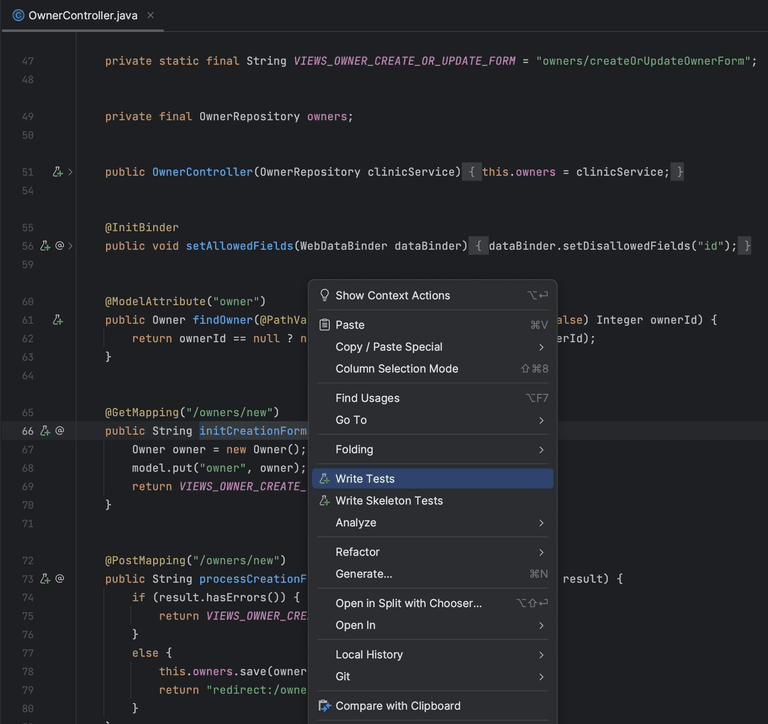
- Code editor with syntax highlighting and autocomplete
- debugging tools to find and fix errors
- build automation support
- version control integration
- performance profiling and testing tools
Advantages of Java Development Tools?
- Speeds up development process
- reduces coding errors
- simplifies debugging
- improves code quality
- supports collaboration among teams
Who is suitable to use Java Development Tools?
Java developers, software engineers, students learning Java, and teams working on Java-based projects.
How does Java Development Tools work?
Java Development Tools work by providing an integrated environment where developers can write code with features like syntax checks and code suggestions. They allow compiling the Java code into bytecode, running tests, debugging issues, and managing project dependencies all within one platform.
FAQ about Java Development Tools?
What are the most popular Java Development Tools?
Some popular ones include Eclipse, IntelliJ IDEA, and NetBeans.
Can these tools help with debugging Java applications?
Yes, they come with built-in debugging features to help identify and fix errors quickly.
Are Java Development Tools free to use?
Many tools have free versions, but some offer paid versions with extra features.
Do these tools support version control systems?
Yes, most integrate with systems like Git to manage code changes.
Can beginners use Java Development Tools easily?
Yeah, many tools have user-friendly interfaces and plenty of learning resources.