Best 9 WYSIWYG Editors products
What is WYSIWYG Editors?
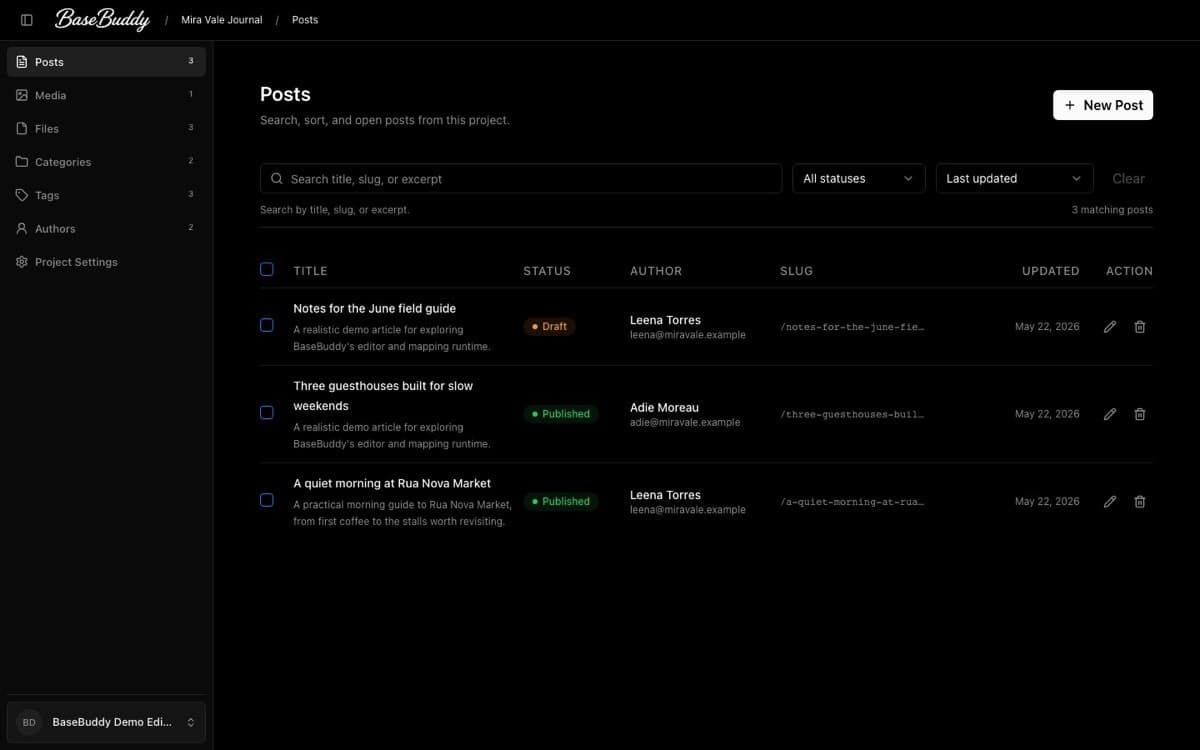
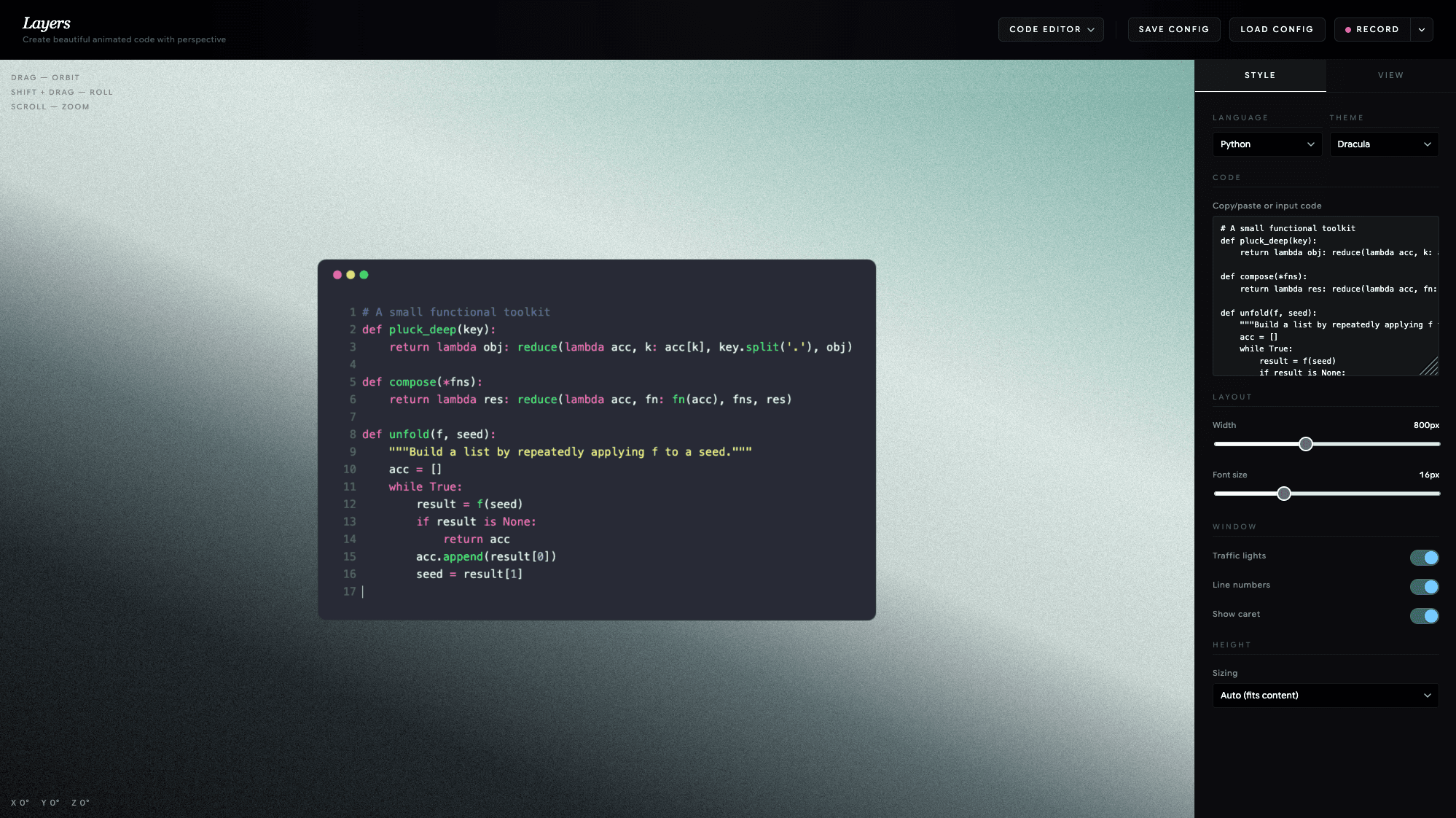
WYSIWYG Editors let you create and edit web pages or documents visually, showing you the end result as you work, without needing to write code directly.
What are the top 10 Development Software products for WYSIWYG Editors?
Newest WYSIWYG Editors Products
WYSIWYG Editors Core Features
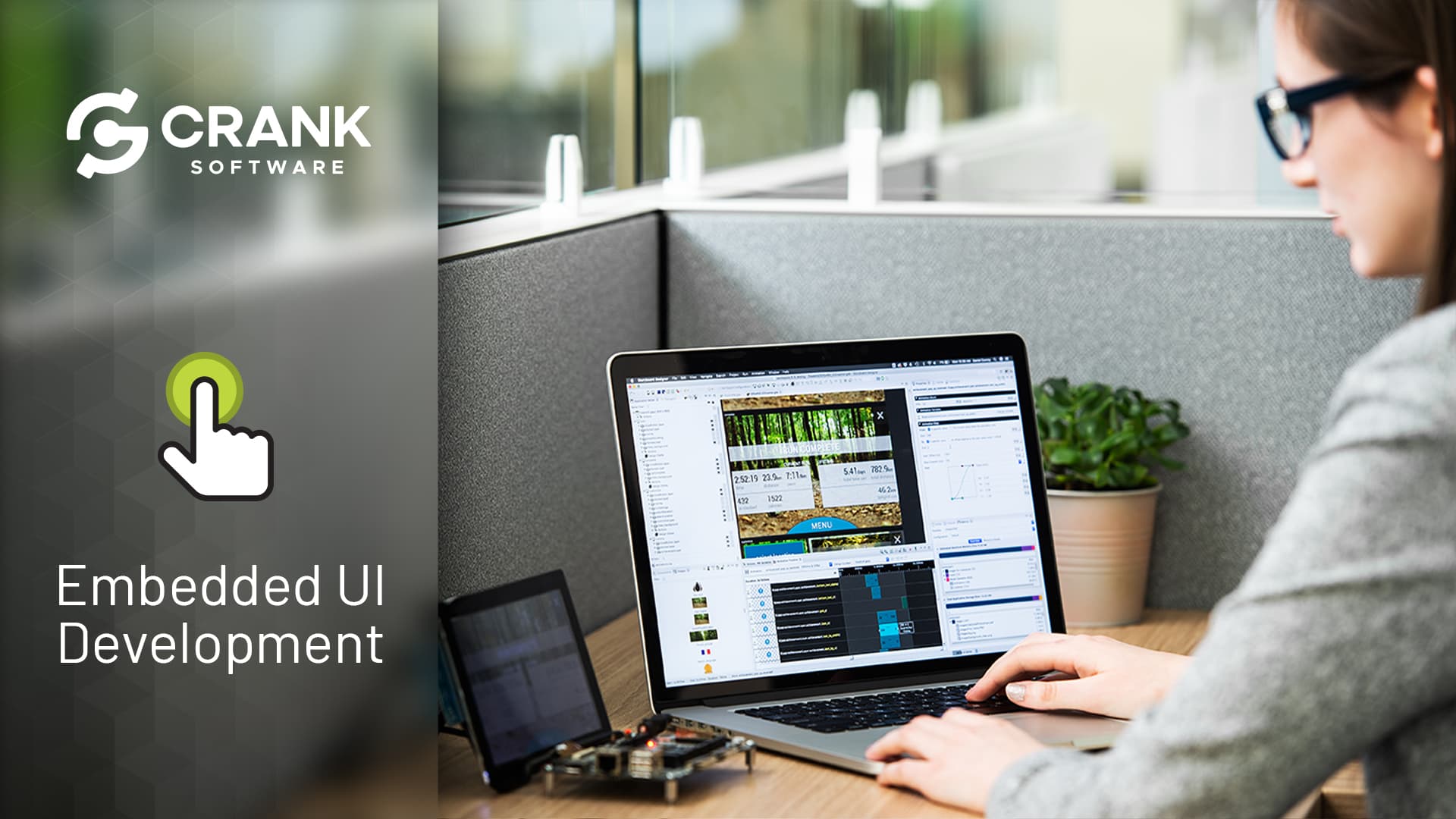
- Drag-and-drop interface
- real-time visual editing
- formatting tools
- media embedding
- code view toggle
Advantages of WYSIWYG Editors?
- Easy to use for beginners
- speeds up content creation
- reduces need for coding
- instant visual feedback
- supports multimedia integration
Who is suitable to use WYSIWYG Editors?
Non-technical users, web designers, content creators, marketers who want to build web content without coding.
How does WYSIWYG Editors work?
Users interact with a visual interface to add text, images, and layouts. The editor generates the underlying code automatically, allowing easy content creation without coding skills.
FAQ about WYSIWYG Editors?
What does WYSIWYG stand for?
It means 'What You See Is What You Get', showing content exactly as it'll appear.
Can I switch between visual and code views?
Yep, most editors let you toggle to edit the underlying HTML or code.
Is it suitable for complex web designs?
For simple to moderate designs, yes. Complex designs may need manual coding.
Do WYSIWYG editors produce clean code?
Some produce bloated code, but many modern ones generate fairly clean HTML.
Are they good for blogging platforms?
Definitely, they make writing and formatting posts easy without coding.