
Top 10 Other Video Softwares in Apr 2026

Content
Top Products

Unifab All In One
AI-powered video processing tool for editing and enhancing video/audio quality.

Istory
Interactive storytelling tool for digital marketers with voice/AI, rich media, and analytics.

Pika
Pika is an idea-to-video platform that turns ideas into motion videos.
Videomagic
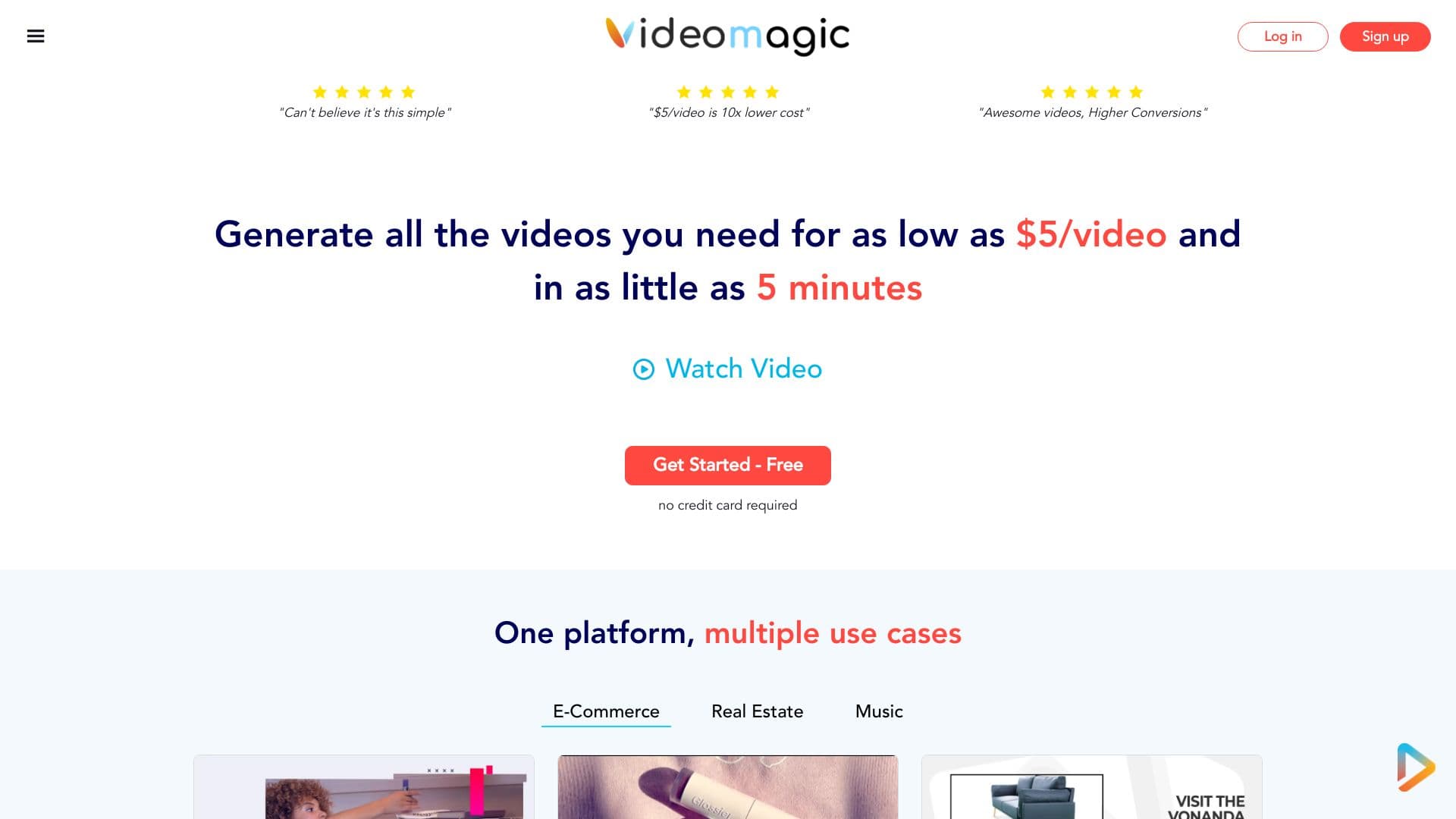
AI-powered platform for automated video creation from various inputs in minutes.
Konvey
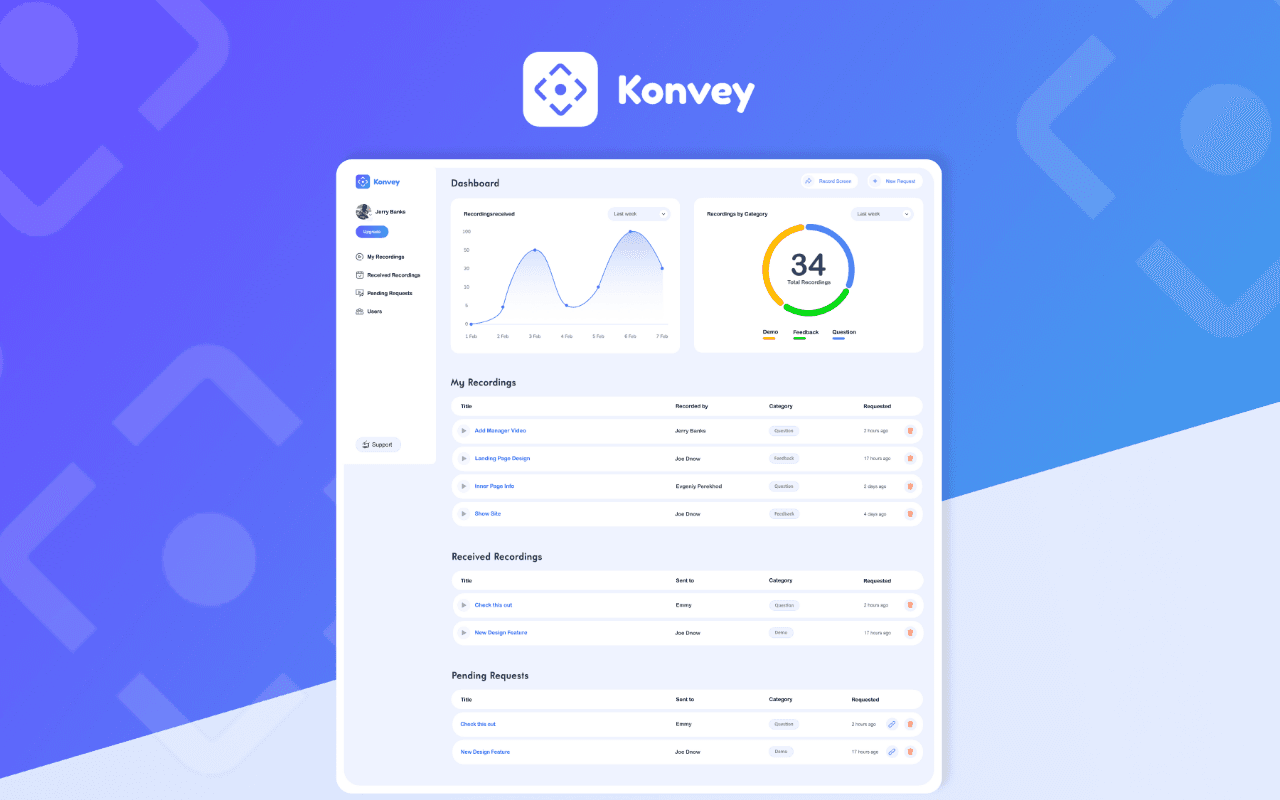
Konvey is a cutting-edge video messaging software designed for effective communication, onboarding new customers, educating audience and providing stellar service support to customers. It’s simple, fun and easy to use. Essentially, you can use it to reach customers, convince them to buy new product and get a thoughtful feedback or testimonial from them.

Wondershare UniConverter
Wondershare UniConverter has many fantastic features such as Video Conversion, Audio Conversion, VR Conversion, Image Converter, Video Downloader, Video Editor, DVD/CD Burning, Screen Recorder, File Transfer, and more. Wondershare UniConverter has a simple and stylish interface for extremely functional and comprehensive purpose. Convert Video to Any Formats You Want Wondershare UniConverter is a one-stop video converter for any media file and memories with full GPU acceleration. It supports 4K/8K conversion without losing quality. You can easily convert videos from iPhone/iPad/Android/iOS devices, game players, and social networks over 1000 formats with 30X High-speed conversion. On the left, you can operate the input and editing settings. On the right, you can manage the output format and remove a file from the list. Make sure the High-Speed Conversion button is turned on and Start All for batch conversion. Compress Videos with Customizable Settings No more struggling with storage space as your files can now be compressed by using the software. UniConverter video compression feature allows you to resize and reduce the files. Select file parameters, preview, and change the single/multiple files output format in high-quality. Compress your videos with the right size and high quality for playback on devices. You can share them on your social networks and for other purposes. You can quickly compress multiple videos in batches with simple clicks. Quality Recorder with Multiple Options The newly-released Wondershare UniConverter supports screen recording, audio recording, and webcam recording. You can pause and resume your recording at any time. After your finish recording, you can make further edits and modifications like trimming, cropping, adding watermarks, inserting subtitles, and more. Wondershare UniConverter has a disc burner to create Bu-rays and DVDs from your media files so that you can enjoy an extraordinary DVD experience anywhere. You'll find more powerful features in Wondershare UniConverter complete toolbox and enjoy more convenience in your daily video tasks. The multi-toolbox includes Image Converter, GIF Maker, Fix Media Metadata, Transfer (transfer local/converted/downloaded media files to your devices), CD Burner, CD Ripper and VR Converter (convert videos to VR format). Your complete toolbox, easy to use, all in one! Wondershare UniConverter-best video converter ultimate, loved by 50 million customers. Now you are invited to have a worthwhile experience with the features and quality of the software. It supports Windows/Mac/Online Version (Media.io). Convert video/DVD to 1000+ formats with high quality. Convert video to MP3 and 100+ audio formats. Convert video/DVD to different formats in batch. Support High-Speed Conversion and GPU acceleration. Merge videos into one. VR Converter. Add files to iTunes after conversion automatically. Download videos from YouTube and other 10,000+ video sites Record videos from any websites. Download subtitles/cc from YouTube. Download YouTube to MP3 in one click. Download YouTube 4K/HD videos. Download playlist from YouTube, Lynda to MP3, MP4, or other formats. Multi-task downloading supported. With download accelerator, 30X faster download speed than others. Downloading and converting files in one-click. Trim video into several segments. Crop video to remove unnecessary parts. Rotate video by 90, 180, or 270 degrees. Add subtitles to video, including .srt, .ass, or .ssa extensions. Add watermark to video for copyright protection. Enhance video by applying special effects and filters. Adjust audio volume for your videos. Record videos from any websites. Record Skype videos, Facetime videos, etc. Record screen for guide, tutorial, course, etc. Burn videos in different formats to DVD/ISO/DVD Folder in high quality. Burn your precious video to a high-quality Blu-ray Disc or DVD. CD Burner/CD Converter Customize the DVD menu with various DVD templates. Auto-fix and edit video metadata info. Convert video or photos to GIF. Compress video without losing quality. Convert image format from one to another. Transfer videos or music to Android/iOS devices.

Aiseesoft Video Converter for Mac
Aiseesoft Video Converter for Mac is used to help users convert any video to popular video (MKV, MOV, MTV, WMV, AVI, etc.) and audio (AAC, AIFF, AMR, FLAC, MP3, etc.) formats on Mac with super fast conversion speed and excellent output video/audio quality. What's more, it is highly compatible with iPad mini 5, iPad Air, iPhone 11 Pro Max/11 Pro/11/XS/XS Max/XR, Samsung Galaxy S10, etc. Key Features: 1. Convert any video/audio file including 4K video. This Video Converter for Mac is able to help users convert any video/audio file, including 3GP, 3G2, AVI, DV, MP4, FLV, SWF, F4V, MOD, MJPG, MJPEG, MKV, QuickTime HD, WMV HD, HD TS, HD MTS, HD M2TS and more, and AAC, AIF, AIFF, APE, OGG, etc. audio on Mac. 2. Enhance video quality. Upscale video resolution, optimize the brightness and remove video noise to make your video more energetic. 3. Crop, rotate, clip, merge, watermark videos. You can clip a video to your desired time length by setting the start and end time, merge several video clips into one single file, cut off unwanted playing areas of a video to fit different portable players, or add watermark with image or text to customize your video. 4. Define video or audio effect. This software enables you to define the output video or audio parameters, such as Video Encoder, Frame Rate, Video Bitrate, Resolution, and Audio Encoder, Sample Rate, Channels, Audio Bitrate. Also you can adjust the video brightness, contrast, saturation, hue and volume. 5. Add 3D effects to 2D video with ease This video converter for Mac enables you to convert 2D video to fantastic 3D movie, up to 14 types of 3D modes including Anaglyph 3D (10 types), Side by Side (Half-Width) 3D, Side by Side (Full) 3D, Top and Bottom (Half-Height) 3D, etc. are available.

Aiseesoft Burnova
Burnova is the professional DVD/Blu-ray burner, which creates local videos from computer and makes online movies from YouTube, Vimeo, etc. to DVD or Blu-ray disc/ISO/folder. Burnova guarantees you to use this software easily, even for beginners. Equipped with the full of feature, it is able to meet all your DVD creation needs. Burnova is the DVD maker which can create DVD disc/folder/ISO file from local video. You can make movies to various DVD types, like DVD-R, DVD+R, DVD-RW, DVD+RW, DVD+R DL, DVD-R DL, DVD-5, DVD-9, etc. and play them on any player.
AceThinker Video Keeper
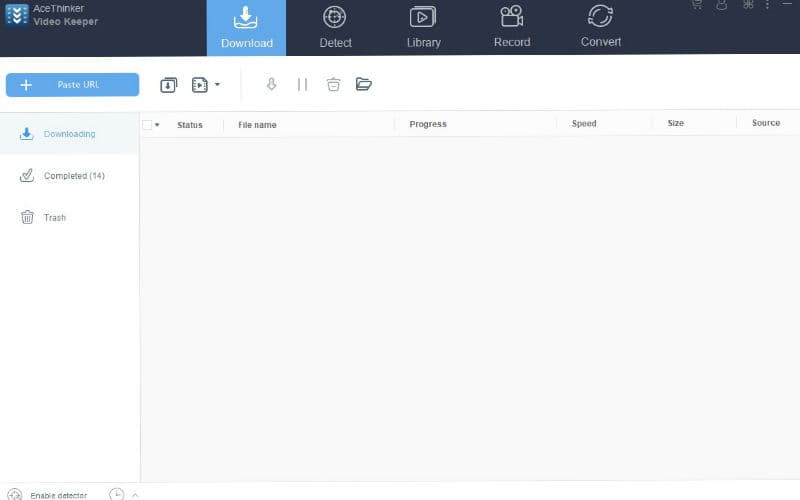
Are you worried that you might miss your favorite show? We got you covered here. AceThinker Video Keeper is a robust yet easy-to-use video downloading software that lets you grab any footage from 100+ video sharing platforms. One of the unique features of this tool is it can download any videos playing on its background. This is possible with the help of its 'Detect' function that is equipped with a built-in browser which allows users to browse and download from it automatically. Aside from that, it also possesses a screen recording tool that can record any live stream games, match, or news program that is showing on your screen. This software is considered to be the best among the others since it downloads speed is three times faster. This is possible because it is equipped with a multi-threading technology that makes full use of the entire bandwidth for the downloading process itself. With the help of this technology, it can download multiple videos simultaneously without hurting its download speed. Even it offers all of the necessary features to download videos; it still provides a user-friendly interface that beginners would not have any hard time familiarizing it. Also, it can allow you to simply copy + paste the video URL into its interface to completely download the video. Lastly, all downloaded videos are ensured to possess the highest quality available, and you also have a wide range of formats to choose from. Try to use this excellent software to download your favorite TV shows, series, documentaries, and more to watch them in your preferred device.
Idomoo
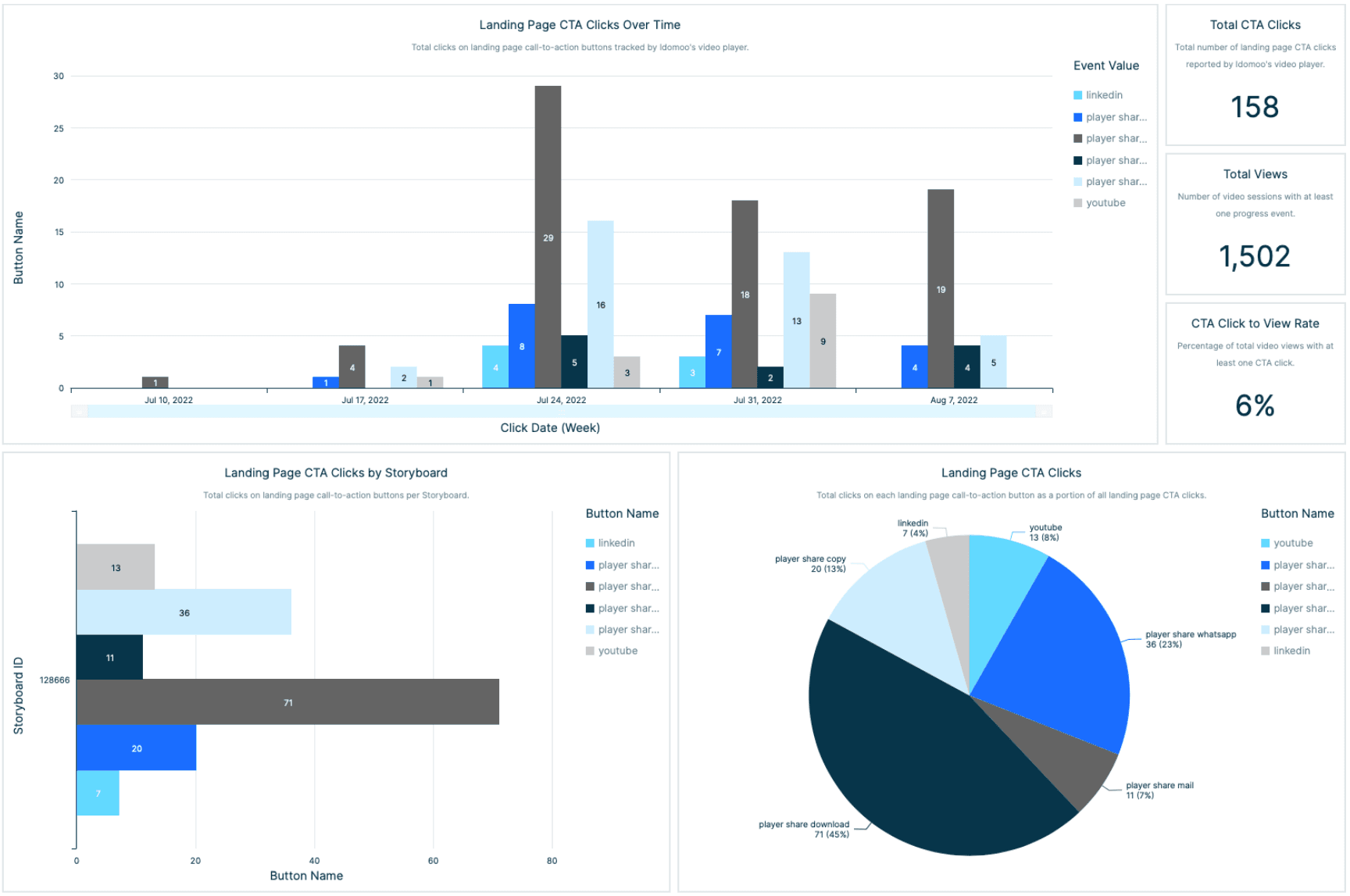
Idomoo is a personalized video marketing system that offers CRM-based enterprises a single and centralized platform from which to create, manage and promote custom videos and customer engagement. Incorporating a video rendering engine, data personalization and automated social videos as well as self-service templates and APIs, idomoo aims to provide users with a dynamic video marketing solution.