Batch Cropper
A tool for bulk image resizing, cropping, format conversion, and caption generation.
Please wait while we load the page

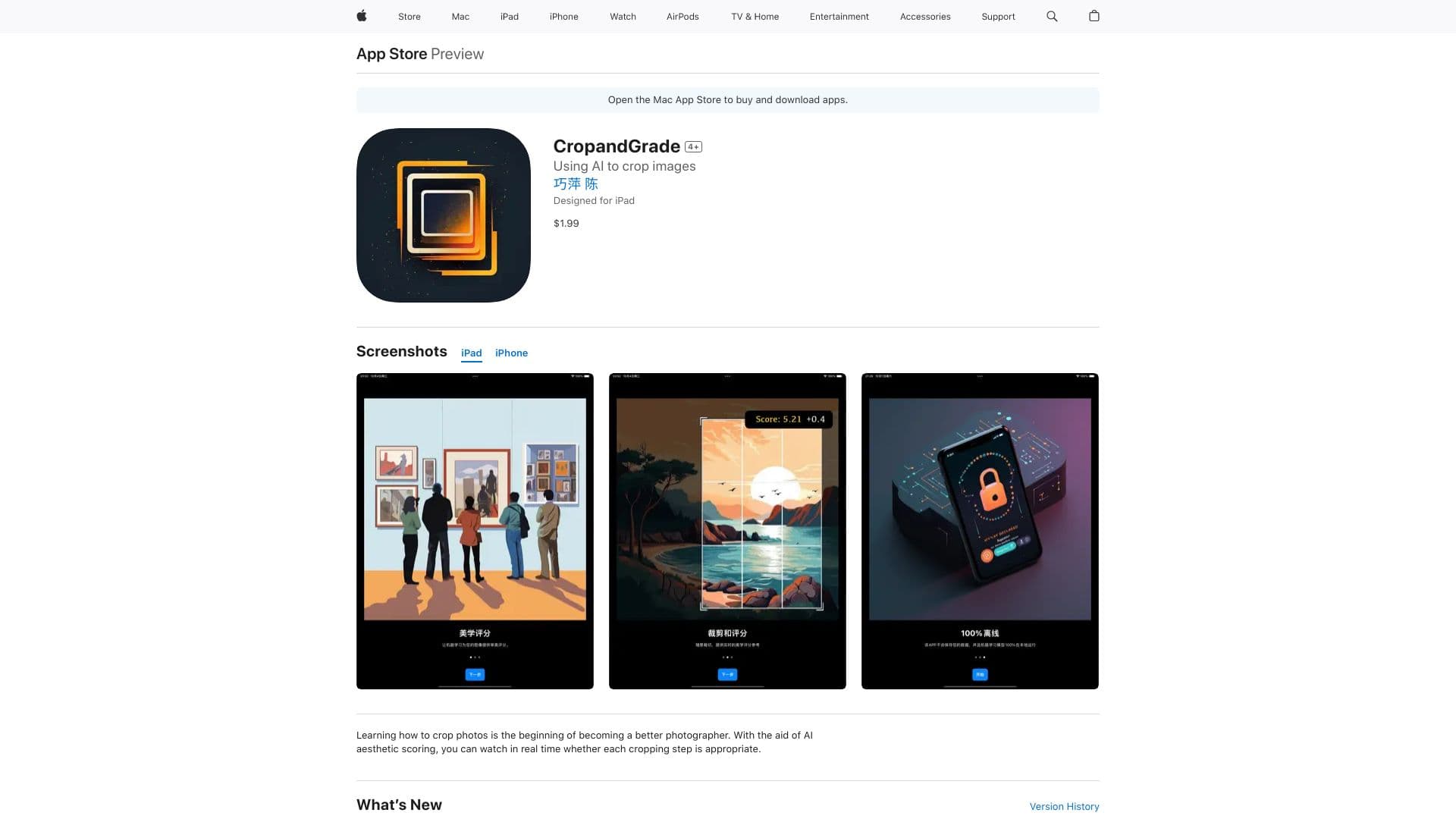
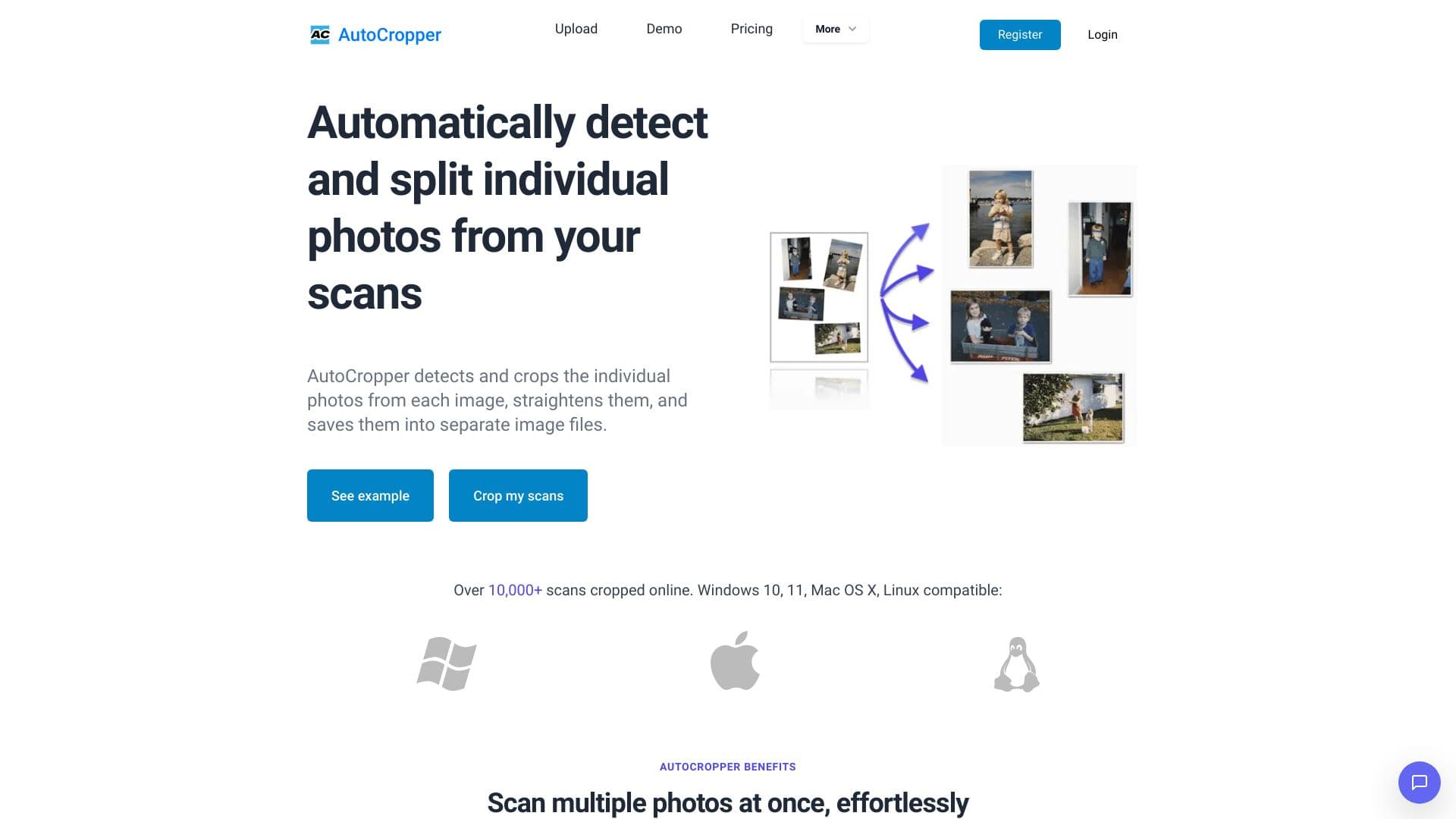
BatchCropper is a versatile and user-friendly tool for bulk image resizing. It allows you to resize multiple images to precise dimensions and crop them when needed. It is designed to easily prepare FLUX LoRA training data with sophisticated image editing capabilities. Ideal for AI model developers, Batch cropper allows bulk cropping, scaling, and conversion of images in commonly used formats such as PNG, JPG, WEBP or keep original image format. Furthermore, improve your LoRA training with captions for every image you include. With a convenient zip download option, preparing high-quality training datasets has never been faster or simpler.
Upload images by dragging and dropping or clicking to select them. Adjust image settings like height, width, and format. Crop and resize as needed. Generate captions. Download the processed images as a zip file.
Go with this if you need to resize, crop, and convert lots of images quickly while also generating captions for each. It’s especially handy for AI model developers prepping training data and anyone needing bulk image editing done fast.
Pricing information not available