Chatgpt Xtra
Chrome extension enhancing ChatGPT with image attachment and prompt combination features.
Please wait while we load the page

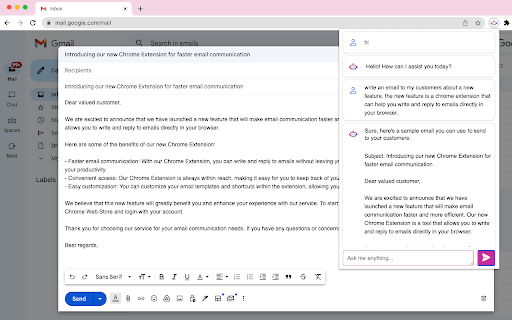
ChatGPT Xtra is a Chrome extension designed to enhance the user experience on chat.openai.com by integrating convenient features for a more interactive and efficient conversation with ChatGPT. Key features include image attachment from web pages and prompt combination with selected text.
Install the Chrome extension. To attach images, right-click on an image on any webpage and select the 'ChatGPT Xtra' option from the context menu. To combine prompts with selected text, highlight the text, right-click, and choose the 'ChatGPT Xtra' option from the context menu.
This one’s cool if you wanna spice up your ChatGPT chats with images and combine prompts easily. It makes your convos more dynamic and helps you get more outta your AI interactions without fuss.
Pricing information not available
No products available