Image To Text (ocr)
Chrome extension to extract editable text from images and PDFs.
Image To Text (ocr) Introduction
What is Image To Text (ocr)?
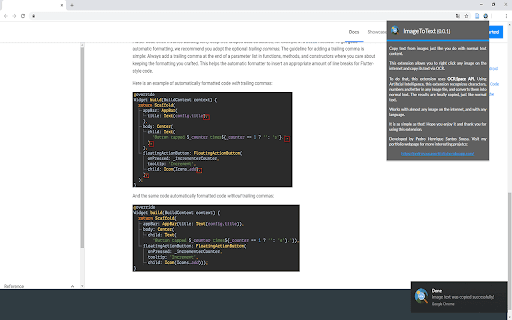
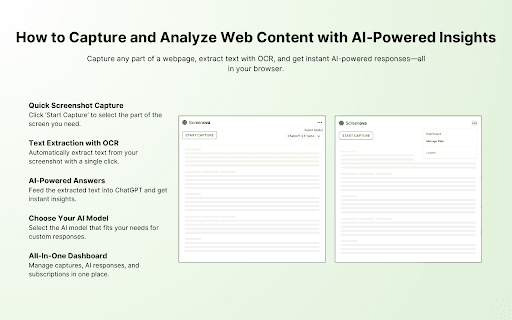
Image to Text (OCR) is a Chrome extension designed to extract text from images and PDFs directly within your browser. It offers a seamless way to transform visual content into editable text, supporting a wide range of languages and providing features like screen cropping, audio playback, and link/email detection.
How to use Image To Text (ocr)?
Install the Chrome extension. To extract text from an image, right-click on the image and select 'Extract Text' from the context menu. For screen cropping, use the provided tool to select a specific area for OCR. The extracted text will then be displayed.
Why Choose Image To Text (ocr)?
Choosing this is smart if you want to turn images into editable text fast. It’s handy for anyone who deals with scanned docs or pics and needs text out of them pronto.
Image To Text (ocr) Features
AI OCR
- ✓Extract text from images and PDFs
- ✓Multilingual support (100+ languages)
- ✓Context menu integration for easy access
- ✓Screen cropping for targeted OCR
- ✓Audio playback of extracted text
- ✓Link and email detection
FAQ?
Pricing
Pricing information not available