Read Something
(0 out of 5)0 Saved
AI-powered Chrome extension for enhanced web reading with reader mode, AI summaries, and translation.
Please wait while we load the page

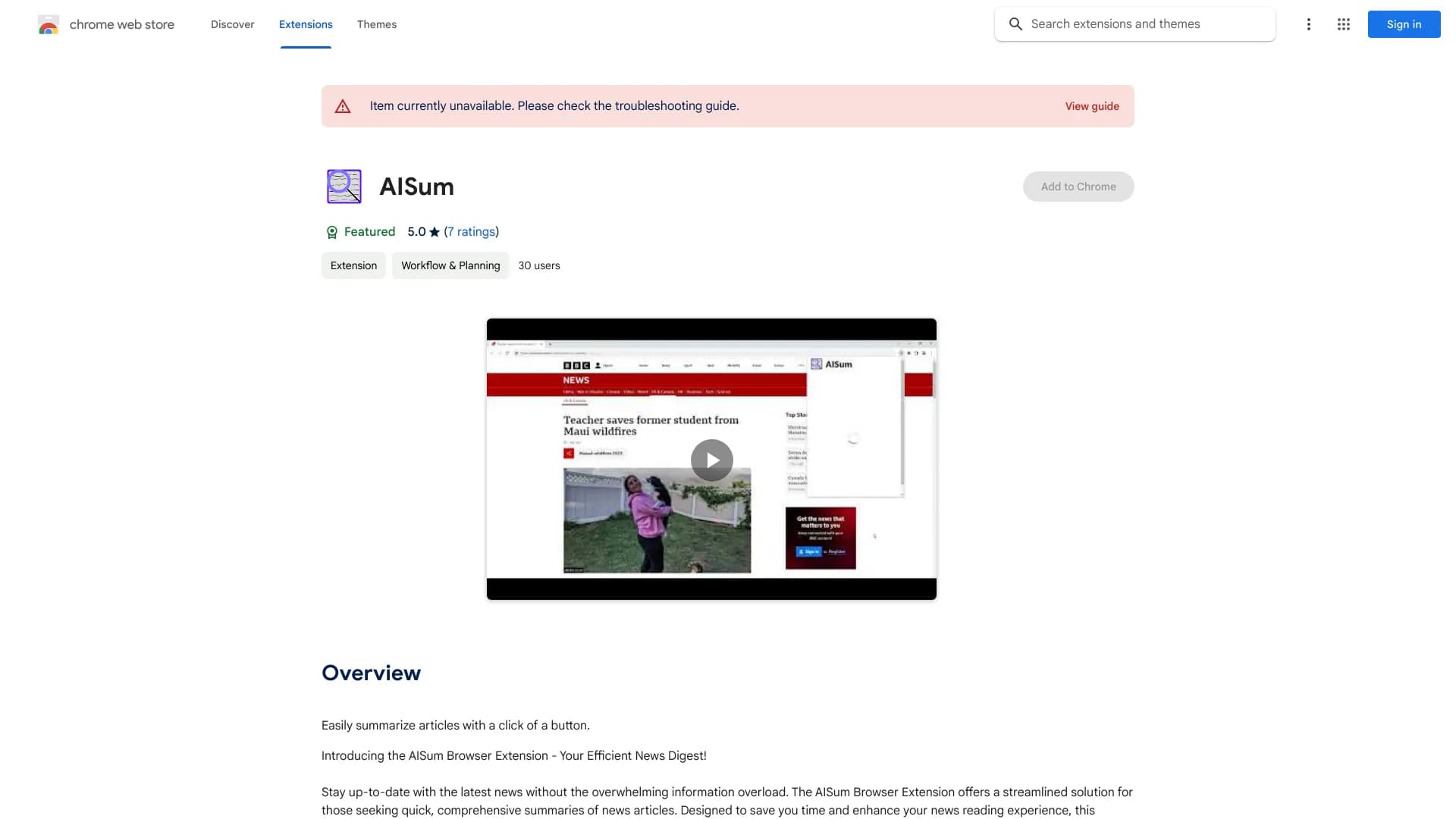
Read Something is an AI-powered, open-source Chrome extension designed to enhance web reading. It offers customizable reader modes, AI-generated discussions, translation across multiple languages (Chinese, English, etc.), and webpage export to Markdown format. It simplifies the reading experience by providing tools similar to Safari's reader mode, allowing users to adjust font styles, line spacing, and page width for comfortable reading. Additionally, it includes features like AI summaries, interactive Q&A, and support for Google Translate, Tencent Translate, and OpenAI Translate.
Install the Read Something Chrome extension from the Chrome Web Store. Once installed, activate the extension on any webpage to enable reader mode, AI summarization, translation, or Markdown export features.
Details are missing, but if you want an AI tool for reading assistance, this might be something to explore. Could help with summarizing or understanding text better.
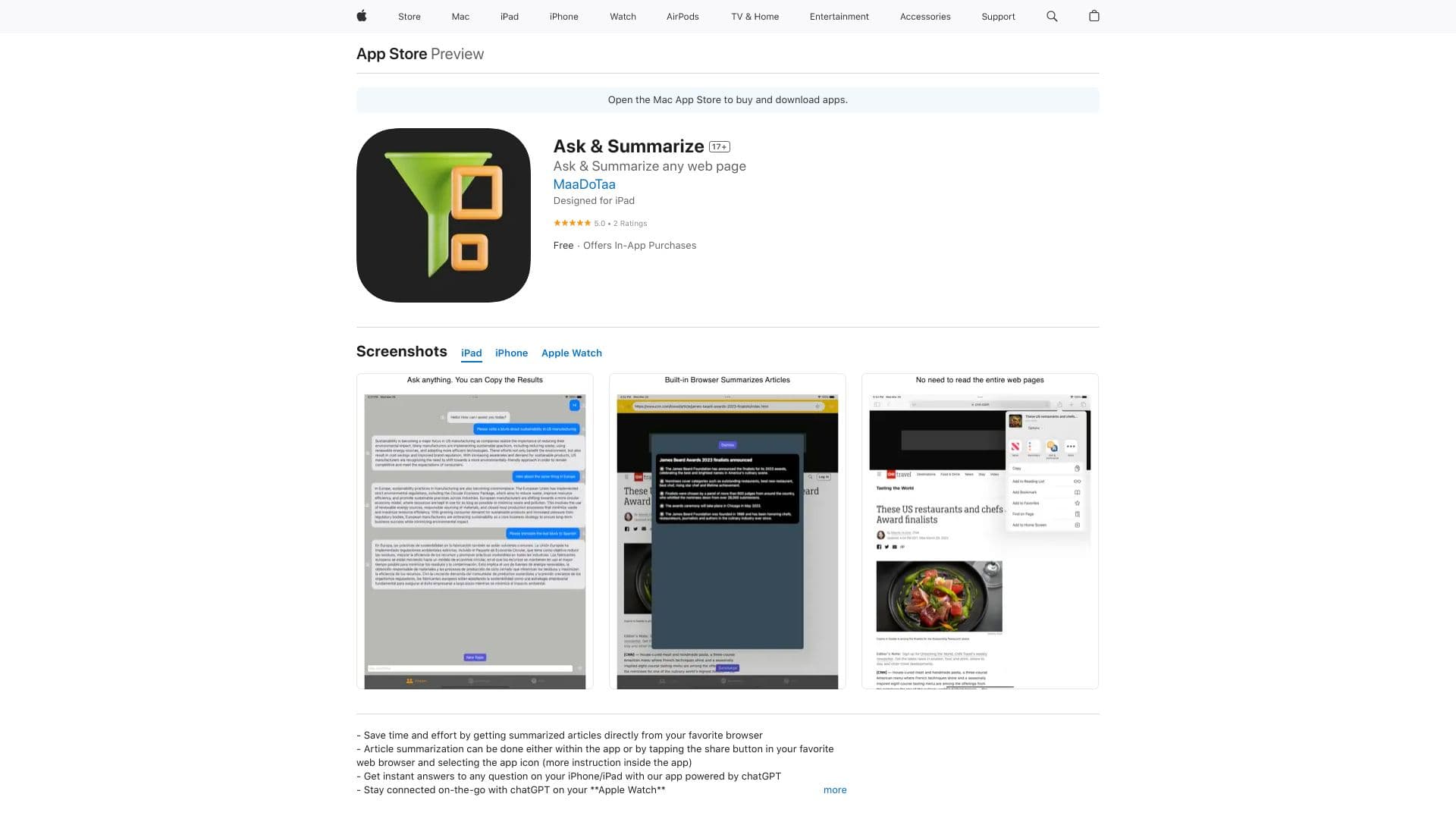
Offers in-app purchases for additional features.
No products available