Readimage
(0 out of 5)0 Saved
Extracts, edits, and copies text from images on web pages.
Please wait while we load the page

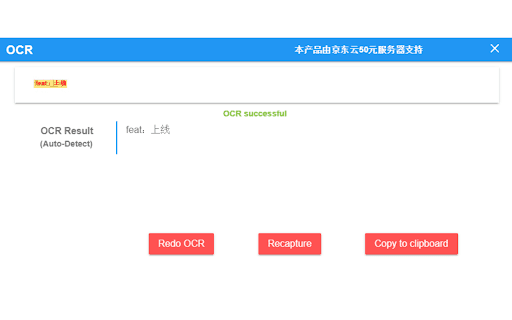
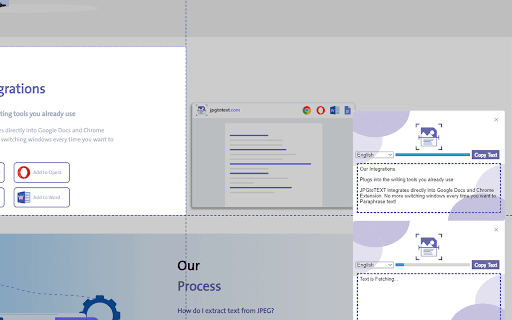
This extension allows users to extract text from images displayed on web pages. It supports common image formats like jpg, jpeg, png, and bmp. After extraction, the text can be edited and copied.
Hover the mouse over the image, right-click, and select 'extract text from image'. Press 'Ctrl + Q' to view the extracted text on the extension page, where you can edit and copy it.
Choose this if you often find yourself needing to grab text from images on web pages quickly. It’s super handy for extracting, editing, and copying text from common image formats without hassle, saving you tons of time and effort.
Pricing information not available
No products available