Udemy Summary With Chatgpt
Chrome extension for Udemy video summaries and note-taking using ChatGPT.
Please wait while we load the page

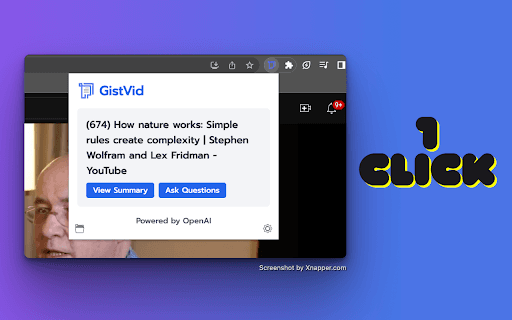
NoteGPT is a Chrome extension designed to enhance learning on Udemy by providing video summaries and note-taking capabilities. It uses ChatGPT to generate summaries of Udemy videos, allowing users to quickly grasp the content without watching the entire video. The extension also offers features like instant timestamps, auto-scroll transcripts, and one-click copy for transcripts and summaries.
To use NoteGPT, go to the Udemy website, select a course video, and click the 'Transcript & summary' button. If subtitles are available, they will be displayed. If you are logged into chat.openai.com, click the 'View Summary with ChatGPT' button to generate a video summary. You can then copy the summary using the 'Copy' icon.
Choose this if you want to get the most outta your Udemy courses by summarizing content with AI. It’s perfect for learners who wanna save time and retain key info easily.
Pricing information not available