3d House Planner
Free 2D/3D Floor Planner on the Web
3d House Planner Introduction
What is 3d House Planner?
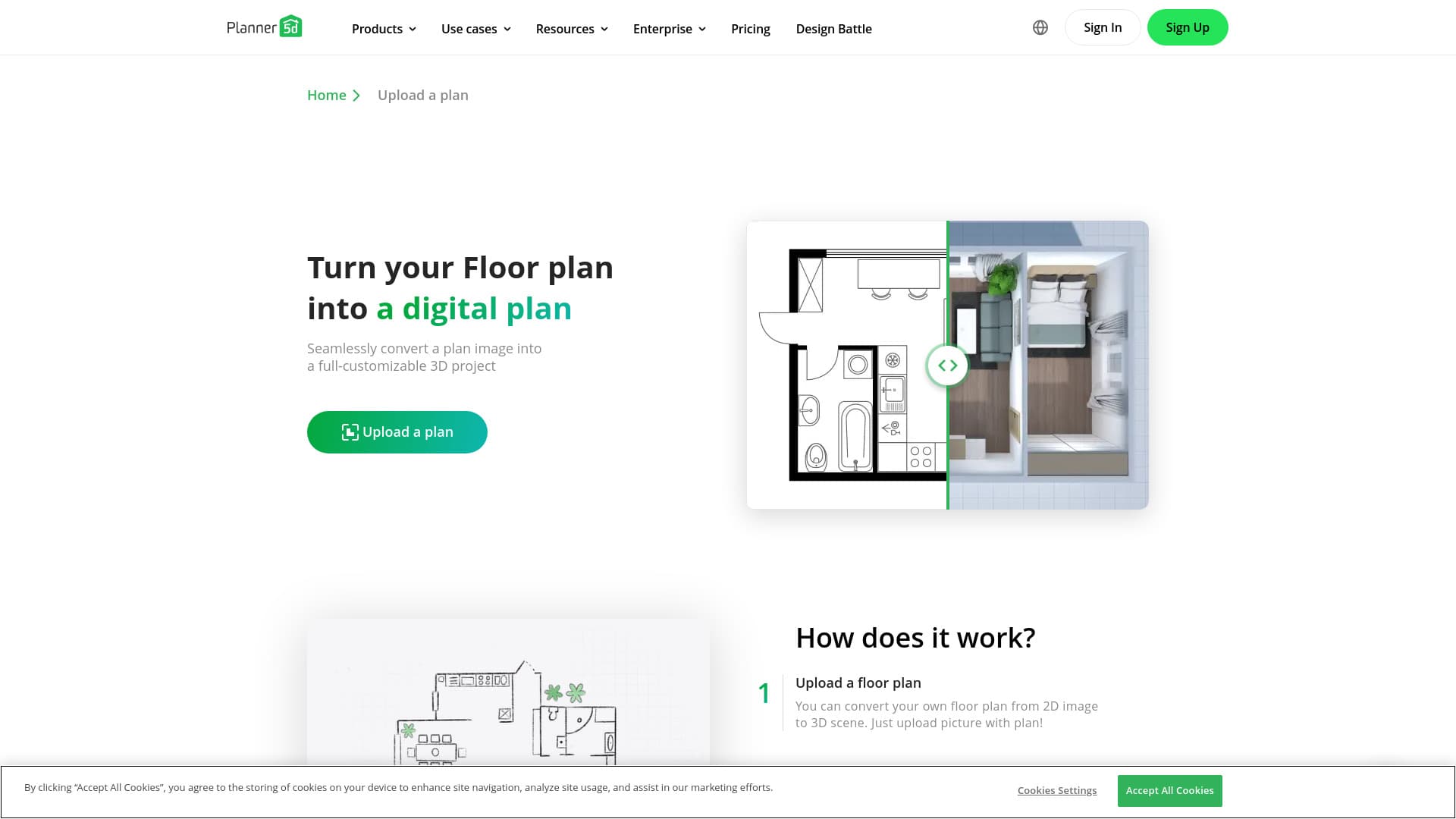
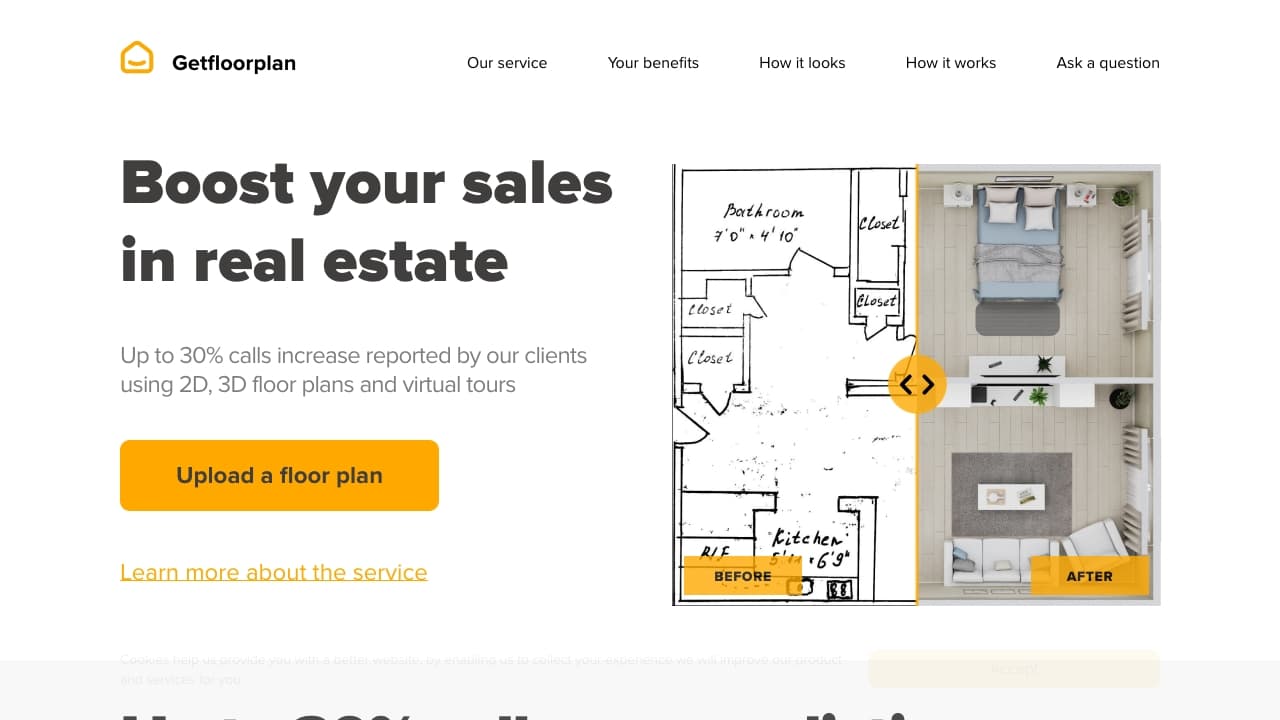
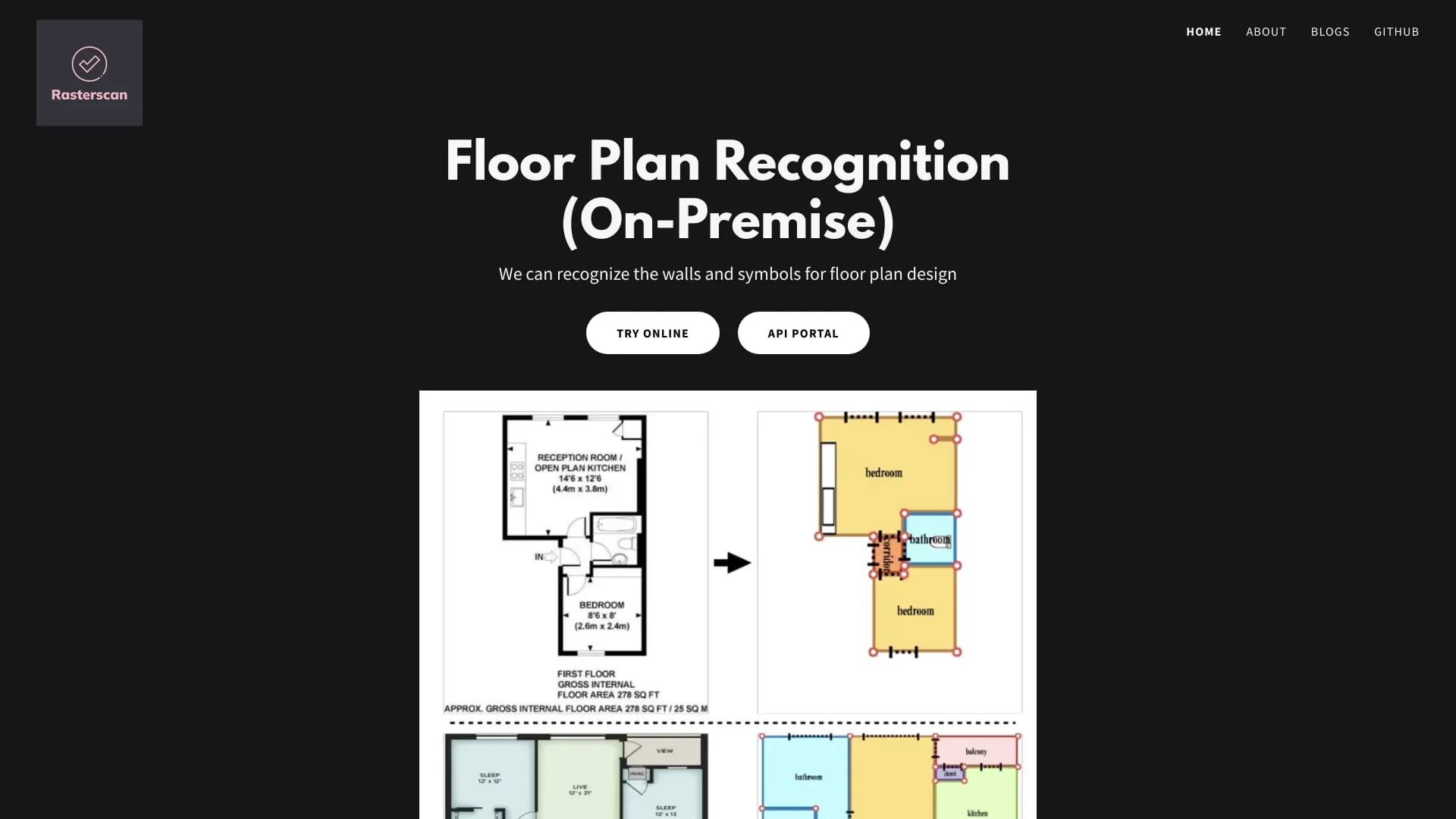
3D House Planner is a professional floor planner web application. With easy drag-and-drop tools, lifelike 3D views, and a massive library of furniture and finishes, you can design like a pro! It has an AI tool that converts 2D floor plans images into 3D floor plan models with a single click. With 3D House Planner, you can import and export 3D models, customize designs, rearrange objects, change appearances, create videos, take snapshots, and more. Quickly build walls, floors, roofs, and frames with just a few clicks. Explore our extensive catalog featuring thousands of objects, including furniture, decor, appliances, and electronics, to fully furnish and style both interiors and exteriors.
How to use 3d House Planner?
Generate a 3D floor plan with AI: Click the Settings button and select Import Floor Plan to upload your image. Once the floor plan is imported, click on it. An AI button will appear. Click the AI button, and your 2D floor plan will be automatically transformed into a 3D model.
Why Choose 3d House Planner?
You should choose this if you want a no-install, browser-based home design app that lets you create detailed 3D floor plans and decorate with tons of objects and textures, perfect for DIY home projects.
3d House Planner Features
Other Real Estate Software
- ✓Use AI to convert 2D floor plans images into 3D floor plan models with a single click
- ✓Import and export 3D models, rearrange objects, change appearances, create videos and take snapshots,
- ✓Quickly build walls, floors, roofs and furnish both interiors and exteriors.
- ✓Terrain modeling and painting
Pricing
Free
No description available.