Chatgpt Toolbox
Browser extension enhancing ChatGPT with organization, search, and productivity features.
Please wait while we load the page

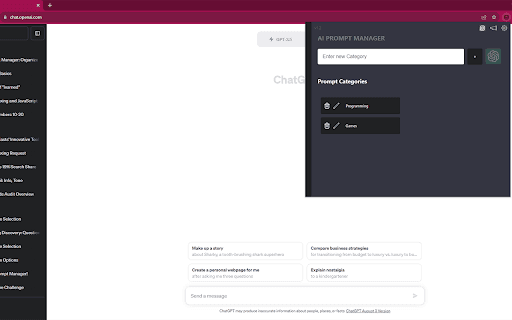
ChatGPT Toolbox is a browser extension that enhances the ChatGPT experience by adding essential features such as search history, bulk actions (archiving, unarchiving, deleting), folder organization for conversations, prompt saving, media gallery, audio download, and a professional sidebar. It offers multi-language support, light & dark themes, and is trusted by over 10,000 users.
Install the extension from Chrome, Firefox, or Edge web stores. Once installed, it integrates directly into your ChatGPT interface, providing new features and tools within the browser.
Go for this if you want to supercharge your ChatGPT experience with better organization and easy access to your chats and prompts. It’s got all the tools you need like search, bulk actions, and even media galleries, making your workflow way more efficient.
Create up to 2 folders, Pin up to 2 chats, Reuse up to 2 prompts.
Unlimited access to the prompt library, Unlimited folders & subfolders creation, Bulk delete, archive, and export chats. Billed annually
Unlimited access to the prompt library, Unlimited folders & subfolders creation, Bulk delete, archive, and export chats. Billed monthly