ClickHelp
ClickHelp - Web-Based Online Documentation Tool. Create user manuals, software documentation, guides in a web browser. Publish content online in a few clicks!How do you position yourself against your competitors?Easy to use for techwriters, software developers, quality engineers:* WYSIWYG topic editor* Import your existing content from MS Word, HTML, RTF, CHM, ODT* Export to CHM, HTML 5 Web Help, PDF, DOCX, ODT* Unique editing features like Tag Inspector* Three content pasting modes to better handle the copied content* Publish your online help in a few clicks directly in your portalFlexible and powerful documentation platform:* Full control over the topics HTML source* Unlimited version history for topics* Roles and permissions for authors* Single-Sourcing features (Snippets, Variables, Conditional Blocks)* Create public or password-protected user manuals* Single Sign-On support* Context Help creation for web applicationsStrong SEO focus - online docs is a great marketing asset:* Integrates with Google Web Master Tools & Google Analytics* Auto-generates sitemaps* Gives control over the page Titles\Meta Description\Meta Keywords* Content can be indexed by search engines
ClickHelp Introduction
What is ClickHelp?
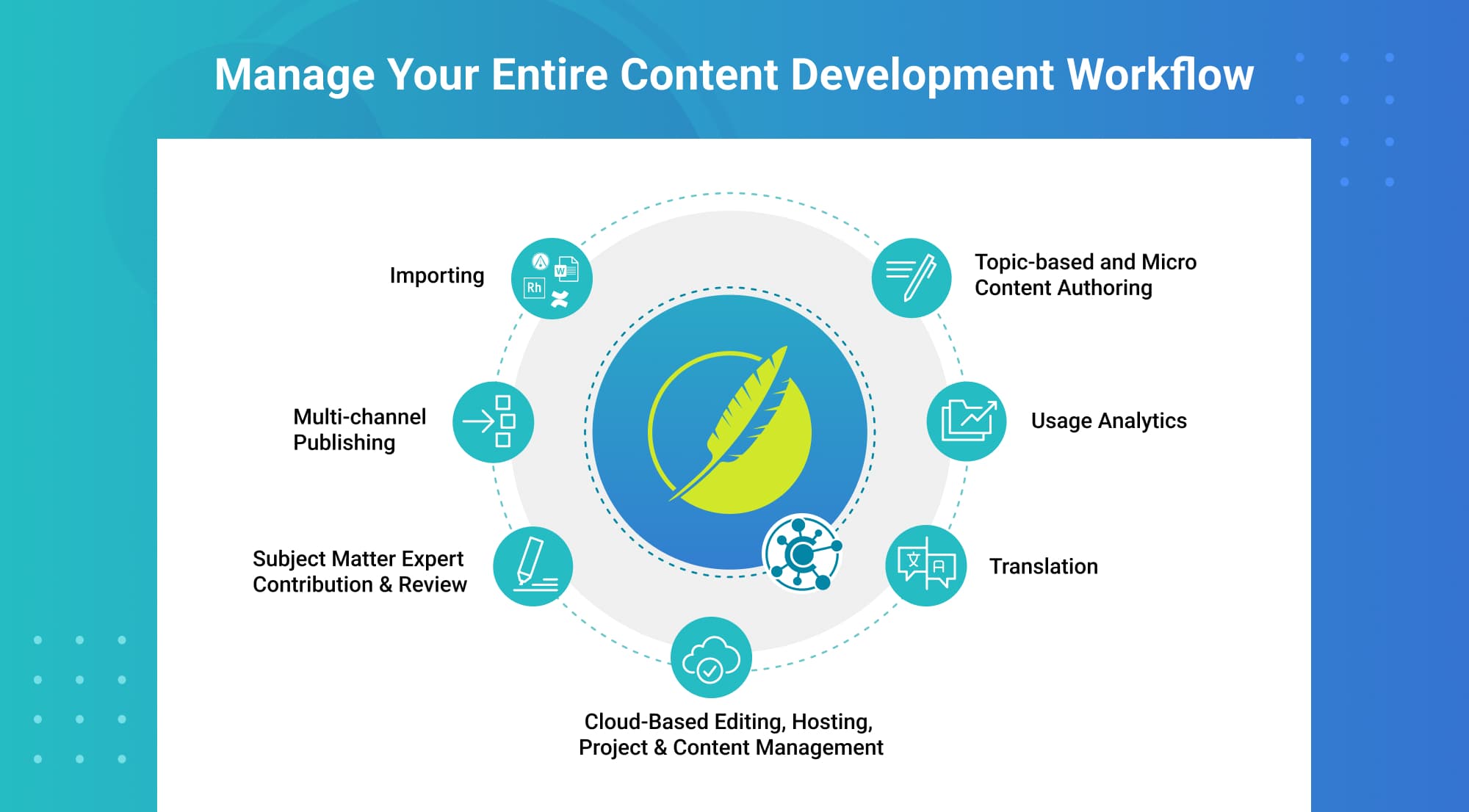
ClickHelp is an AI-powered online documentation tool. Create, translate, and publish your technical documentation in a single portal! Here is how ClickHelp makes your tech writing more effective: * Easy to use WYSIWYG topic editor, as well as HTML source mode. * Simple customization with a block-based Home page editor. * Single-sourcing and content reuse. * In-depth analytics and reporting. * Readability scores and metrics. * Easy importing and exporting. ClickHelp can import content from Microsoft Word, HTML, Markdown, RTF, CHM, ODT, etc., and export to CHM, HTML5 Web Help, PDF, DOCX, etc. * Translation ecosystem to create multi-language documentation. * Machine translation support. * API features. * Swagger/OpenAPI Definition import. * RTL language support. * Audit trail and IP Allowlist for enhanced security. * Optional block-based editor * Automatic domain management Integrations: Google Analytics, Google Search Console, Zendesk, Zapier, AddThis, Google Translate, YouTube, and much more.
How to use ClickHelp?
Visit website for more info
Why Choose ClickHelp?
Choose this if you need a powerful yet easy online documentation tool that helps you create, translate, and publish manuals and guides all in one place. ClickHelp offers tons of features like WYSIWYG editing, version control, SEO tools, and integrations to make tech writing way less painful.
ClickHelp Features
Features
Feature information not available.
Pricing
Starter
- ✓ Unlimited projects
- ✓ 500 topics (pages, articles)
- ✓ 2 users for free
- ✓ 5GB file storage
- ✓ Workflow & Review
- ✓ Permission Management
- ✓ Reporting