Detail AI Video Content Maker
Video and podcast recording and editing platform with AI-powered features.
Please wait while we load the page

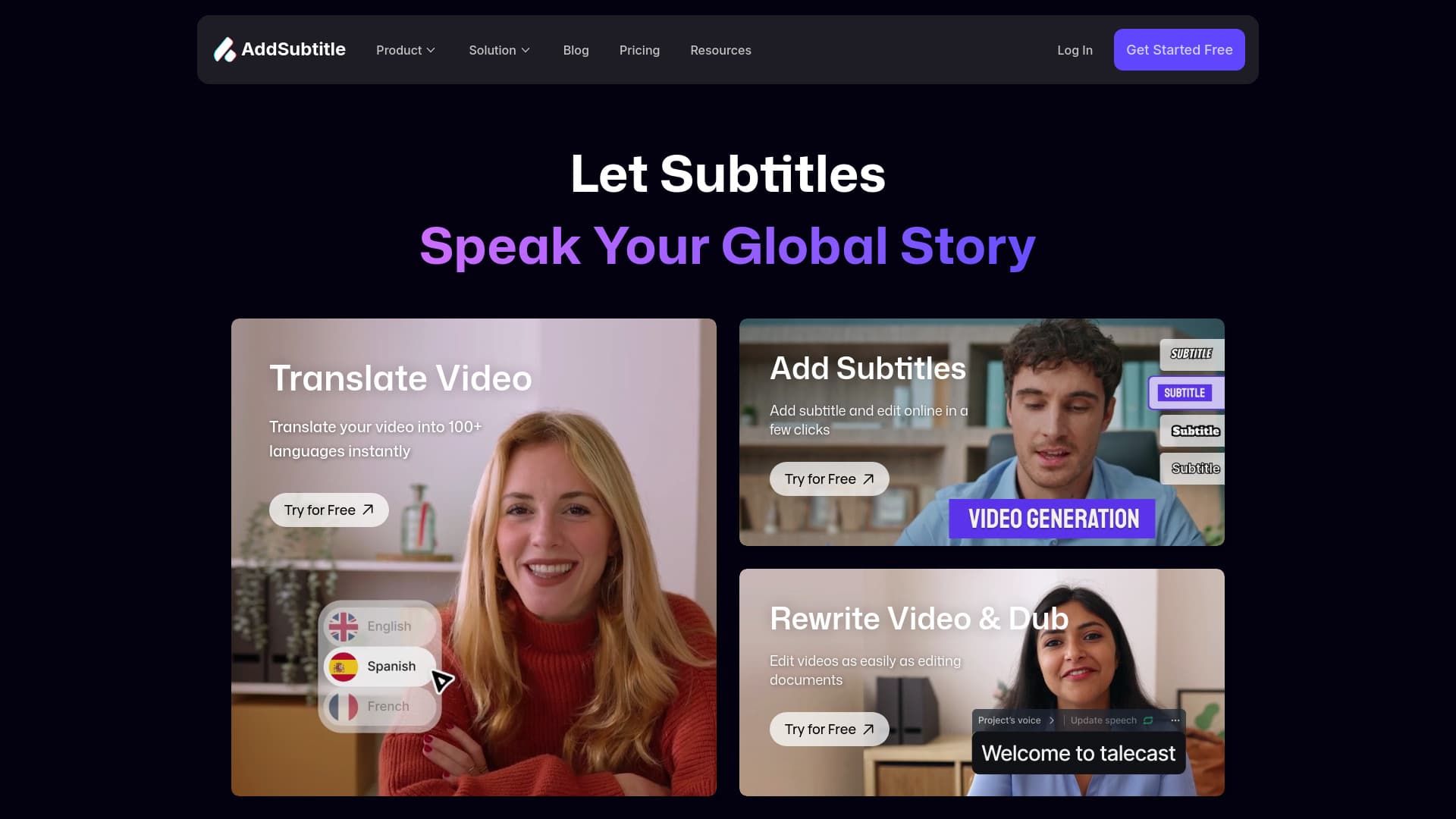
Detail is a platform that provides tools for recording and editing videos and podcasts, primarily aimed at iOS and macOS users. It offers features like AI-powered auto-editing, teleprompter functionality, multi-camera streaming, and automatic caption generation to simplify video creation and sharing.
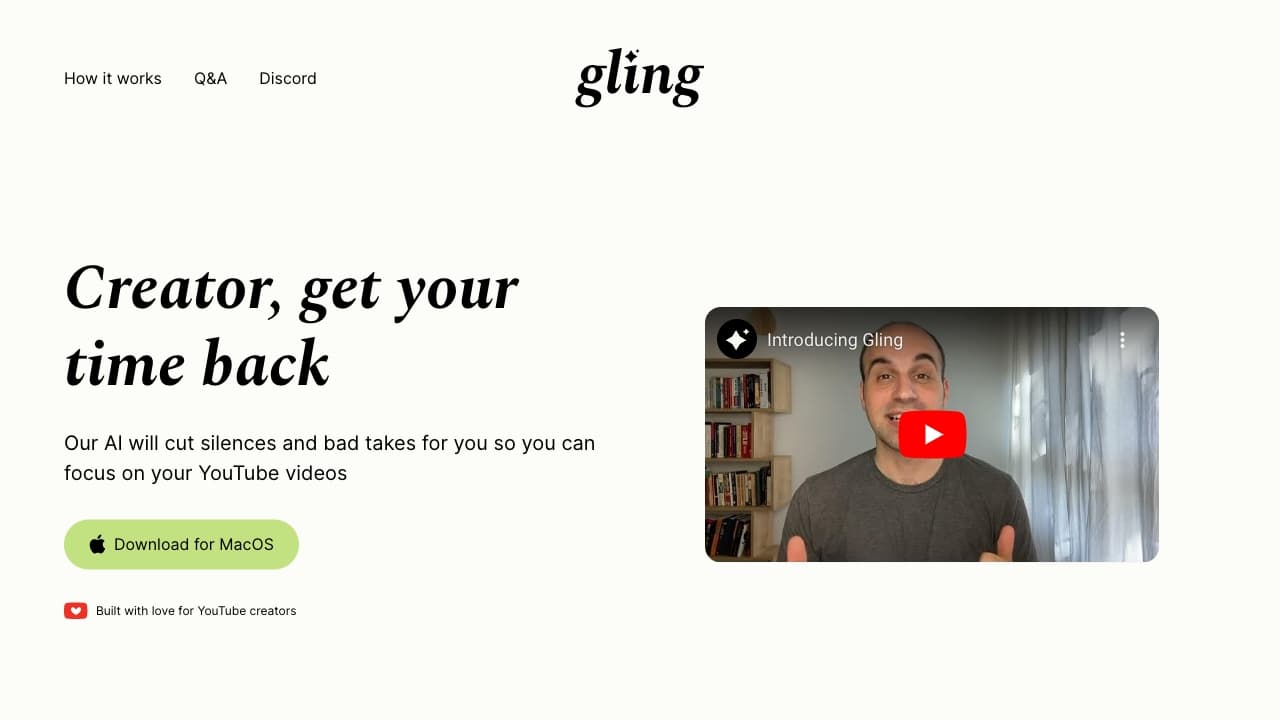
Download the Detail app for iOS or macOS. Record videos using the built-in features like the teleprompter or by importing existing videos. Utilize the AI-powered Auto Edit feature to automatically remove silences, add zoom cuts, titles, captions, and music. Share your videos directly to social media platforms.
You should choose this if you’re into making videos or podcasts on Apple devices and want AI to handle the boring editing stuff. Detail’s got cool features like teleprompter, multi-camera streaming, and auto captions that make recording and editing way less hassle. It’s a solid pick for anyone wanting to create pro content without the headache.
Unlimited high-quality recording, editing, watermark video exports, remote recording, multi-camera recording, transcriptions, audio only exports, automatic captions in 3 styles, live green screen editor, teleprompter, import videos, responsive layouts
Everything in Basic, plus: Watermark-free exports, automatic captions in every style, AI generated clips and content, AI Framing for the perfect shot, Podcast Auto Edit, Customize Portrait Filters