Firecut AI
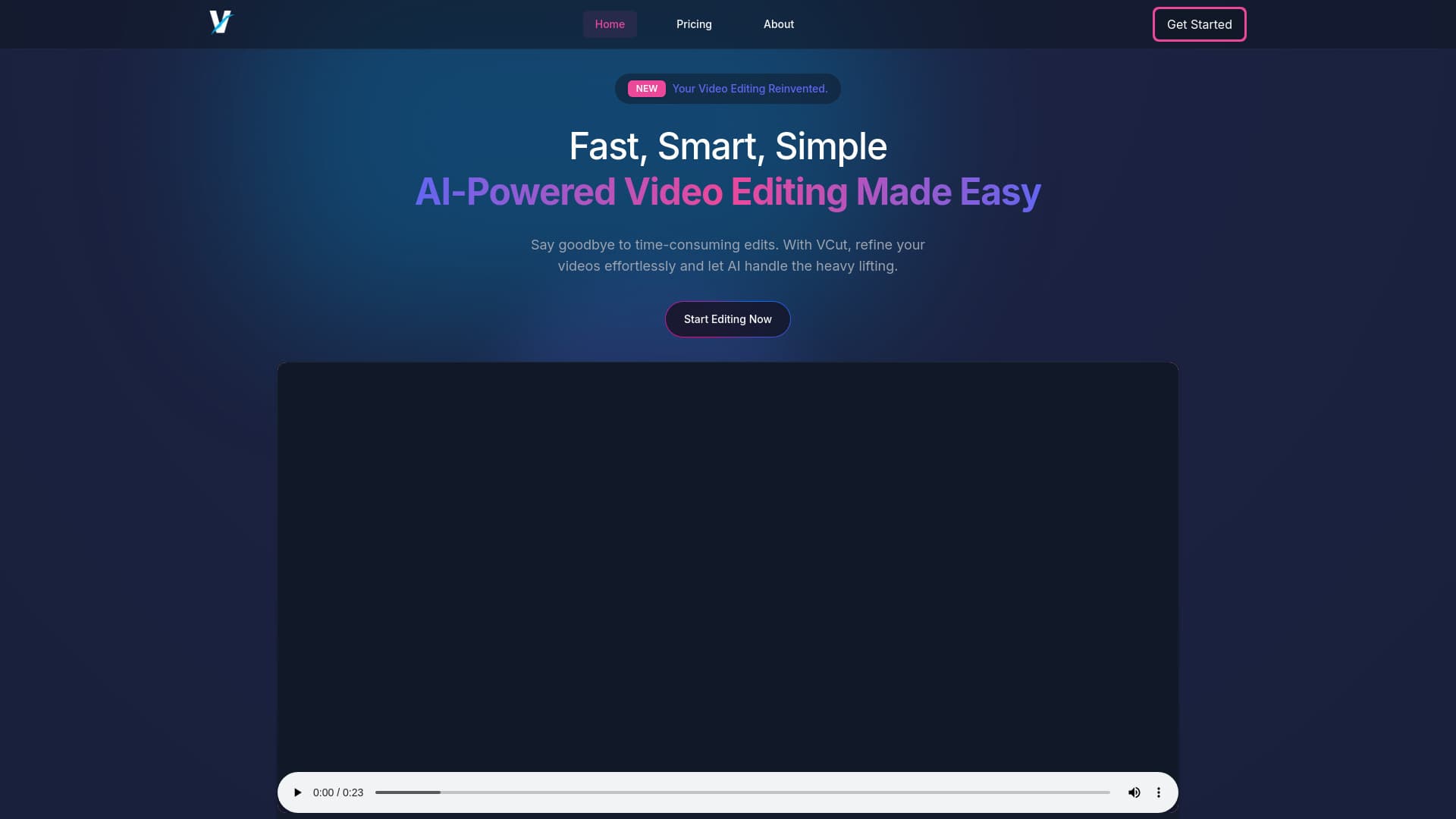
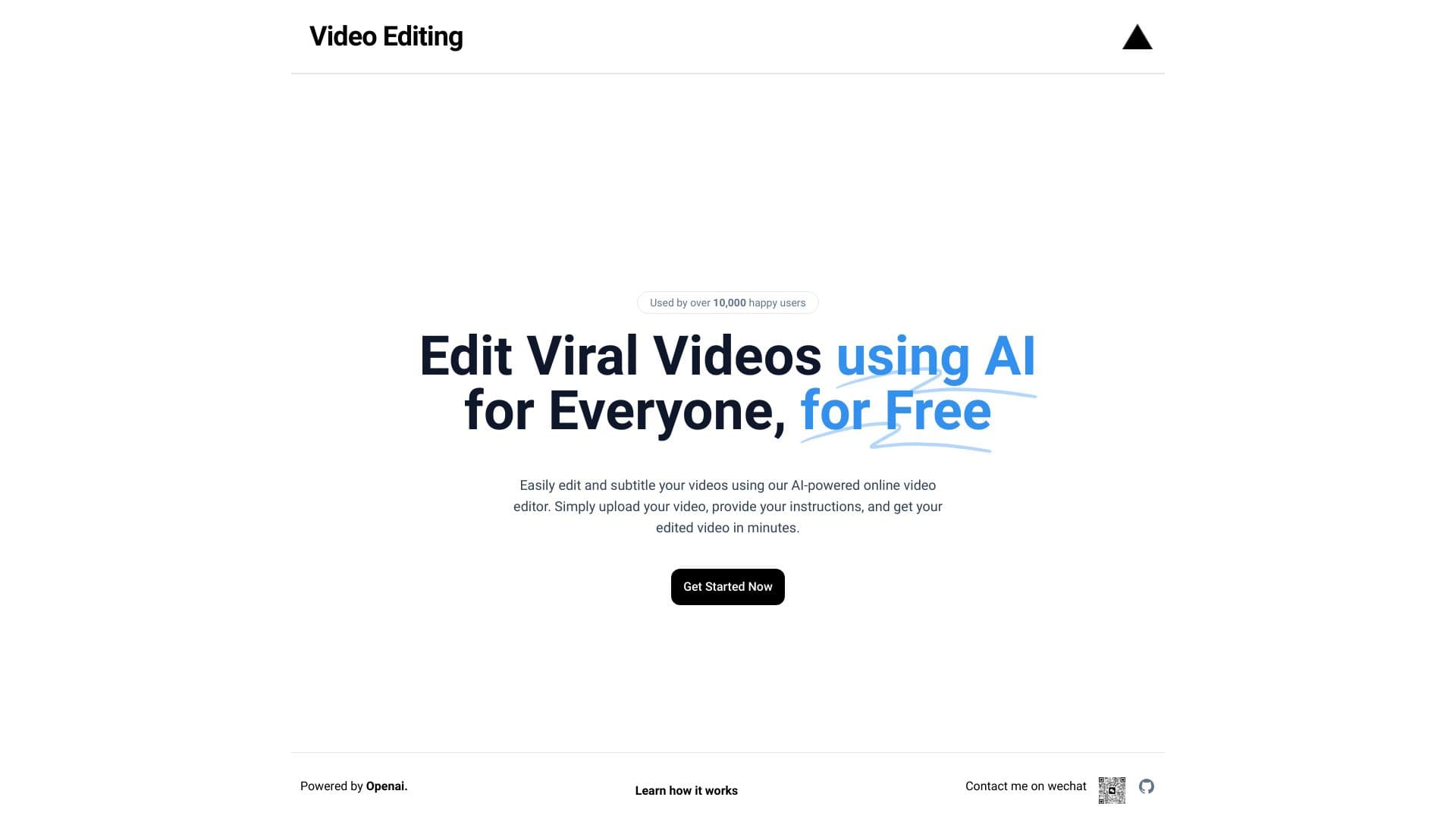
AI-powered video editing plugin for Adobe Premiere Pro and browser-based short video editor.
Please wait while we load the page

FireCut AI is a co-pilot for Adobe Premiere Pro that automates boring tasks such as cutting silences, removing repeated takes, adding captions, detecting chapters, and more. It boosts editing productivity by seamlessly integrating AI into the workflow, speeding up repetitive tasks like cleaning up footage, adding zoom cuts, and detecting chapters. FireCut also offers FireCut Shorts, a browser-based video editor for creating viral shorts with features like silence cutting, captions, B-roll integration, and audio enhancement.
To use FireCut for Premiere Pro, install the plugin and use it within Adobe Premiere Pro 2022+. For FireCut Shorts, simply open the tool in your browser and upload your video.
You should pick this if you’re an Adobe Premiere Pro user looking to speed up editing with AI-powered features like silence cutting, zoom cuts, and chapter detection. It also offers a browser-based editor for quick viral shorts creation.
Browser-based video editor, 25 videos/month, up to 5 mins per clip
Premiere Pro plugin with all features
Premiere Pro plugin with all features and AI Speech Generation