Online Audio Converter
A free online app to convert audio files to various formats and extract audio from video.
Please wait while we load the page

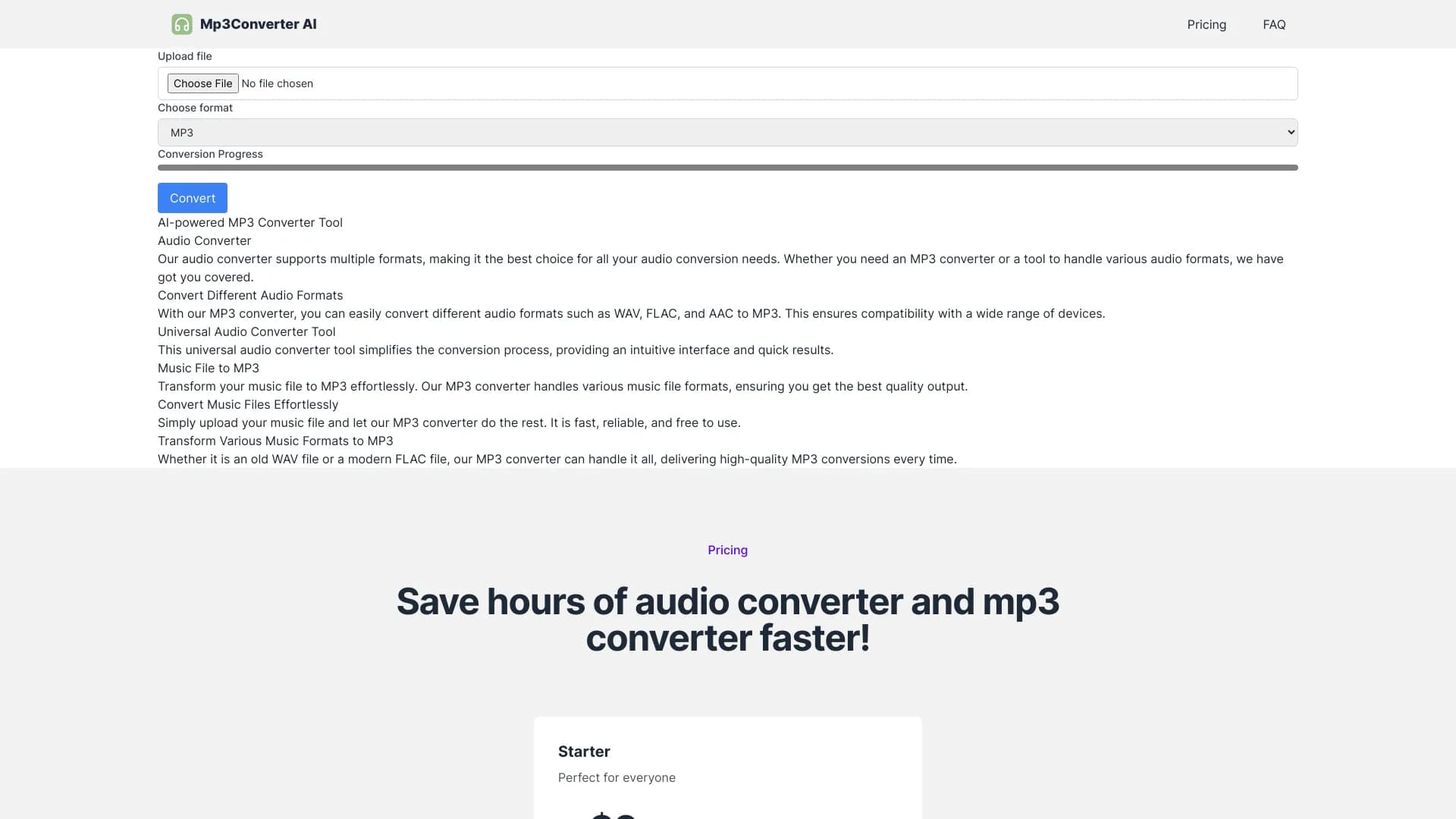
Online Audio Converter is a free online app that converts audio files for you. The app supports all formats, processes your files quickly, and does not require installation. It works with over 300 different file formats including video formats, converting them to mp3, wav, m4a, flac, ogg, amr, mp2, and m4r (for iPhone ringtones). You can extract an audio track from a video file. You can configure the quality, bitrate, frequency, and number of channels, apply reverse playback or fade in, or even remove a voice from the audio track. The app can convert multiple files simultaneously in a batch, saving them in a ZIP archive to speed up downloading. You can change the track’s name, artist, album, year and genre. Tags are supported for mp3, ogg, flac, wav. The app is easy to use: upload the original file, choose your desired format and quality, and download the output file to your computer.
Upload the original file, choose your desired format and quality, and download the output file to your computer.
You should choose this if you want a hassle-free, free tool to convert audio files in tons of formats without installing anything. It’s super quick, supports batch conversions, and even lets you tweak quality and tags. Perfect for anyone needing to extract audio from videos or just switch up their music files on the fly.
Pricing information not available