Sketch
AI code-writing assistant for pandas users that understands data context.
Please wait while we load the page

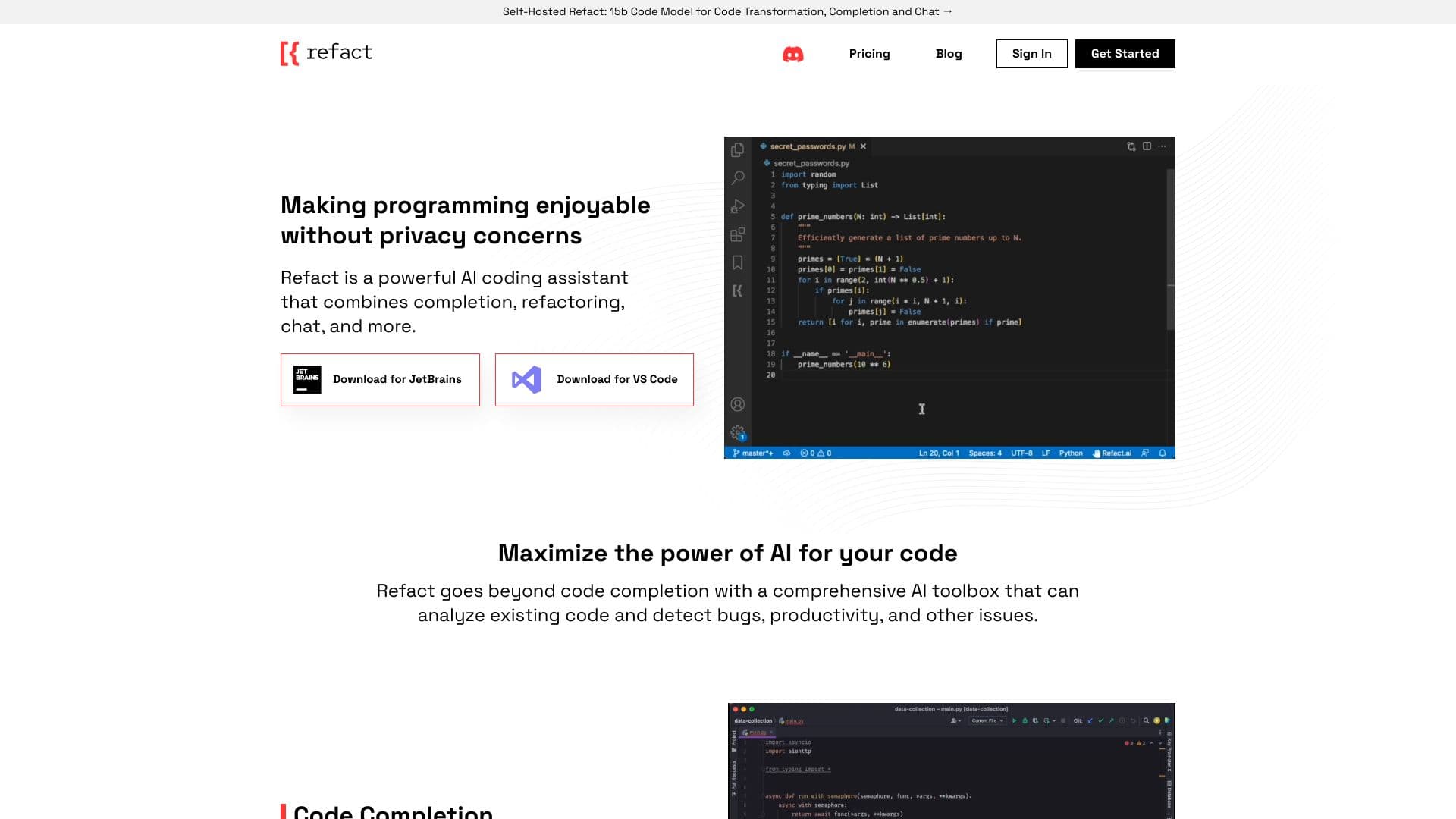
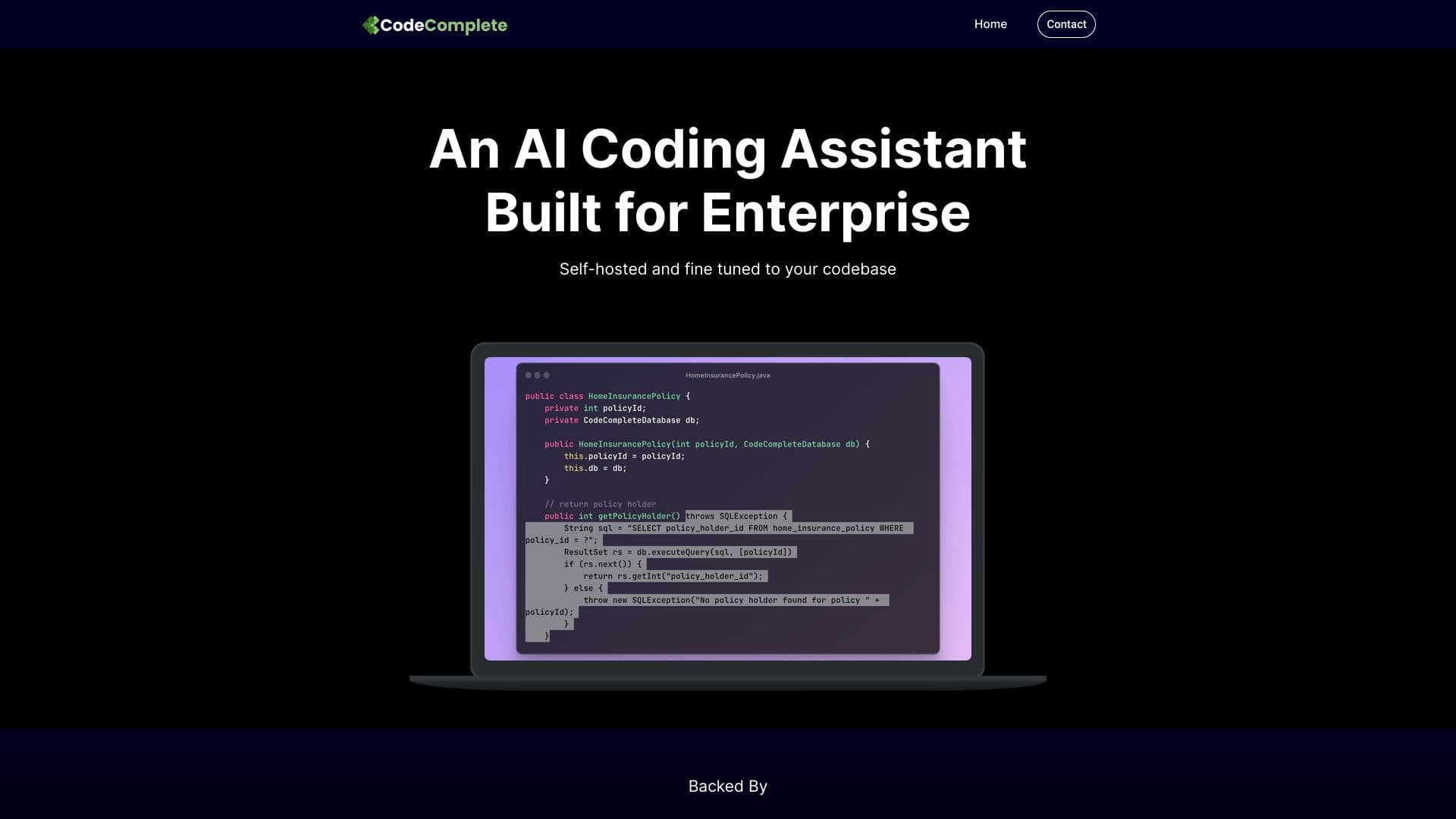
Sketch is an AI code-writing assistant for pandas users that understands the context of their data, greatly improving the relevance of suggestions. It is usable in seconds and doesn't require adding a plugin to an IDE. Sketch uses efficient approximation algorithms (data sketches) to quickly summarize data and feed that information into language models. It summarizes columns and writes these summary statistics as additional context for the code-writing prompt.
Import sketch, and then use the .sketch extension on any pandas dataframe. Use .sketch.ask for question-answer, .sketch.howto for code-writing prompts, and .sketch.apply for data generation.
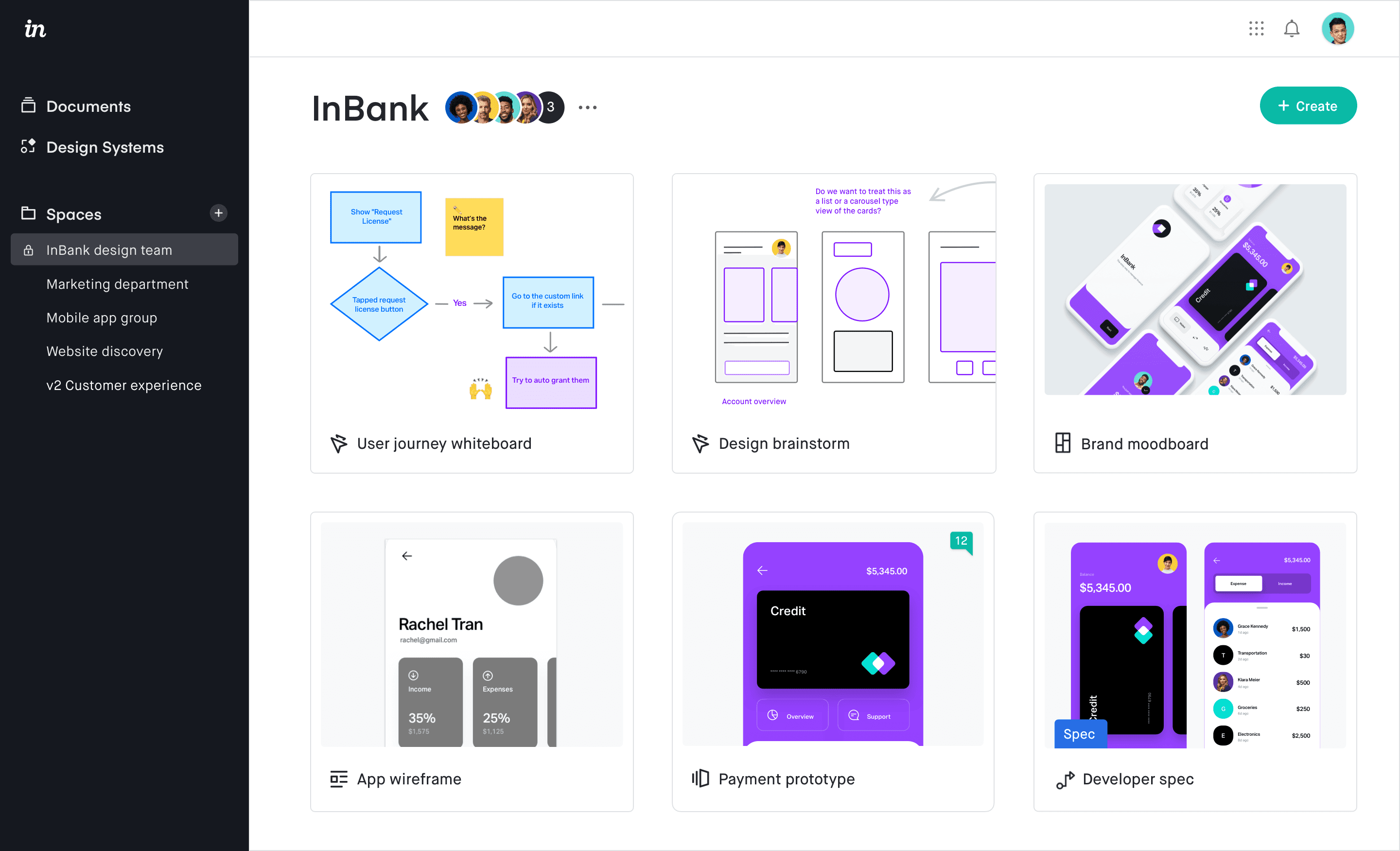
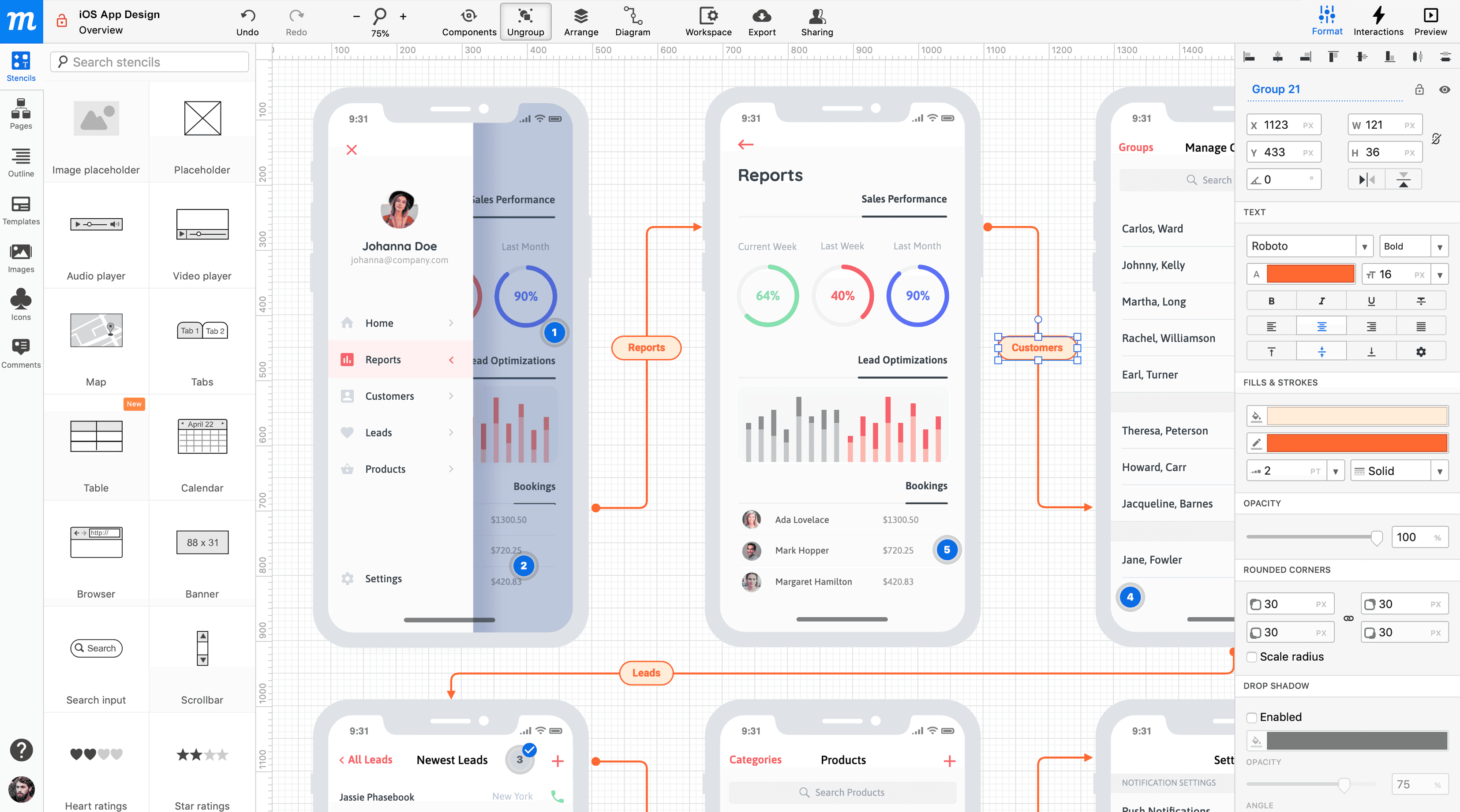
Choose this if you’re a designer lookin’ for a lightweight but powerful tool that lets you create, prototype, and collaborate without the bloat. It’s made by designers, for designers, so it just gets what you need.
Pricing information not available