Best 757 AI Email Assistant products
What is AI Email Assistant?
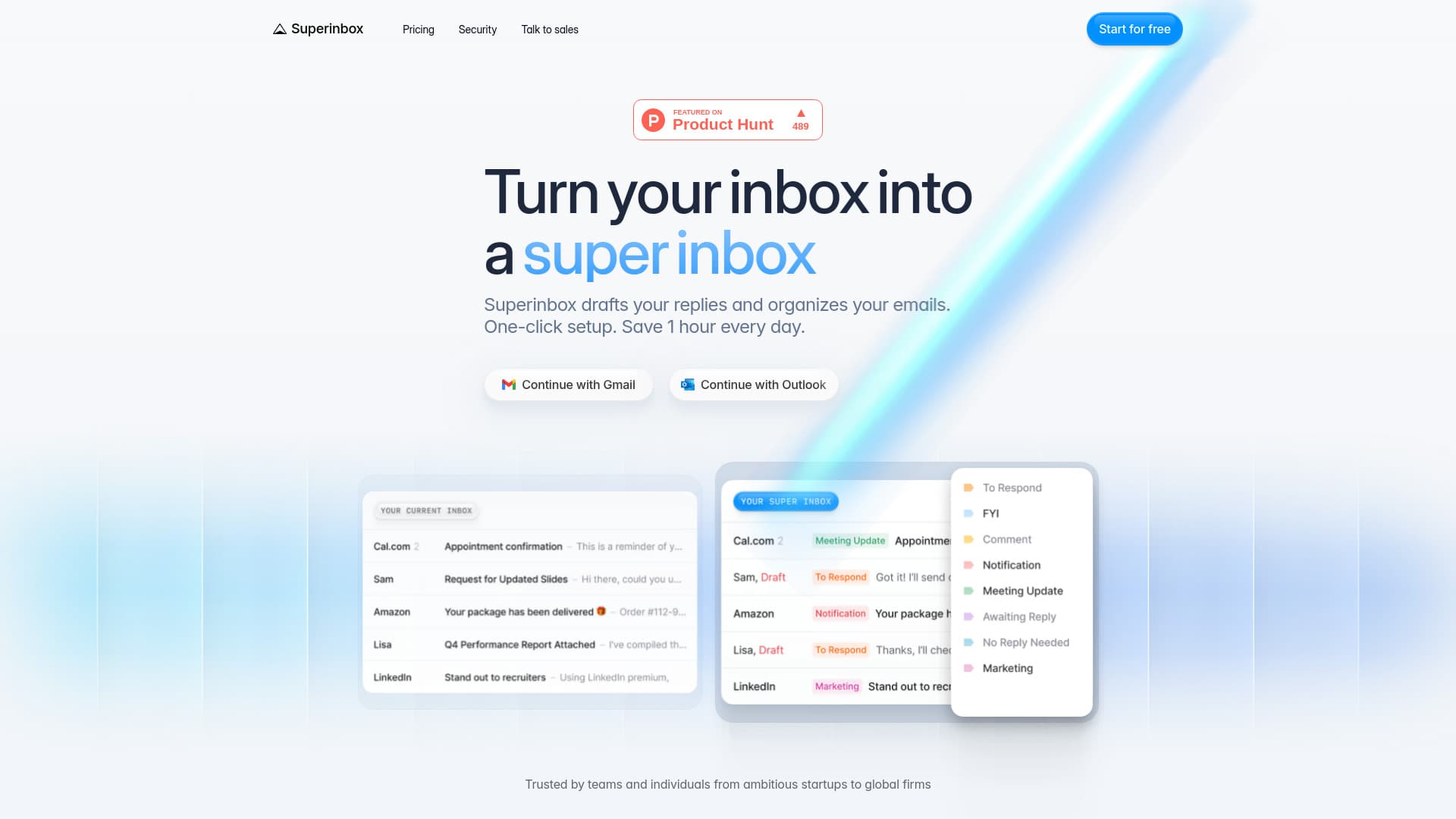
AI Email Assistants are tools designed to help users draft, organize, and manage their email communications using artificial intelligence. They can automate replies, suggest improvements, and even prioritize your inbox to save time and reduce email overload.
What are the top 10 Office & Productivity products for AI Email Assistant?
Newest AI Email Assistant Products

AI Email Assistant Core Features
- Automatically generate email responses based on context
- Organize and prioritize emails intelligently
- Suggest subject lines and email content improvements
- Schedule sending and follow-ups
- Integrate with popular email platforms
Advantages of AI Email Assistant?
- Saves time by automating email drafting
- Reduces errors in communication
- Helps maintain a professional tone
- Keeps your inbox organized
- Improves response speed to important emails
Who is suitable to use AI Email Assistant?
Busy professionals, customer support teams, salespeople, and anyone overwhelmed by daily email traffic.
How does AI Email Assistant work?
These assistants analyze the content of incoming emails and use natural language processing to understand intent and context. Based on that, they draft replies or suggest actions. They can learn your writing style over time, making the responses more personalized and effective.
FAQ about AI Email Assistant?
Can AI Email Assistants understand complex emails?
They generally handle most common email types well, but might struggle with very technical or ambiguous messages.
Do they support multiple email platforms?
Most popular AI email tools integrate with platforms like Gmail and Outlook, but not all support every service.
Is my email data safe with AI assistants?
Reputable services use encryption and data privacy measures, but always check their privacy policies.
Can the AI learn my writing style?
Yes, many tools adapt over time to better mimic your tone and phrasing.
Will using this tool reduce my email workload?
Absolutely, by automating replies and organizing your inbox, it cuts down the time spent on emails.