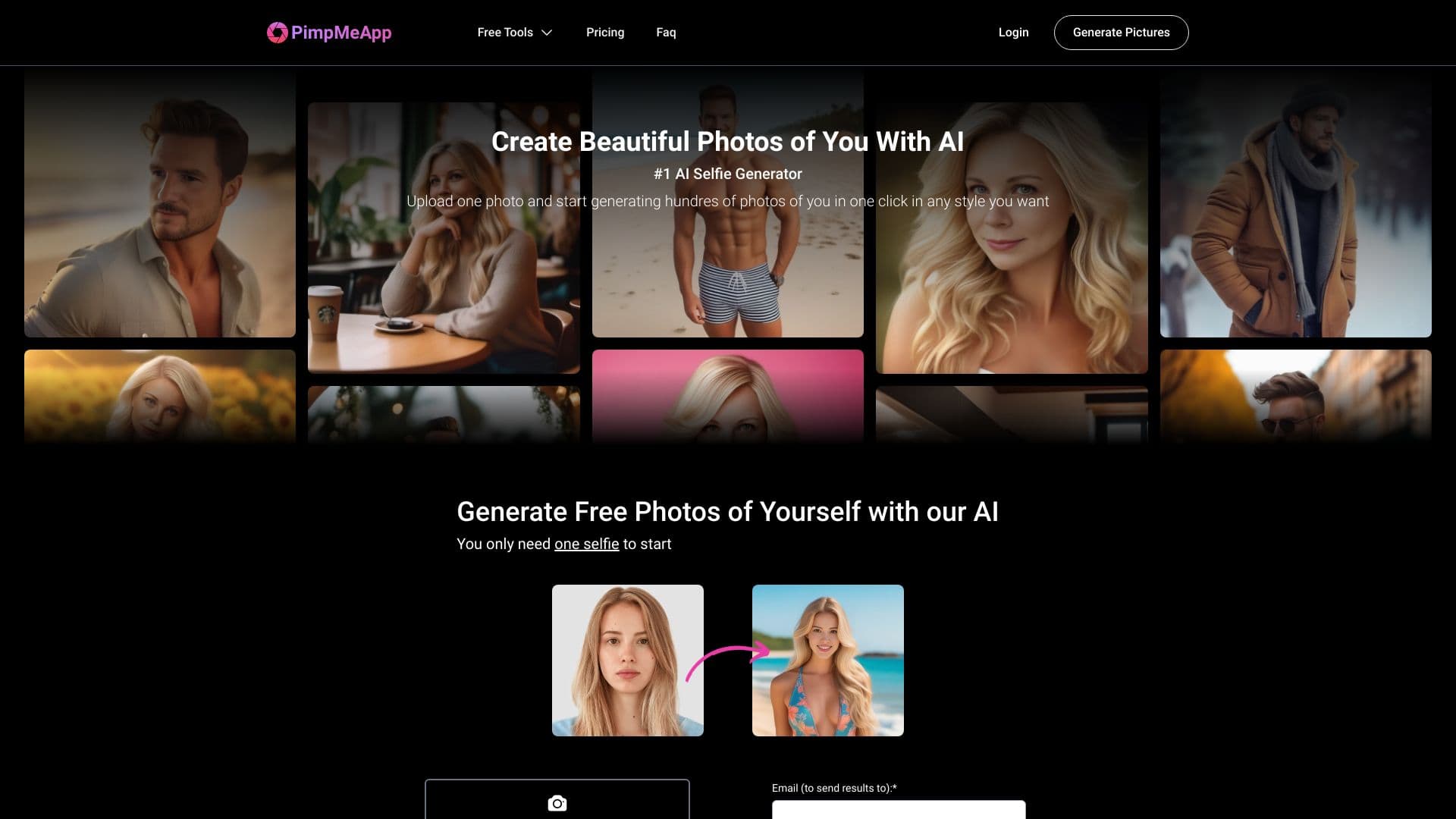
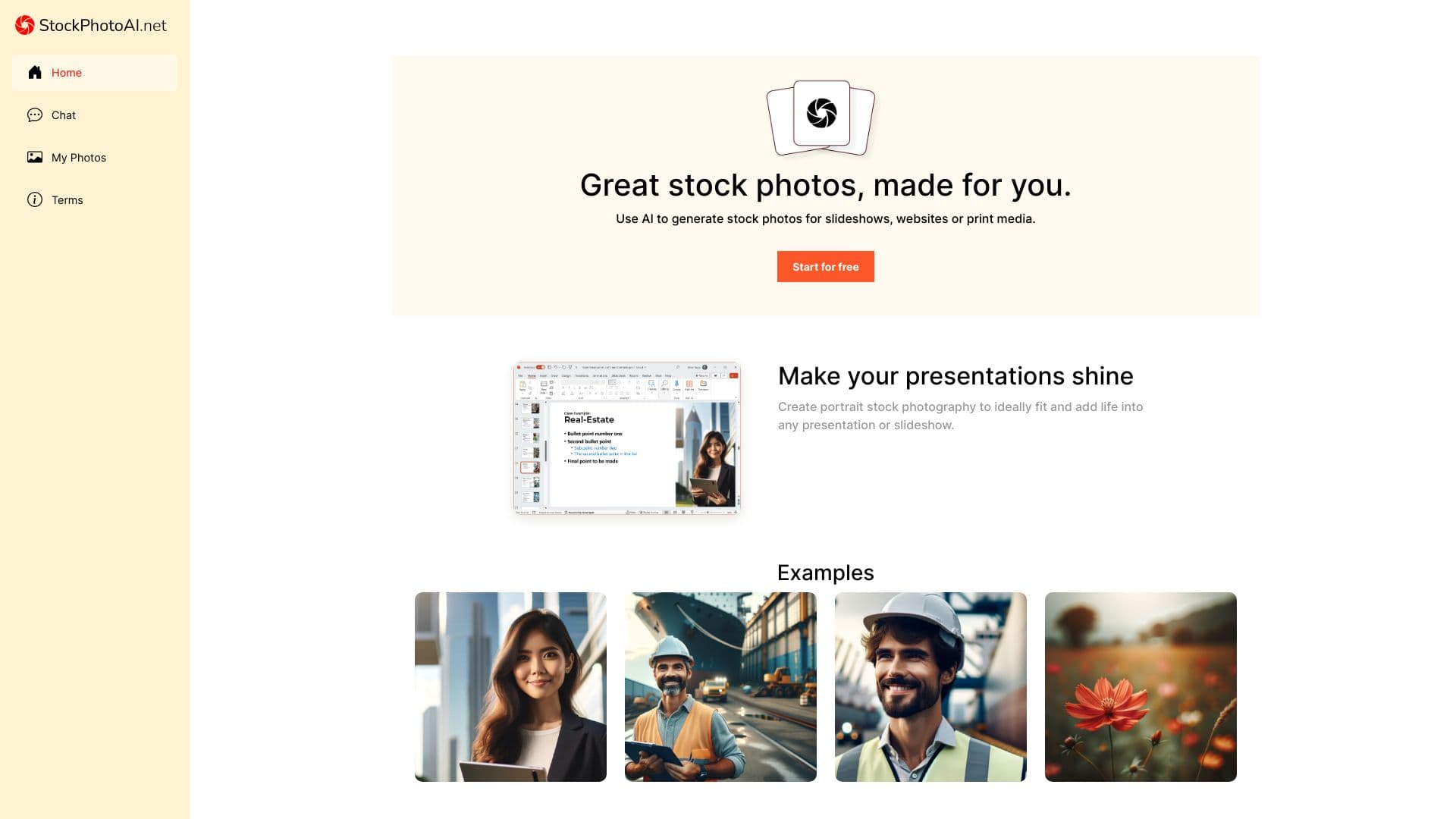
Best 34 AI Linkedin Photo Generator products
What is AI Linkedin Photo Generator?
AI Linkedin Photo Generator tools help you create professional-looking profile pictures tailored for Linkedin. They use artificial intelligence to enhance, retouch, or even generate brand new photos that fit Linkedin's style and standards, making you look sharp and approachable online.
What are the top 10 Social Media products for AI Linkedin Photo Generator?
Newest AI Linkedin Photo Generator Products
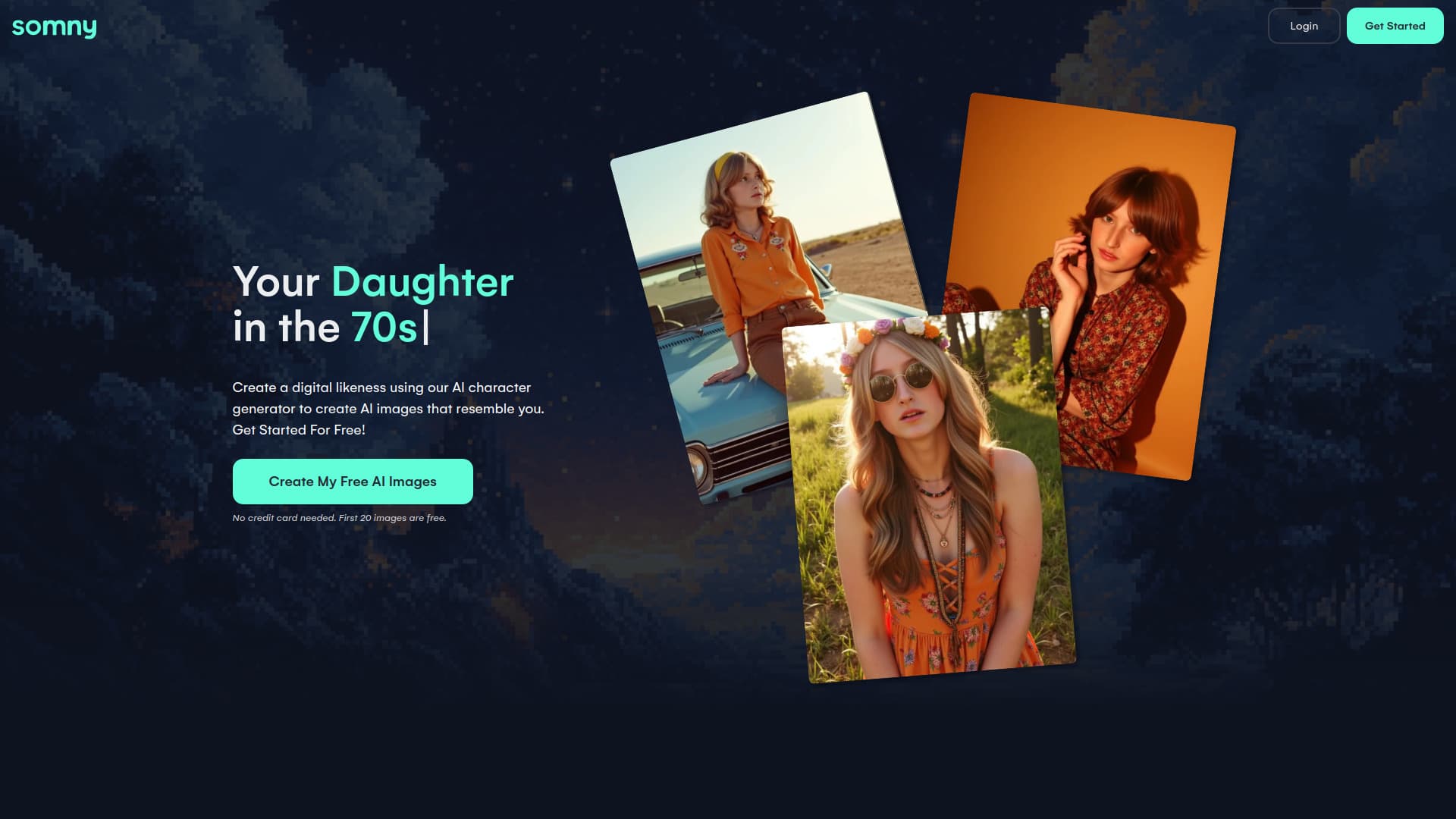
AI Linkedin Photo Generator Core Features
- Automatically enhances photo quality and lighting
- Removes background or replaces it with professional settings
- Adjusts facial features subtly to appear more confident
- Offers various style templates suitable for Linkedin
- Provides easy one-click downloads and sharing options
Advantages of AI Linkedin Photo Generator?
- Saves time and money on professional photoshoots
- Enhances your online professional presence
- Easy to use with no design skills required
- Provides consistent
- high-quality photos
- Can be updated anytime with new looks
Who is suitable to use AI Linkedin Photo Generator?
Professionals, job seekers, recruiters, and anyone wanting a polished Linkedin profile photo without hiring a photographer.
How does AI Linkedin Photo Generator work?
You upload a selfie or existing photo, then the AI analyzes facial features, lighting, and background to optimize the image. It may suggest or automatically apply edits like smoothing skin, brightening eyes, or changing backgrounds to professional office scenes. Finally, you get a ready-to-use Linkedin photo that looks natural but enhanced.
FAQ about AI Linkedin Photo Generator?
Can I use any photo for the AI Linkedin Photo Generator?
Yeah, most tools let you upload any clear selfie or portrait, but the better the quality, the nicer results you'll get.
Are the AI-enhanced photos suitable for Linkedin profiles?
Absolutely! They're designed to look professional and natural, perfect for Linkedin’s vibe.
Will my photos look fake or overly edited?
Good tools keep edits subtle so pics look real, not like a cartoon or overly touched-up.
Is it safe to upload my photos to these tools?
Most reputable ones protect your privacy, but always check their data policies to be sure.
Can I customize the background in my Linkedin photo?
Yep, many generators let you swap backgrounds with office, plain, or other professional scenes.