Best 19 AR Collaboration Tools products
What is AR Collaboration Tools?
AR Collaboration Tools are software platforms that allow multiple users to interact and work together in augmented reality environments. They help teams communicate and co-create using virtual objects overlaid in the real world.
What are the top 10 AR/VR Software products for AR Collaboration Tools?
Newest AR Collaboration Tools Products

AR Collaboration Tools Core Features
- Real-time multi-user interaction
- 3D object sharing and manipulation
- voice and chat communication
- spatial mapping
- cross-device compatibility
Advantages of AR Collaboration Tools?
- Enhances remote teamwork
- reduces misunderstandings
- speeds up decision making
- makes complex ideas easier to share
- supports immersive learning
Who is suitable to use AR Collaboration Tools?
Remote teams, designers, architects, educators, and anyone needing to collaborate visually in a shared AR space.
How does AR Collaboration Tools work?
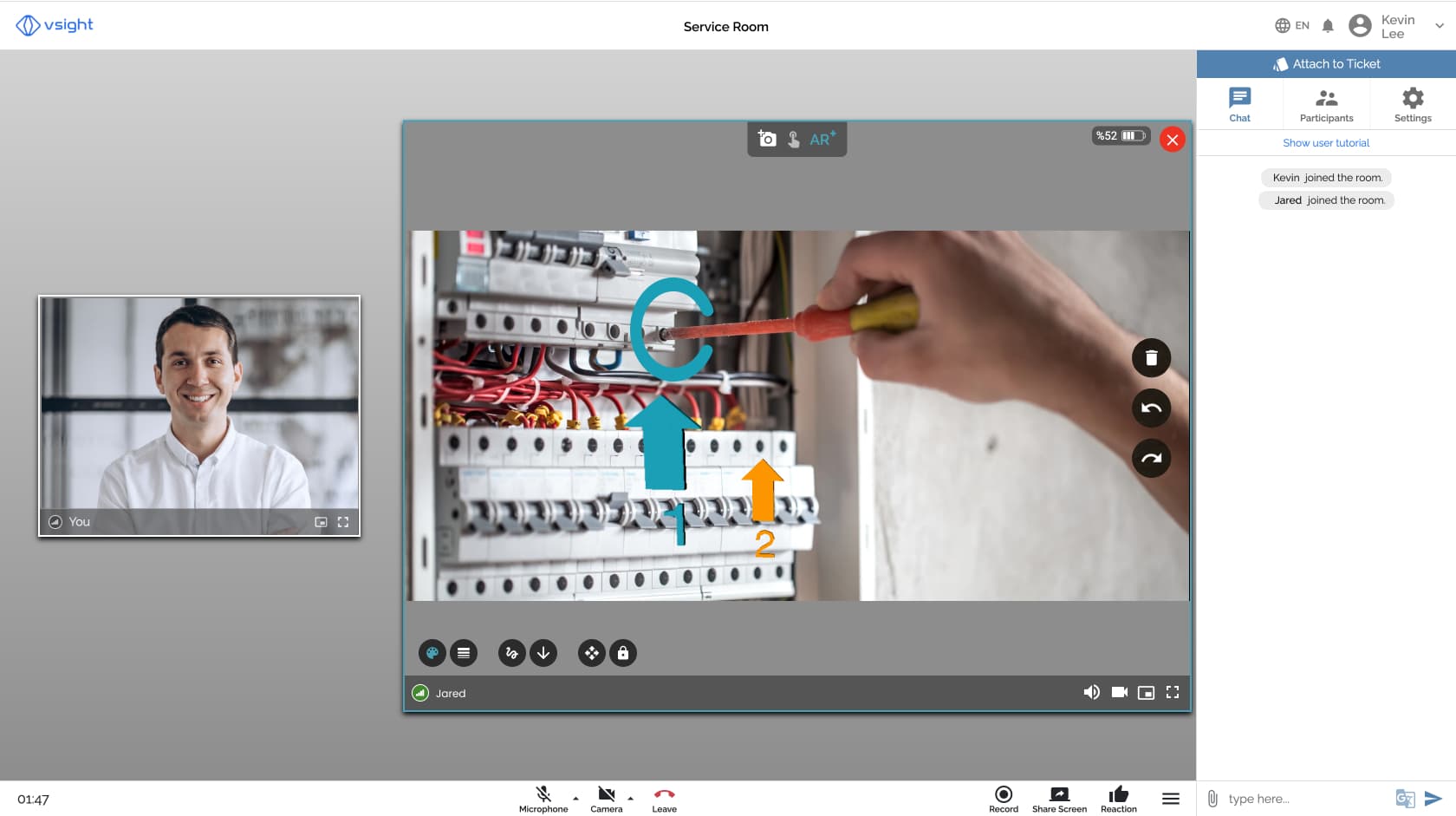
These tools connect users through AR-enabled devices, syncing their views and interactions with virtual elements anchored in the physical world. Users can see and edit 3D objects together, chat, and collaborate regardless of location.
FAQ about AR Collaboration Tools?
Do all users need AR devices to join?
For full experience, yes, but some tools offer mobile or desktop access with limited AR features.
Is specialized hardware required?
Most AR collaboration works best with AR glasses or smartphones/tablets with AR support.
Can I share files or just AR objects?
Many platforms allow sharing files, images, and 3D models within the AR environment.
Is it suitable for large teams?
Yeah, but performance might vary depending on the platform and network stability.
How secure is the collaboration data?
Security depends on the vendor, but most provide encryption and user access controls.