Best 9 Text to Handwriting products
What is Text to Handwriting?
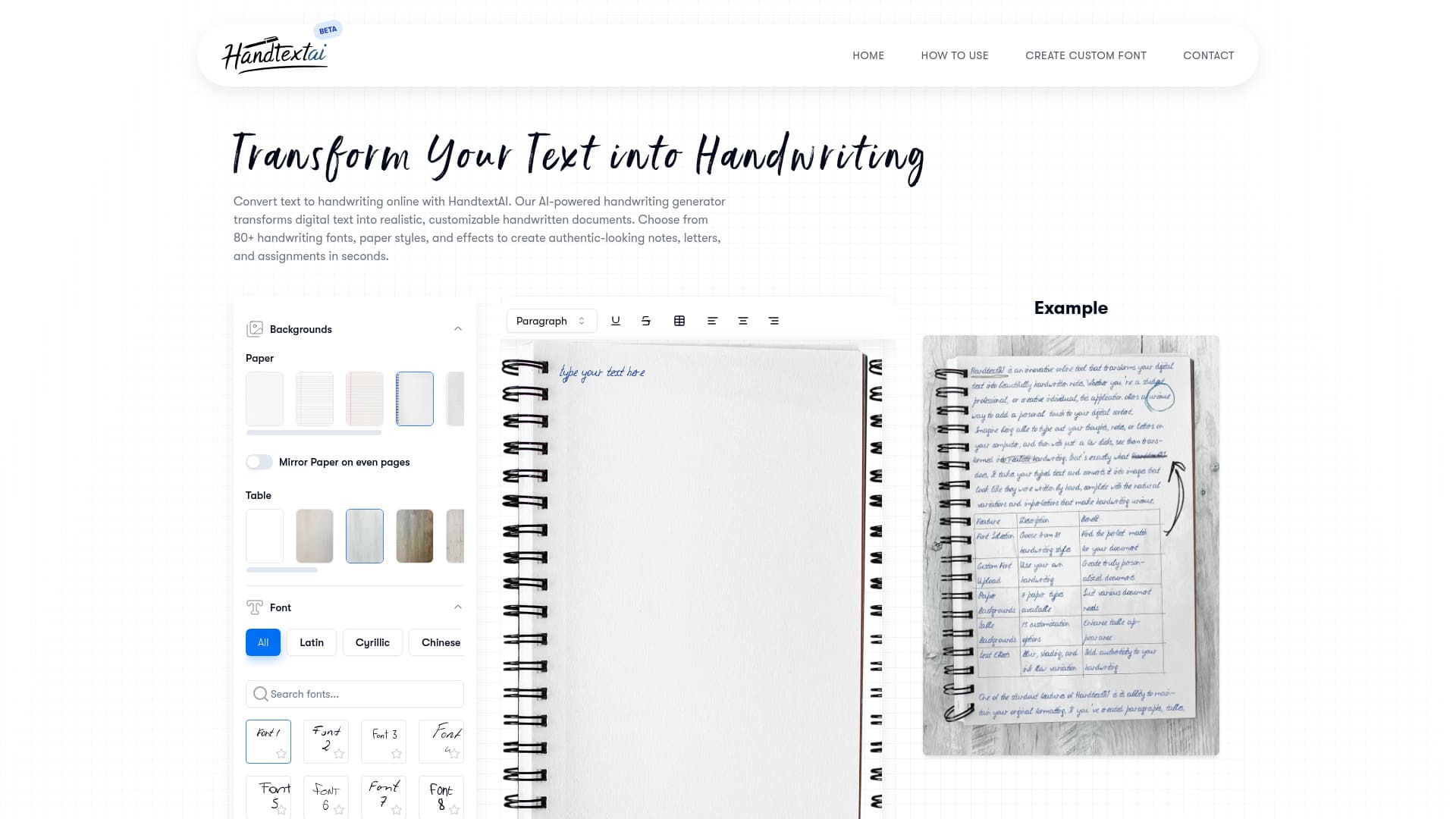
Text to Handwriting tools convert typed text into realistic handwritten notes or letters, giving your digital content a personal, authentic touch without needing to actually write by hand.
What are the top 10 Image Generation & Editing products for Text to Handwriting?
Newest Text to Handwriting Products

Text to Handwriting Core Features
- Multiple handwriting styles
- customizable pen thickness and ink color
- supports different languages
- exports in image or PDF format
- easy and fast conversion
Advantages of Text to Handwriting?
- Adds a personal
- authentic vibe to digital text
- saves time compared to writing by hand
- customizable styles
- easy sharing and printing
- enhances visual appeal
Who is suitable to use Text to Handwriting?
Students, teachers, marketers, designers, anyone wanting to add a personal feel to digital notes or invitations.
How does Text to Handwriting work?
You type or paste your text into the tool, select a handwriting style you like, and the AI mimics natural handwriting strokes and variations to create an image or file that looks like it was handwritten. You can tweak settings for pen style or paper background to suit your needs.
FAQ about Text to Handwriting?
Can I choose different handwriting styles?
Yep, most tools offer various styles ranging from neat cursive to casual scribbles.
Is the handwriting realistic or does it look fake?
The AI tries to mimic real handwriting including natural irregularities, so it looks quite authentic.
Can I use this for languages other than English?
Many tools support multiple languages, but it depends on the specific platform.
Can I edit the handwriting after conversion?
Usually you can’t directly edit once converted, but you can adjust settings before generating the output.
What file formats can I get?
Most tools let you download as images (PNG, JPG) or PDFs for easy printing.