Best 4 Business Card Scanning Software products
What is Business Card Scanning Software?
Business Card Scanning Software is a tool that helps you quickly capture and digitize information from physical business cards. Instead of manually entering contact details, this software scans cards using your phone or a scanner and extracts the data automatically.
What are the top 10 Office Management Software products for Business Card Scanning Software?
Newest Business Card Scanning Software Products
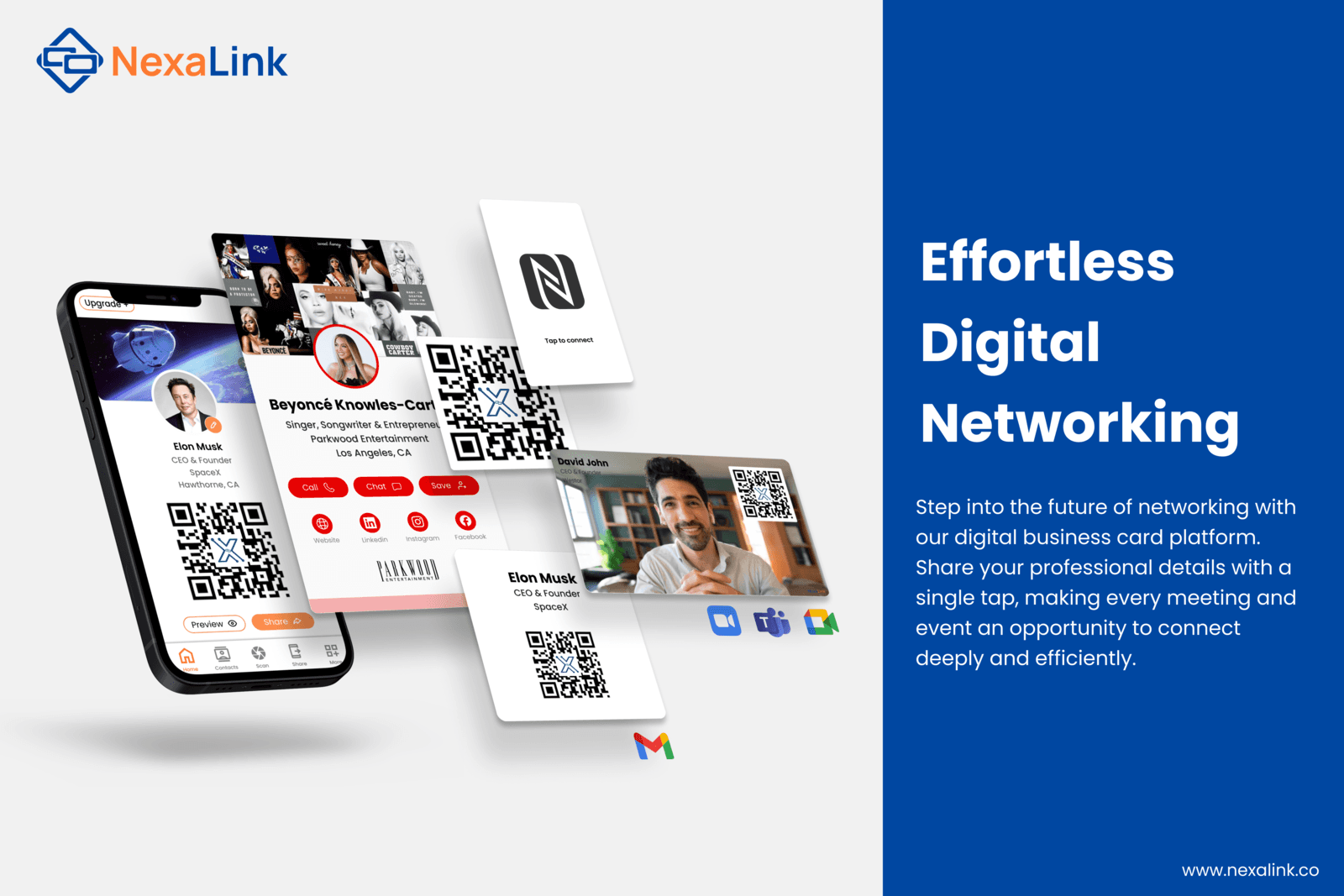
Business Card Scanning Software Core Features
- Scans and recognizes text from business cards accurately
- Automatically saves contact info to your address book or CRM
- Supports multiple languages and card designs
- Allows batch scanning for efficiency
- Integrates with other business apps and cloud services
Advantages of Business Card Scanning Software?
- Saves tons of time on data entry
- Reduces errors from manual typing
- Keeps contacts organized and searchable
- Easily shares contacts with teams
- Integrates well with CRM systems
Who is suitable to use Business Card Scanning Software?
Salespeople, marketers, entrepreneurs, event attendees, and anyone who collects lots of business cards regularly.
How does Business Card Scanning Software work?
You just scan the physical business card using your mobile device or desktop scanner, then the app uses OCR (Optical Character Recognition) tech to read the printed details. It then parses the info like name, phone number, email etc., and saves it in a digital format that can be synced or exported for easy access.
FAQ about Business Card Scanning Software?
Can it scan cards in different languages?
Yeah, most of these tools support multiple languages, though accuracy varies depending on the language and card design.
Does it work offline?
Some apps let you scan offline and sync later, but many need internet for best recognition and backup.
Is the data stored securely?
Most reputable software encrypts your data and follows privacy norms, but always check their policy.
Can scanned contacts be exported?
Yes, you can usually export contacts in formats like CSV, vCard, or directly import to CRMs.
How accurate is the scanning?
It’s pretty accurate especially with clear cards, but some errors can happen with fancy fonts or bad lighting.