Best 1 Design Systems Software products
What is Design Systems Software?
Design Systems Software are tools that help teams create, maintain, and use a collection of reusable UI components, guidelines, and assets to ensure consistent design and user experience across products.
What are the top 10 Content Management Systems products for Design Systems Software?
Newest Design Systems Software Products
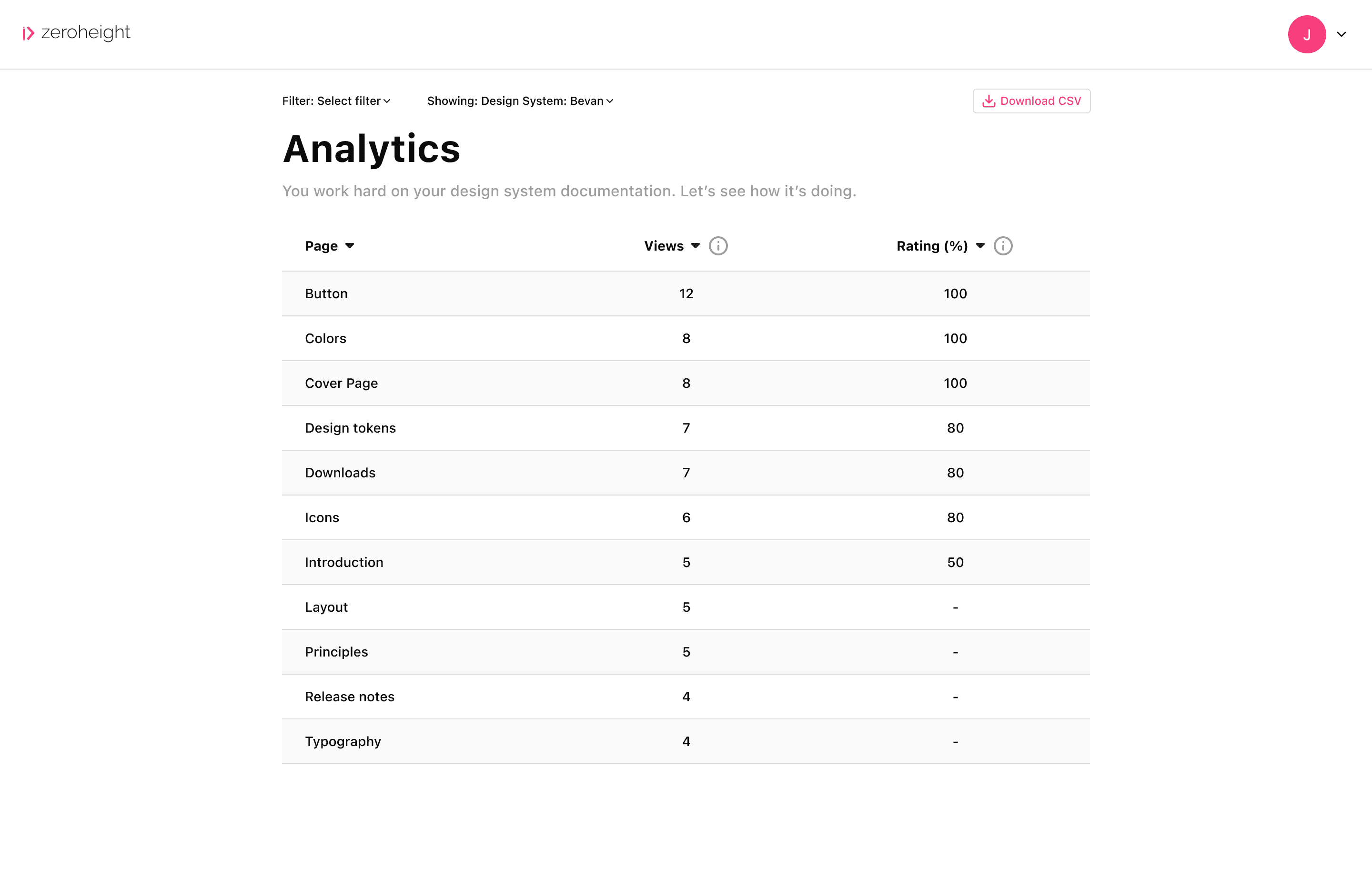
Design Systems Software Core Features
- Central repository for UI components
- Style guides and design principles
- Version control and collaboration
- Integration with development workflows
- Documentation of design patterns
Advantages of Design Systems Software?
- Ensures design consistency
- Speeds up UI development
- Improves team collaboration
- Reduces redundancy and errors
- Adapts easily to new products or updates
Who is suitable to use Design Systems Software?
Designers, front-end developers, product teams, agencies, and organizations aiming for consistent branding and efficient design processes.
How does Design Systems Software work?
Design systems software stores UI elements and guidelines in one place, making them accessible to all team members. Designers create and update components which developers then implement using shared code libraries. This collaboration keeps designs uniform and accelerates product development.
FAQ about Design Systems Software?
Do I need coding skills to use design systems software?
Not always, some focus on design while others integrate code, but basic understanding helps.
Can design systems scale with big teams?
Yes, they're built to support collaboration across large teams and multiple projects.
Is it possible to customize components?
Totally, you can tweak or create components to fit your brand and needs.
How does it help developers?
Developers get ready-to-use components and guidelines, cutting down guesswork and errors.
Are design systems only for digital products?
Mostly digital, but some principles apply to print or other media too.