Checkget
Intelligent browser assistant using ChatGPT for efficient daily tasks on any website.
Please wait while we load the page

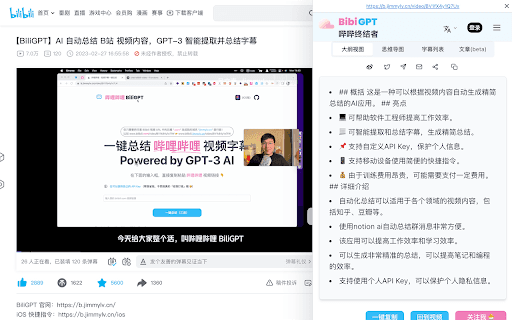
Checkget is an intelligent browser assistant that utilizes the power of ChatGPT to help you accomplish daily tasks efficiently. With Checkget, you can compose emails, find answers, create documents, chat, and write code quickly. It works on any website by just clicking Cmd/Alt+K. It can answer any question, find any information, explain anything. It can summarize, translate, fix spelling or grammatical errors, make text longer or shorter, rephrase it, and even change the tone of voice.
Open Checkget from any website by pressing ⌘+K (Mac) / Alt+K (Windows). Select text and press Command/Alt+K to have Checkget automatically recognize different scenarios and assist you.
Checkget AI sounds like a tool for checking or verifying stuff with AI, so if that’s your jam, it might be worth exploring.
30 requests per day, 5 rounds of conversation, GPT-3.5 support, 2x faster response time, Early access to new features, Community support
200 requests per day, 15 rounds of conversation, GPT-4 access(5 requests per call), 2x faster response time, Early access to new features, Email support
500 requests per day, 30 rounds of conversation, GPT-4 access(5 requests per call), 2x faster response time, Early access to new features, Priority support
1500 requests per day, 100 rounds of conversation, GPT-4 access(5 requests per call), 2x faster response time, Access to all features, Priority support