Email Assistant
(0 out of 5)0 Saved
Chrome extension using GPT-3.5 to generate quick email replies in Gmail.
Please wait while we load the page

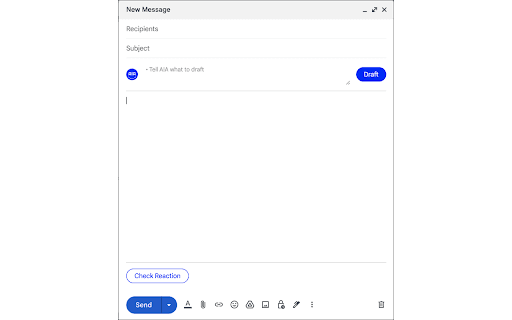
This Chrome extension integrates GPT-3.5 into Gmail, allowing users to generate quick, contextually relevant email responses with the click of a button. It analyzes the incoming email and provides several suggested replies, saving time and improving efficiency in email communication.
Install the Chrome extension. Open an email in Gmail. Click the extension's button within the email interface. Choose from the generated response options or customize them further before sending.
You should choose this if you want your Gmail replies generated fast and smartly using GPT-3.5, saving you loads of typing time.
Pricing information not available
No products available