Microsoft Teams
(4.725 out of 5)0 Saved
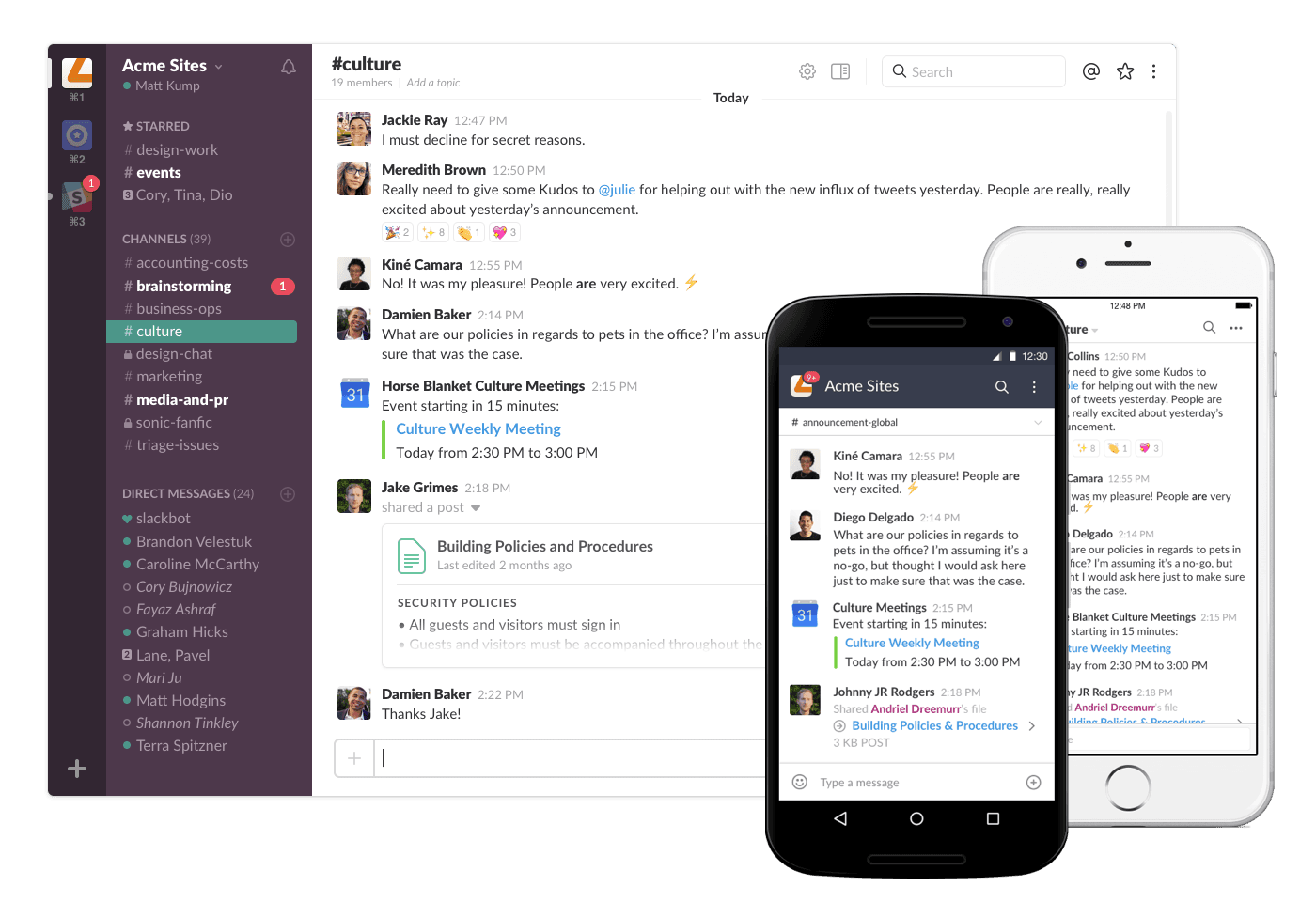
Microsoft Teams is a chat-based workspace in Office 365. It brings together people, conversations and content along with the tools that teams need so they can easily collaborate to achieve more.
Microsoft Teams Introduction
What is Microsoft Teams?
Microsoft Teams is a chat-based workspace in Office 365. It brings together people, conversations and content along with the tools that teams need so they can easily collaborate to achieve more.
How to use Microsoft Teams?
Visit website for more info
Why Choose Microsoft Teams?
Microsoft Teams is a no-brainer if you want a chat-based workspace that brings your team together. It’s packed with features like video calls, file sharing, and scheduling that make teamwork smooth and efficient, whether you’re remote or in-office.
Microsoft Teams Features
Business Instant Messaging
- ✓File Sharing
- ✓Notifications
- ✓Search
- ✓Mobile Application
- ✓Web Application
- ✓Integrations
Business Instant Messaging
- ✓Audio Conferencing
- ✓Video Conferencing
Collaboration Tools
- ✓Screen Sharing
- ✓Live Chat
Meeting Coordination
- ✓Scheduling
- ✓Recording
- ✓Participant Permissions
Software Type
- ✓Mobile
- ✓Desktop Application
Pricing
Teams Essentials
$4.80
1 User Per Month
- ✓ Seamless integration with Exchange: Teams Essentials works with On-Premises or Hosted Exchange so that Office clients can get Teams in the cloud.
- ✓ Upgraded online meetings: Provide professional features like virtual backgrounds, screen sharing, and recording from any device for your clients.
- ✓ Fully-enabled dynamic chats: Keep conversations going internally or externally with continuous chat, searchable history, and in-app file sharing and collaboration.
- ✓ Standalone meetings and calling: Deliver a full Teams experience without deploying the full Microsoft 365 suite and enable new targeted motions for Teams Phone System and Calling Plans.
- ✓ Boost communications for frontline workforce: Promote the right scenarios at the right price point for your existing SMB customers to expand their coverage to all Frontline Workers.
- ✓ Simplify storage and collaboration: Give users access to Office in Teams, or on the Web to create and share documents, chat in meetings, and store files in the cloud.
Microsoft Teams Tags
Select a rating