Best 47 Video Conferencing Software products
What is Video Conferencing Software?
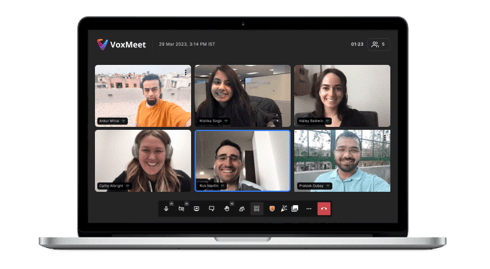
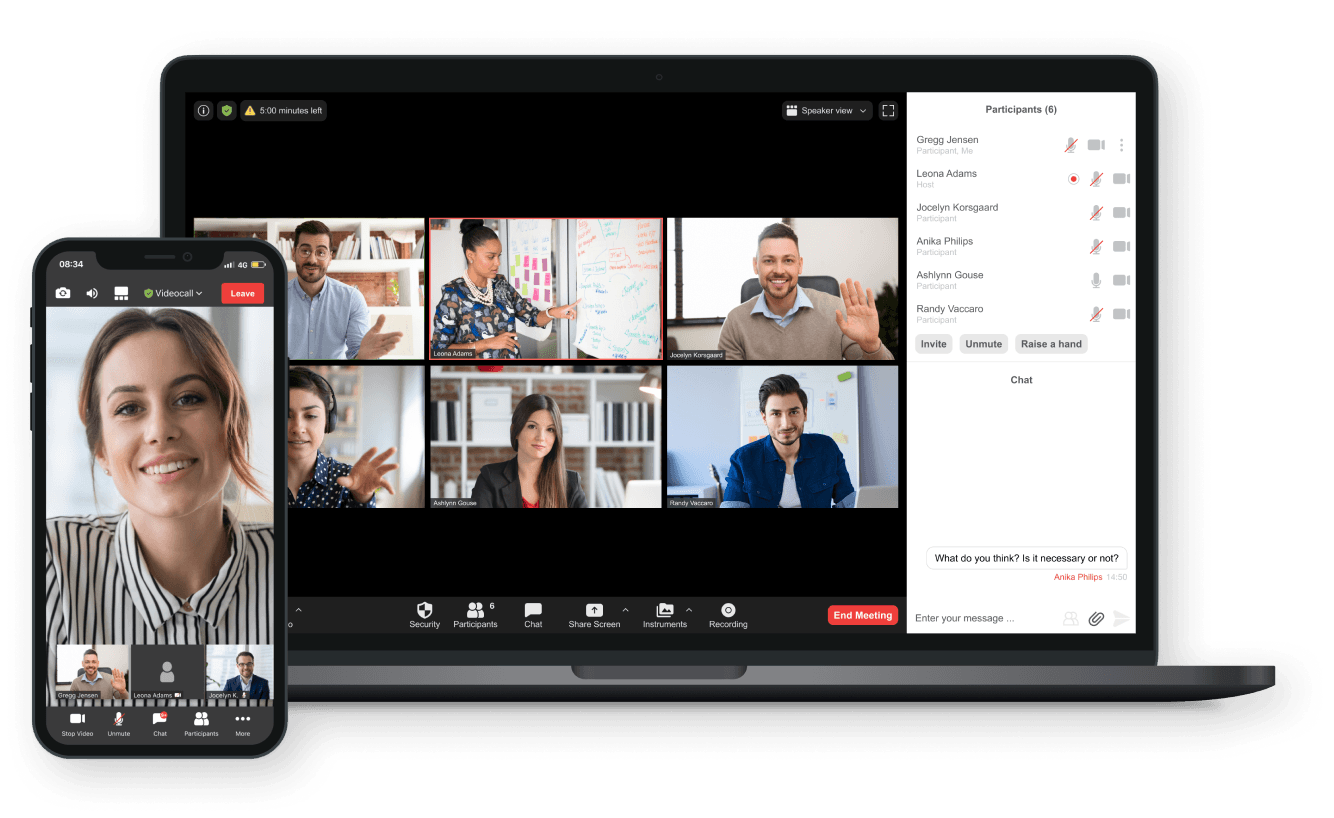
Video conferencing software is a tool that lets people connect face-to-face through video and audio over the internet, no matter where they are. It's widely used for meetings, webinars, and online collaboration.
What are the top 10 Collaboration & Productivity Software products for Video Conferencing Software?
Newest Video Conferencing Software Products
Video Conferencing Software Core Features
- High-quality video and audio calls
- screen sharing capabilities
- chat and messaging
- meeting recording
- virtual backgrounds support
Advantages of Video Conferencing Software?
- Enables remote collaboration
- saves travel time and cost
- supports large groups
- easy to use
- improves communication efficiency
Who is suitable to use Video Conferencing Software?
Businesses, educators, remote teams, freelancers, and anyone needing to communicate visually and verbally over distances.
How does Video Conferencing Software work?
Users join a virtual meeting room via the software, which connects their device's camera and microphone to other participants through the internet. The software compresses and transmits audio/video data in real-time, allowing smooth interactions.
FAQ about Video Conferencing Software?
Do I need special equipment for video conferencing?
Nah, usually just a device with a camera and mic, like a laptop or smartphone, is enough.
Can I record my video meetings?
Most software lets you record meetings so you can watch em later or share with others.
Is video conferencing safe and secure?
Security varies, but popular tools use encryption and password protection to keep meetings private.
Can video conferencing handle many people at once?
Yep, depending on the tool, you can have meetings with tens to hundreds of participants.
Do I need a fast internet connection?
A decent internet speed is recommended to avoid lag and keep video quality good.