Receiptify
AI tool to automatically find, organize, and manage receipts from emails.
Receiptify Introduction
What is Receiptify?
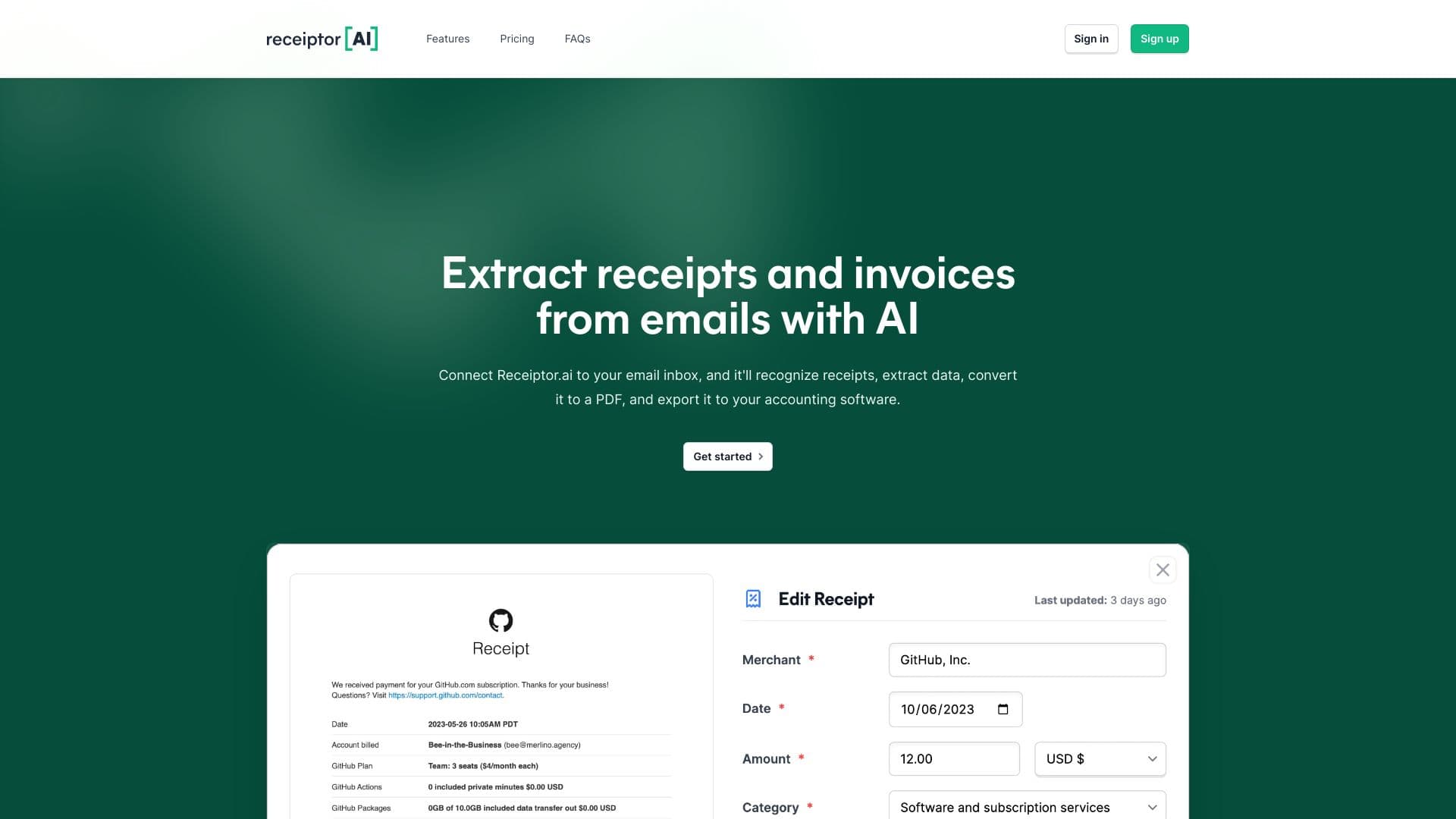
Receiptify is an AI-powered application designed to efficiently locate, retrieve, organize, and manage receipts from your email inbox (Gmail, Outlook) and through manual uploads. It eliminates the need for laborious manual sorting, potentially saving users hundreds of hours. The platform transforms inbox clutter into organized finances by automatically identifying, extracting, and categorizing receipt details like merchant, amount, sales tax, and categories. It offers integrations with QuickBooks, automatic backup to Dropbox and Google Drive, and allows for easy export of receipts in various formats (ZIP, CSV, PDF). Receiptify aims to simplify financial record-keeping and provide a central hub for all digital receipts.
How to use Receiptify?
To use Receiptify, you can connect your Gmail or Outlook account for automatic receipt extraction. Alternatively, you can manually upload receipts and invoices from your computer or mobile device. Once receipts are collected, they are organized in a central hub, allowing you to track, scan, and manage them. You can also integrate with QuickBooks for transaction matching, link Dropbox or Google Drive for automatic backups, and download reports in various formats.
Why Choose Receiptify?
If you need receipt management or expense tracking, this could be an option, but since there’s no info, it’s a bit of a blind pick.
Receiptify Features
AI Accounting
- ✓Automated receipt extraction from Gmail and Outlook
- ✓AI-powered identification and categorization of receipts
- ✓Comprehensive data extraction (merchant, amount, sales tax, categories)
- ✓Manual receipt upload from phone or computer
- ✓QuickBooks Integration for transaction matching
- ✓Automatic receipts backup to Dropbox and Google Drive
- ✓Downloadable reports in ZIP, CSV, or PDF formats
- ✓Retrospective analysis of previous emails for receipts
- ✓User-friendly platform for easy management
FAQ?
Pricing
Individual
For individuals needing in-depth email analysis. Includes 2 Email Inboxes, 100 Receipts, Pull emails from last 12 months, Google Drive & Dropbox Sync.
Business
For individuals managing a high volume of receipts. Includes Unlimited Email Inboxes, 1,000 Receipts, Pull emails from last 4 years, Google Drive & Dropbox Sync, Team Members.
Accountant
For businesses with multiple clients and employees. Includes Unlimited Email Inboxes, Unlimited Receipts, Pull emails from last 4 years, Google Drive & Dropbox Sync, Team Members.