UPDF
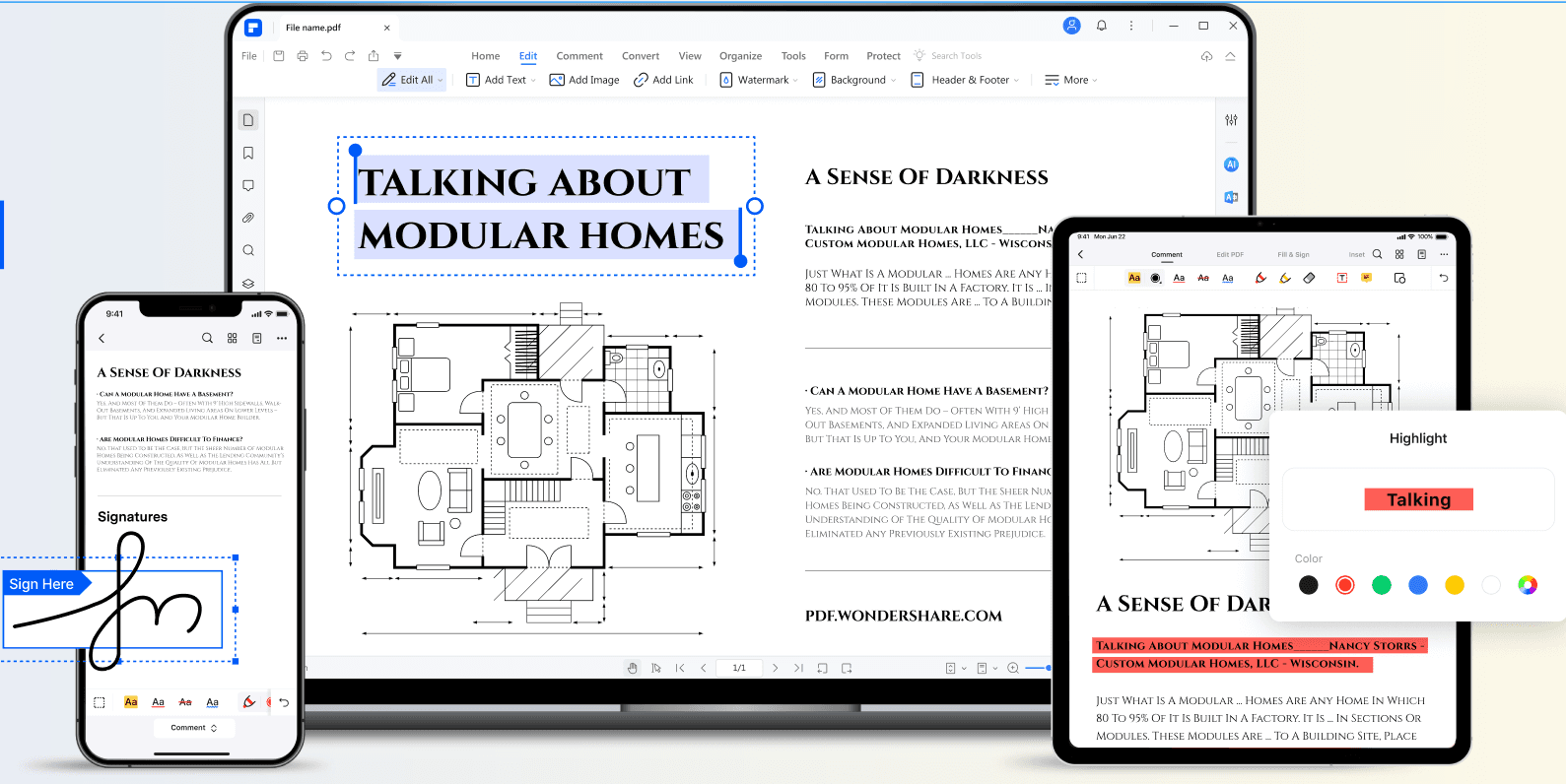
UPDF is a completely free PDF editor, that helps you view PDFs, add, delete, edit PDF text and images, annotate PDFs such as highlight, underline, add sticky notes, shapes, text boxes, etc., rearrange, delete, rotate, and extract PDF pages, print and share PDF files with ease on Mac.
UPDF Introduction
What is UPDF?
This leading alternative to Adobe® Acrobat® and Foxit® offers enterprise-grade PDF functionalities and perpetual licensing at a fraction of the price.UPDF is an all-in-one PDF solution that allows you to view,OCR,edit, sign,annotate, convert, protect, organize, crop, split, and share PDF files effortlessly.We support SSO and Online management portal to manage your licenses. It is compatible with Windows, macOS, iOS, and Android systems. With UPDF, you can easily process your PDF files wherever you go. One license can be used across Windows, macOS, iOS, and Android systems.
How to use UPDF?
Visit website for more info
Why Choose UPDF?
You should choose this if you want a powerful yet affordable PDF editor that works across all your devices. UPDF offers tons of features like editing, annotating, OCR, and more, all without the crazy price tag of big-name software. It’s perfect for anyone needing a reliable PDF solution on Windows, Mac, iOS, or Android.
UPDF Features
Organization
- ✓Protect
- ✓Document Management
- ✓Document Scanning
- ✓Editing History
Editing
- ✓Size
- ✓Edit Fields
- ✓New PDF
- ✓Field Functions
- ✓Annotate
Integrate & Embed
- ✓Applications
File Types
- ✓Import
Design
- ✓Graphics
Operating System
- ✓PC Operating System
- ✓Mac Operating System
- ✓Linux Operating System
Pricing
UPDF Pro Enterprise Free Trial
Free trial is avaliable if purchase more than 20 licenses
- ✓ All features for Pro version
UPDF Pro Enterprise
The enterprise plan gives you the flexibility to configure, track, and manage licenses within the company.
- ✓ Use across Windows, macOS, Android, iOS
- ✓ No watermark
- ✓ All annotation tools
- ✓ Edit PDF text, images and links
- ✓ Convert PDF to Word, Excel, PPT
- ✓ OCR Text Recognition
- ✓ Extract, insert, replace, split, merge, compress pages