Best 121 PDF Editors products
What is PDF Editors?
PDF Editors are software applications that allow users to create, modify, and manipulate PDF documents. They enable editing text, images, and formatting within PDFs, which are otherwise tough to change.
What are the top 10 Collaboration & Productivity Software products for PDF Editors?
Newest PDF Editors Products
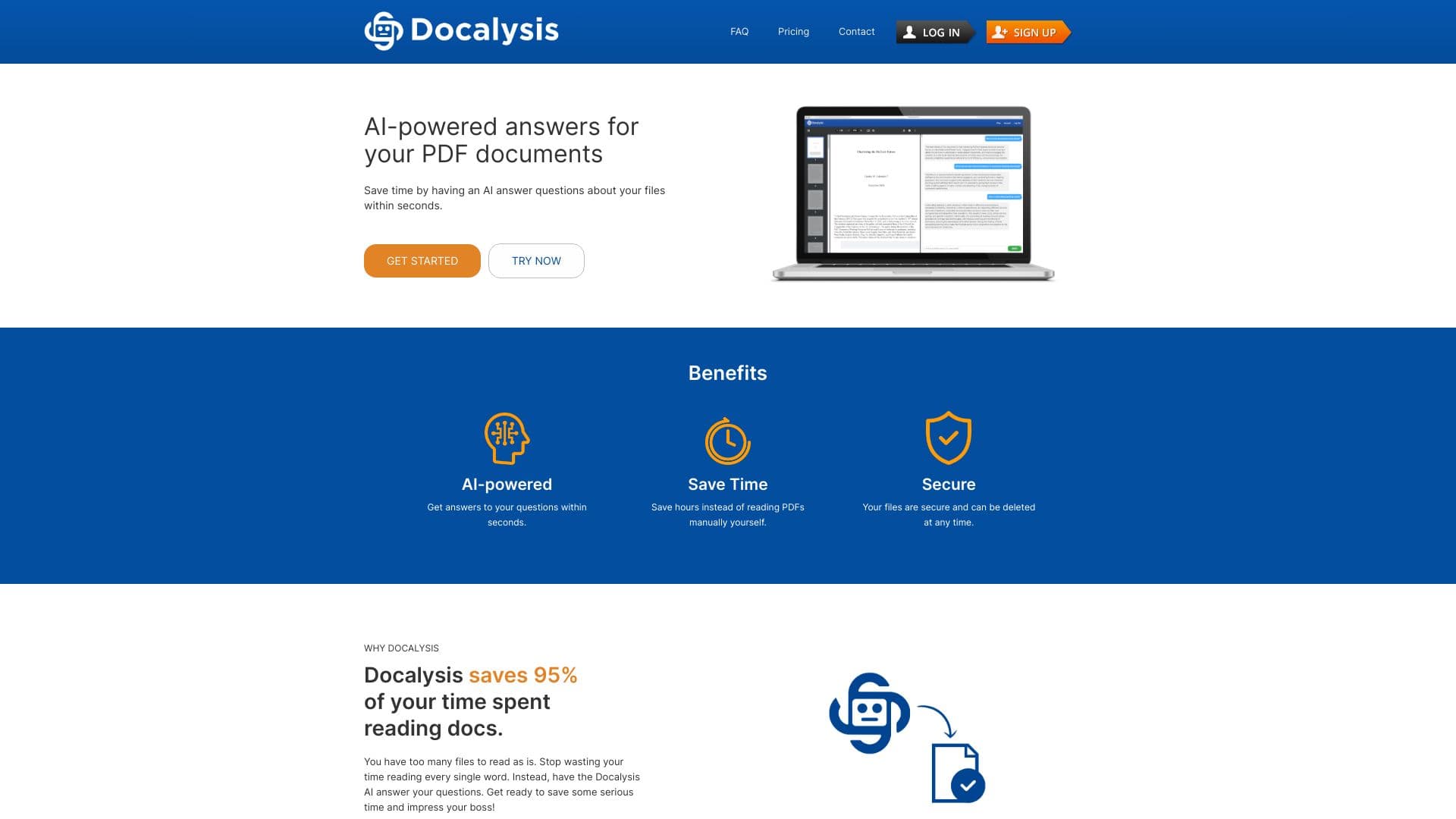
PDF Editors Core Features
- Edit text and images in PDFs
- Annotate and highlight content
- Convert PDFs to other formats
- Merge and split PDF files
- Add signatures and fill forms
Advantages of PDF Editors?
- Saves time modifying PDFs directly
- Improves document collaboration
- Enables signing and form filling digitally
- Helps organize and customize PDFs
- Avoids redoing work in original files
Who is suitable to use PDF Editors?
Professionals, students, businesses needing document management, legal teams, and anyone frequently working with PDFs.
How does PDF Editors work?
Users open a PDF file within the editor and make desired changes using tools provided. The software updates the PDF data structure accordingly, letting you save or export the edited document without losing formatting.
FAQ about PDF Editors?
Can I edit text in any PDF with these editors?
Most let you edit text, but it depends on how the PDF was created and if it's secured.
Is it possible to add digital signatures?
Yeah, many editors support adding electronic or digital signatures easily.
Can I convert PDFs to Word or Excel?
Definitely, converting PDFs to editable formats is a common feature.
Are PDF editors hard to use?
Some have a learning curve but many modern ones are user-friendly with intuitive interfaces.
Can I annotate PDFs without editing the main content?
Yes, annotating with highlights, comments, and stamps is widely supported.