No Image Available
ApowerPDF
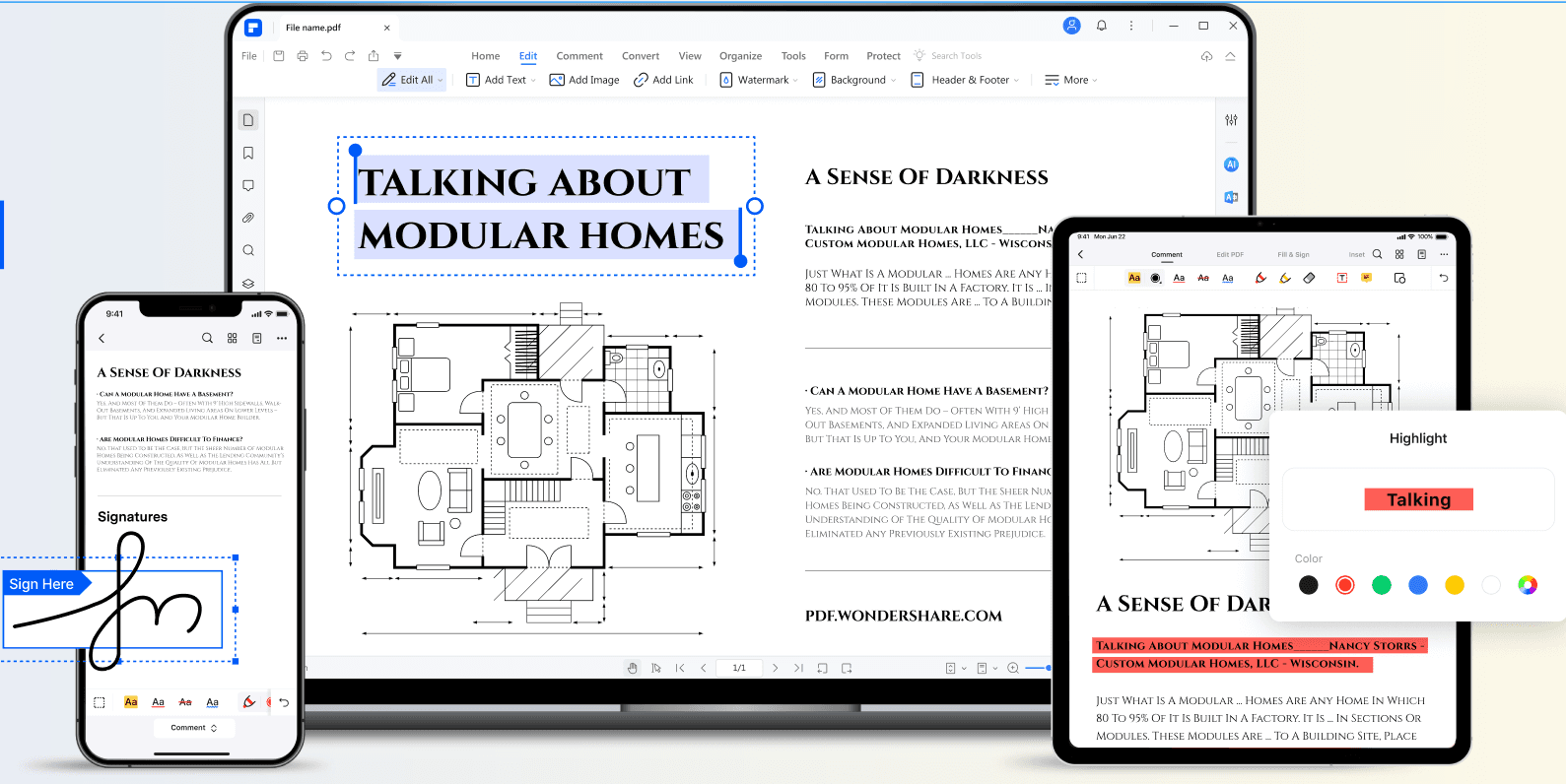
As a well-rounded PDF editor, ApowerPDF has slick user interface and offers a wide range of PDF editing options to choose from based on your needs. With it, you can easily modify text/graphics, add images, text, watermarks or even manage PDF pages and save with results that look exactly like the original. Indeed, it's quite useful for both individuals and business.
ApowerPDF Introduction
What is ApowerPDF?
As a well-rounded PDF editor, ApowerPDF has slick user interface and offers a wide range of PDF editing options to choose from based on your needs. With it, you can easily modify text/graphics, add images, text, watermarks or even manage PDF pages and save with results that look exactly like the original. Indeed, it's quite useful for both individuals and business.
How to use ApowerPDF?
Visit website for more info
Why Choose ApowerPDF?
Choose ApowerPDF if you need a versatile PDF editor that’s easy to use but packed with features like editing text, adding images, and managing pages. It’s handy for both personal and business use without the complexity.
ApowerPDF Features
Organization
- ✓Protect
- ✓Document Management
- ✓Document Scanning
- ✓Editing History
Editing
- ✓Size
- ✓Edit Fields
- ✓New PDF
- ✓Field Functions
- ✓Annotate
Pricing
Mid-Market
20% more expensive than the avg. PDF Editor product https://www.g2.com/products/apowerpdf/reviews?filters%5Bcompany_segment%5D%5B%5D=180
Enterprise
44% less expensive than the avg. PDF Editor product https://www.g2.com/products/apowerpdf/reviews?filters%5Bcompany_segment%5D%5B%5D=181