Best 93 AI Drawing products
What is AI Drawing?
AI Drawing tools use artificial intelligence to create hand-drawn style images, sketches, or detailed artwork from user prompts or sketches. They assist artists and non-artists alike in generating drawings quickly and creatively.
What are the top 10 Art & Creative Design products for AI Drawing?
Newest AI Drawing Products
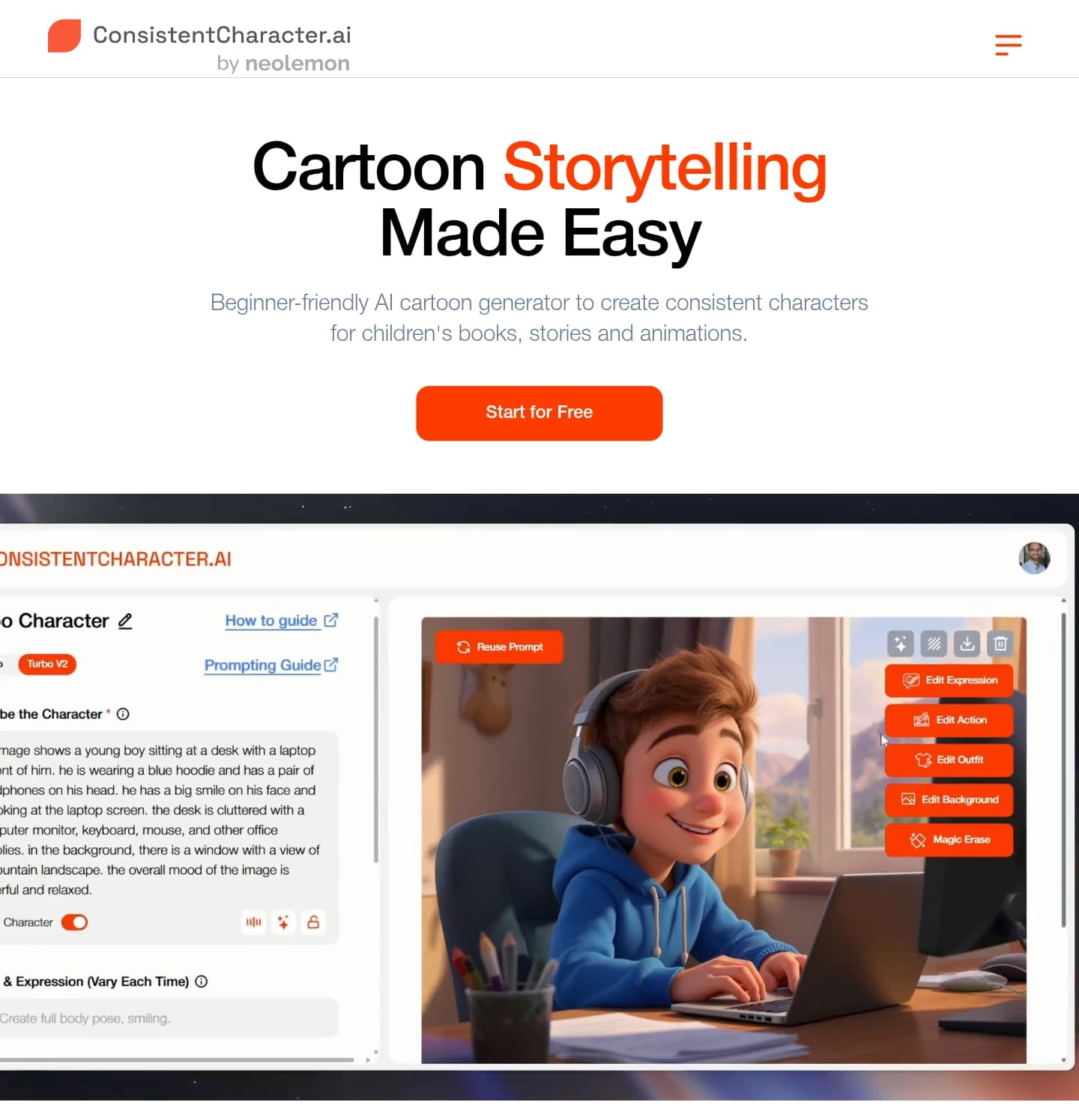
AI Drawing Core Features
- Generates sketches and drawings from text
- Converts rough sketches to refined art
- Supports multiple drawing styles
- Offers layers and editing tools
- Provides instant previews
Advantages of AI Drawing?
- Speeds up creative process
- Helps those with limited drawing skills
- Provides multiple style options
- Easy experimentation with ideas
- Can be used for professional or personal projects
Who is suitable to use AI Drawing?
Artists, illustrators, hobbyists, and anyone looking to create drawings without advanced skills.
How does AI Drawing work?
You either input a description or a rough sketch, then the AI interprets it using trained neural networks to produce a polished drawing. Users can modify elements and styles before exporting the final image.
FAQ about AI Drawing?
Do I need to be good at drawing to use AI Drawing tools?
Not at all, these tools help even beginners create cool drawings.
Can I choose different drawing styles?
Yes, many tools offer styles like pencil, ink, or digital painting.
Are the drawings original?
They're generated by AI, so each output is unique but based on training data.
Can I edit the drawings after generation?
Most tools let you tweak or add details after the AI creates the base.
Is AI Drawing suitable for professional use?
Definitely, many professionals use it to speed up workflow or brainstorm.