Best 64 Image to 3D Model products
What is Image to 3D Model?
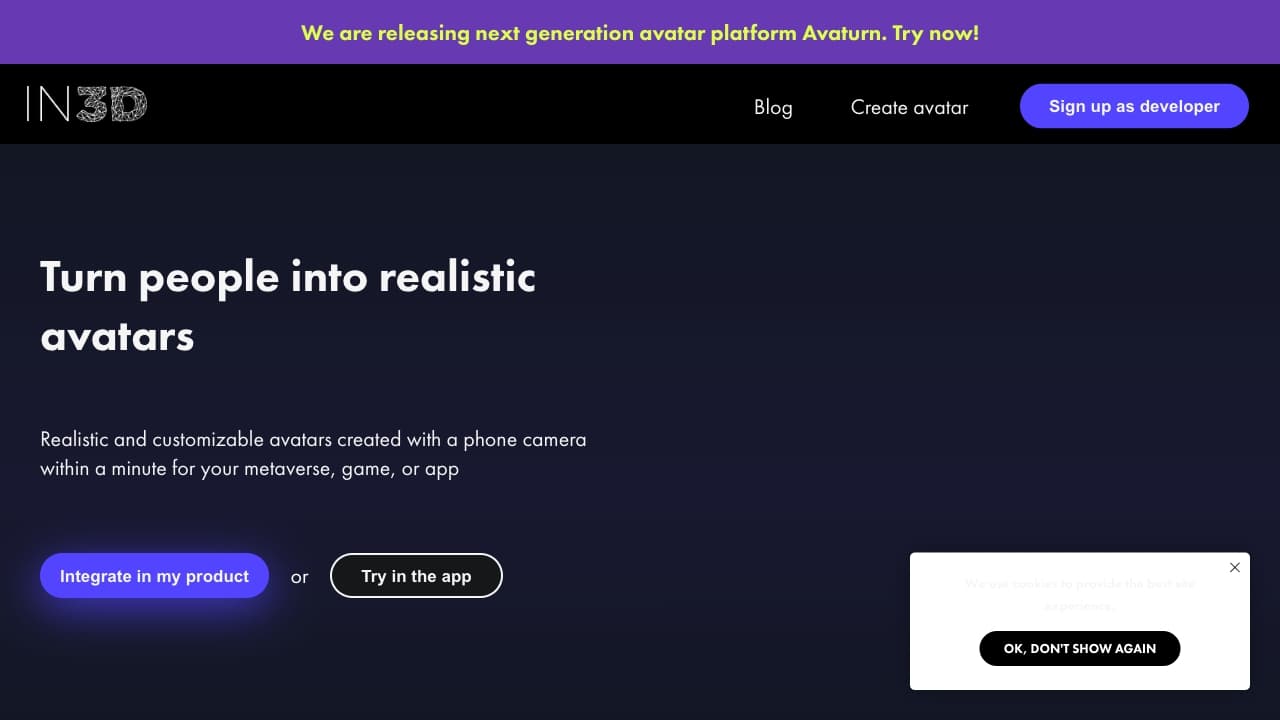
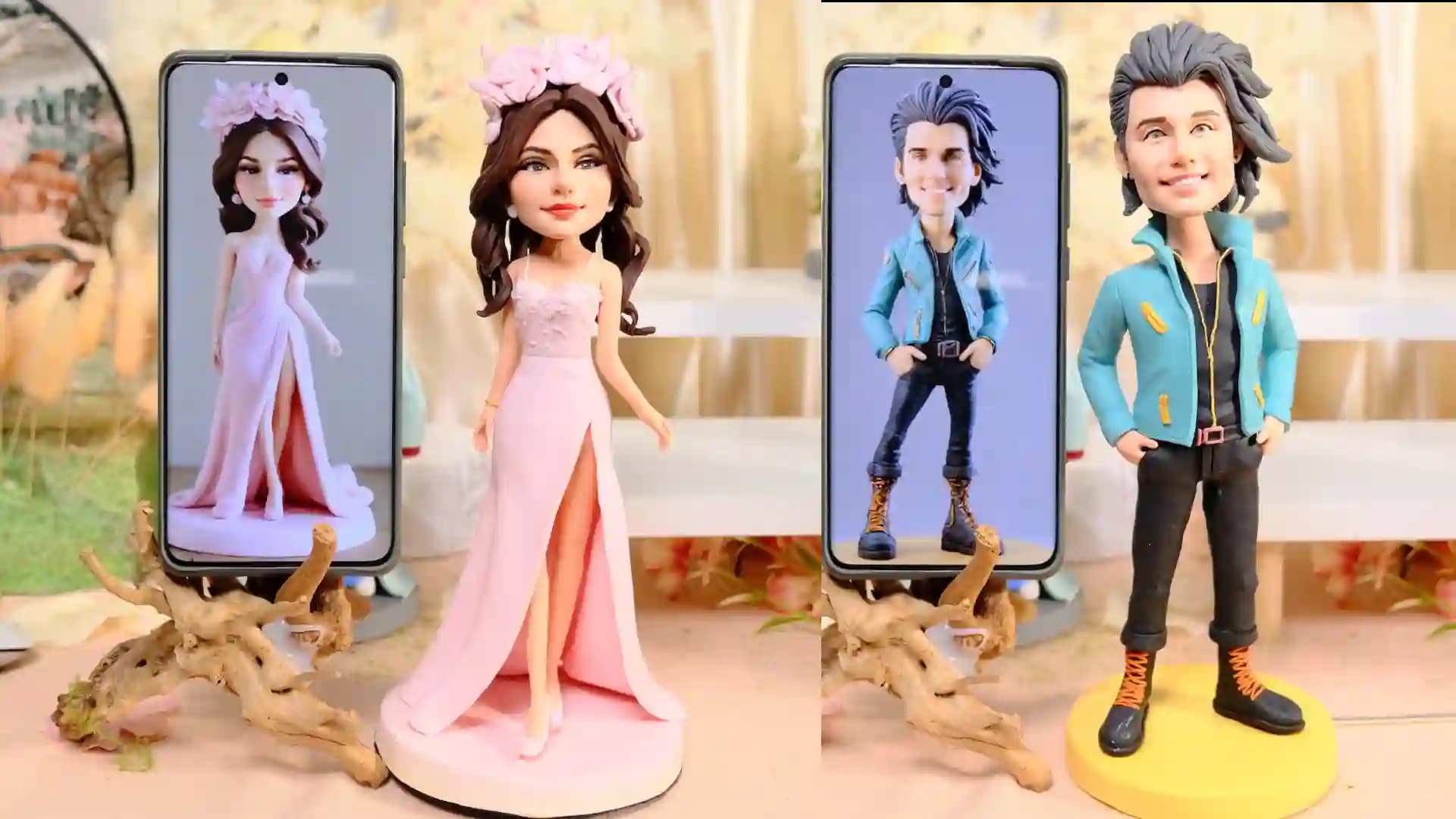
Image to 3D Model tools convert flat, 2D images into three-dimensional digital models. These tools use AI to analyze the visual data and recreate depth, shape, and texture to provide a lifelike 3D representation that you can manipulate or use in various projects.
What are the top 10 Art & Creative Design products for Image to 3D Model?
Newest Image to 3D Model Products
Image to 3D Model Core Features
- Automatically generates 3D mesh from images
- Supports multiple image formats
- Provides texture mapping for realism
- Allows easy editing of 3D output
- Exports in common 3D file formats
Advantages of Image to 3D Model?
- Saves tons of time compared to manual 3D modeling
- Makes 3D creation accessible for non-experts
- Speeds up prototyping or concept development
- Can handle complex shapes from simple inputs
- Integrates well with other 3D software
Who is suitable to use Image to 3D Model?
Artists, game developers, animators, product designers, and hobbyists who wanna create 3D assets from photos without complex manual modeling.
How does Image to 3D Model work?
You upload one or more images, then the AI analyzes edges, shading, and context to build a 3D structure. It infers depth and fills in missing details, then applies textures based on image info. Finally, you get a 3D model ready for export or further editing.
FAQ about Image to 3D Model?
Can I use any photo to create a 3D model?
Mostly, yes, but images with clear shapes and good lighting work best.
How accurate are the generated 3D models?
They're quite accurate for general use but might miss tiny details or complex textures.
Do I need special hardware to run these tools?
Many tools run on cloud so no, but some offline versions may need good GPUs.
Can I edit the 3D model after creation?
Yep, most tools let you tweak the mesh, texture, and other elements.
Are these models usable in games or VR?
Absolutely, they usually export to formats compatible with game engines and VR platforms.