Best 1 Desktop Search Software products
What is Desktop Search Software?
Desktop Search Software are applications that enable users to quickly find files, emails, documents, and other data stored locally on their computers by indexing and searching content efficiently.
What are the top 10 Content Management Systems products for Desktop Search Software?
Newest Desktop Search Software Products
Desktop Search Software Core Features
- Fast full-text search
- Indexing of various file types
- Integration with email and document apps
- Advanced filters and sorting options
- Real-time indexing for up-to-date results
Advantages of Desktop Search Software?
- Saves time finding files
- Handles diverse file formats
- Improves productivity
- Offers smart search features
- Works offline without internet dependency
Who is suitable to use Desktop Search Software?
Professionals, students, researchers, and anyone dealing with large volumes of local data needing quick retrieval.
How does Desktop Search Software work?
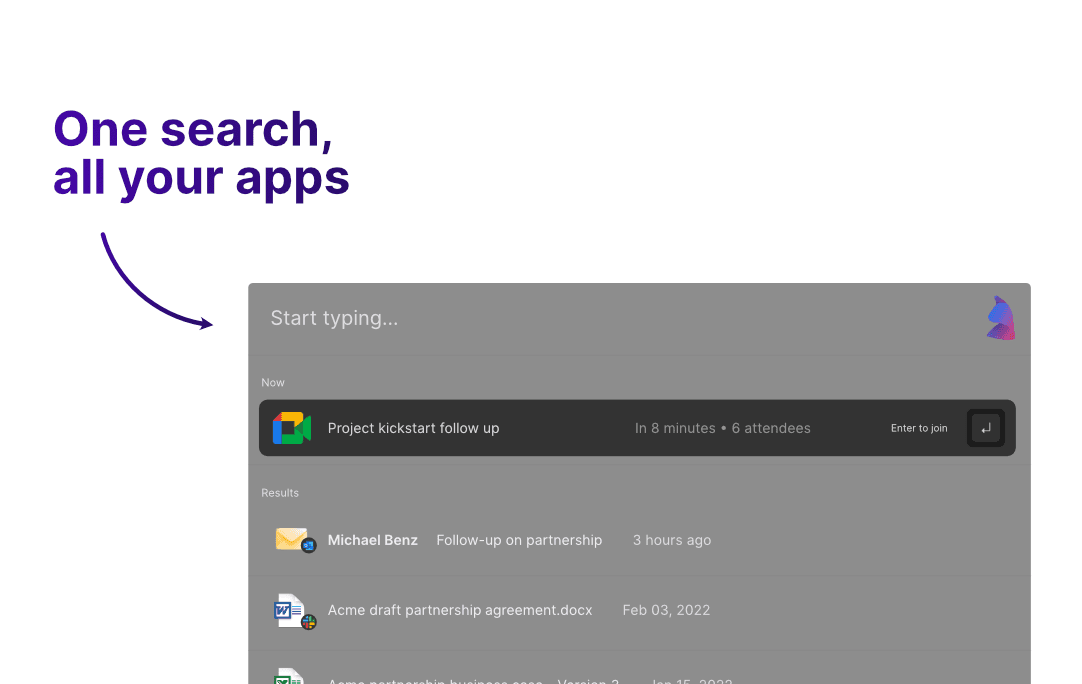
The software scans and indexes the content on your desktop, creating a searchable database. When a user types a query, it matches keywords against the index and shows relevant results instantly, often with previews and filtering options.
FAQ about Desktop Search Software?
Can it search inside encrypted or password-protected files?
Usually no, unless you provide access or decrypt them first.
Does it slow down my computer?
Most do indexing in the background with minimal impact, but it can vary.
Can I search emails and attachments too?
Many desktop search tools support email clients and their attachments.
Is real-time indexing enabled?
Yep, it updates the index as you add or change files for fresh results.
Can I limit search to specific folders?
Most let you customize which locations to index and search in.