Best 32 AI Vector Graphics products
What is AI Vector Graphics?
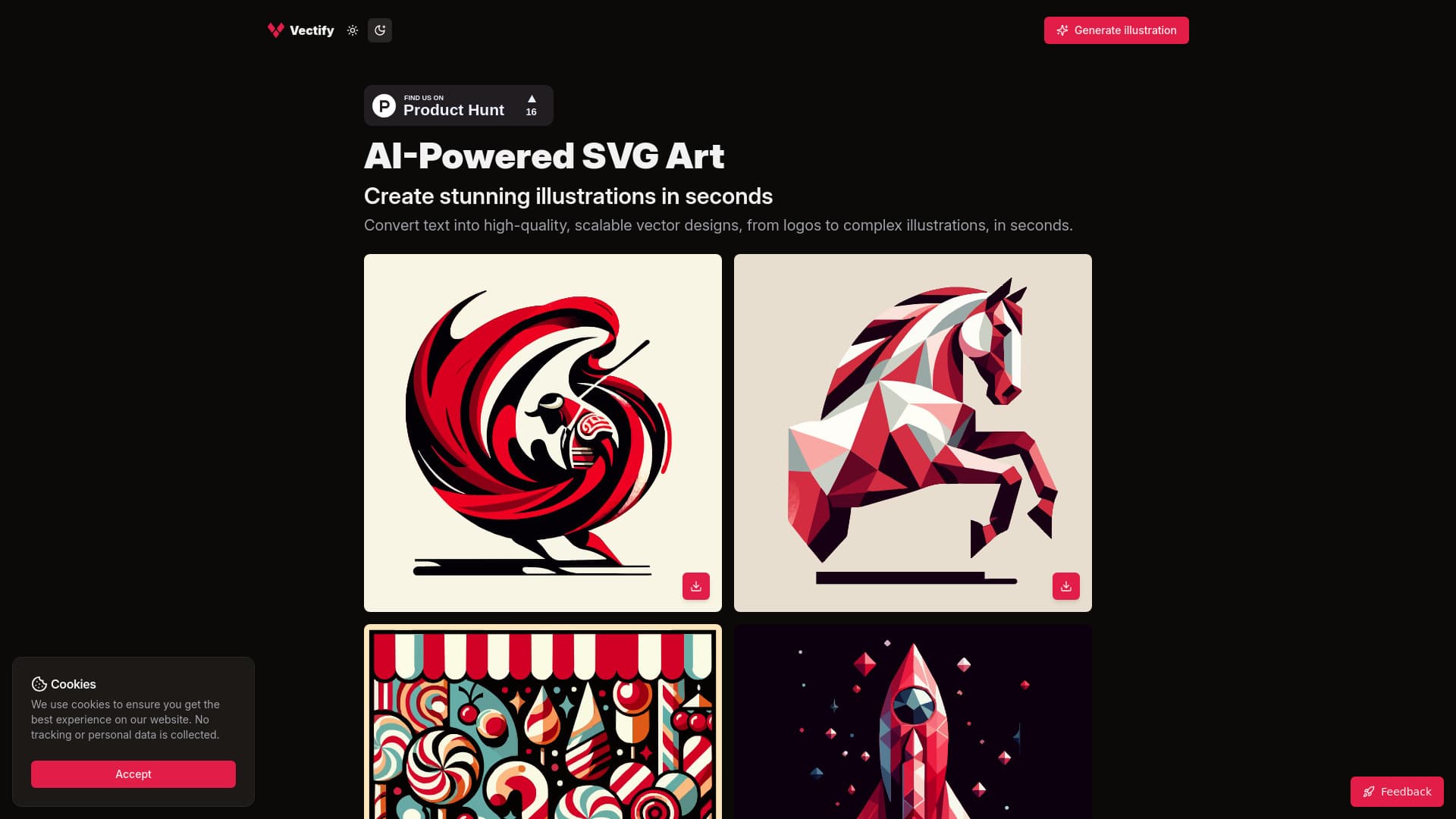
AI Vector Graphics tools use artificial intelligence to create or manipulate scalable vector images, which are essential for logos, icons, and detailed graphics that need resizing without quality loss.
What are the top 10 Art & Creative Design products for AI Vector Graphics?
Newest AI Vector Graphics Products
AI Vector Graphics Core Features
- Automatic vectorization of raster images
- Smart shape generation
- Style transfer and color palette suggestions
- Editable nodes and paths with AI assistance
- Batch processing for multiple files
Advantages of AI Vector Graphics?
- Saves time converting and creating vectors
- Maintains image quality at any size
- Offers creative style options
- Simplifies complex designs
- Supports fast iteration and batch jobs
Who is suitable to use AI Vector Graphics?
Ideal for graphic designers, illustrators, branding experts, and marketers needing crisp, scalable visuals.
How does AI Vector Graphics work?
Users upload images or sketches, and the AI converts them into vector format by detecting edges and shapes. It can also generate new vector art based on style or theme inputs. Edits are made easier through AI-powered suggestions and auto-corrections.
FAQ about AI Vector Graphics?
Can AI convert any image to vector perfectly?
It works great with clear images but might struggle with very complex or low-res pics.
Are AI-created vectors editable?
Yes, you can tweak paths and nodes after AI processing.
Is AI Vector Graphics good for logo design?
Absolutely, it helps create sharp, scalable logos quickly.
Do I need graphic design software to use these AI tools?
Some are standalone, others integrate with popular design apps.
Can AI suggest color palettes for vectors?
Yep, many tools offer smart color and style suggestions.