Best 2 Logo Design Tools Software products
What is Logo Design Tools Software?
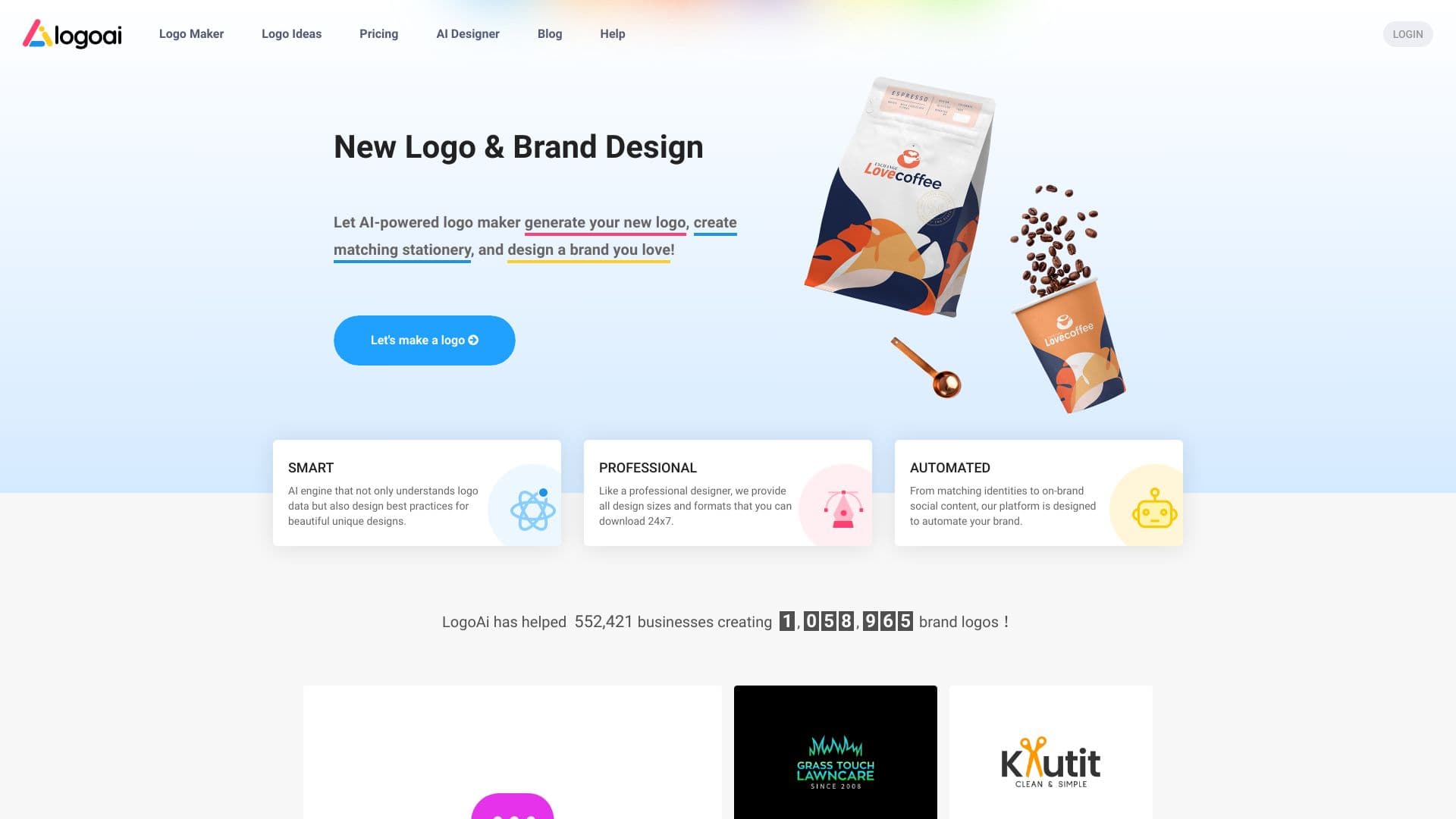
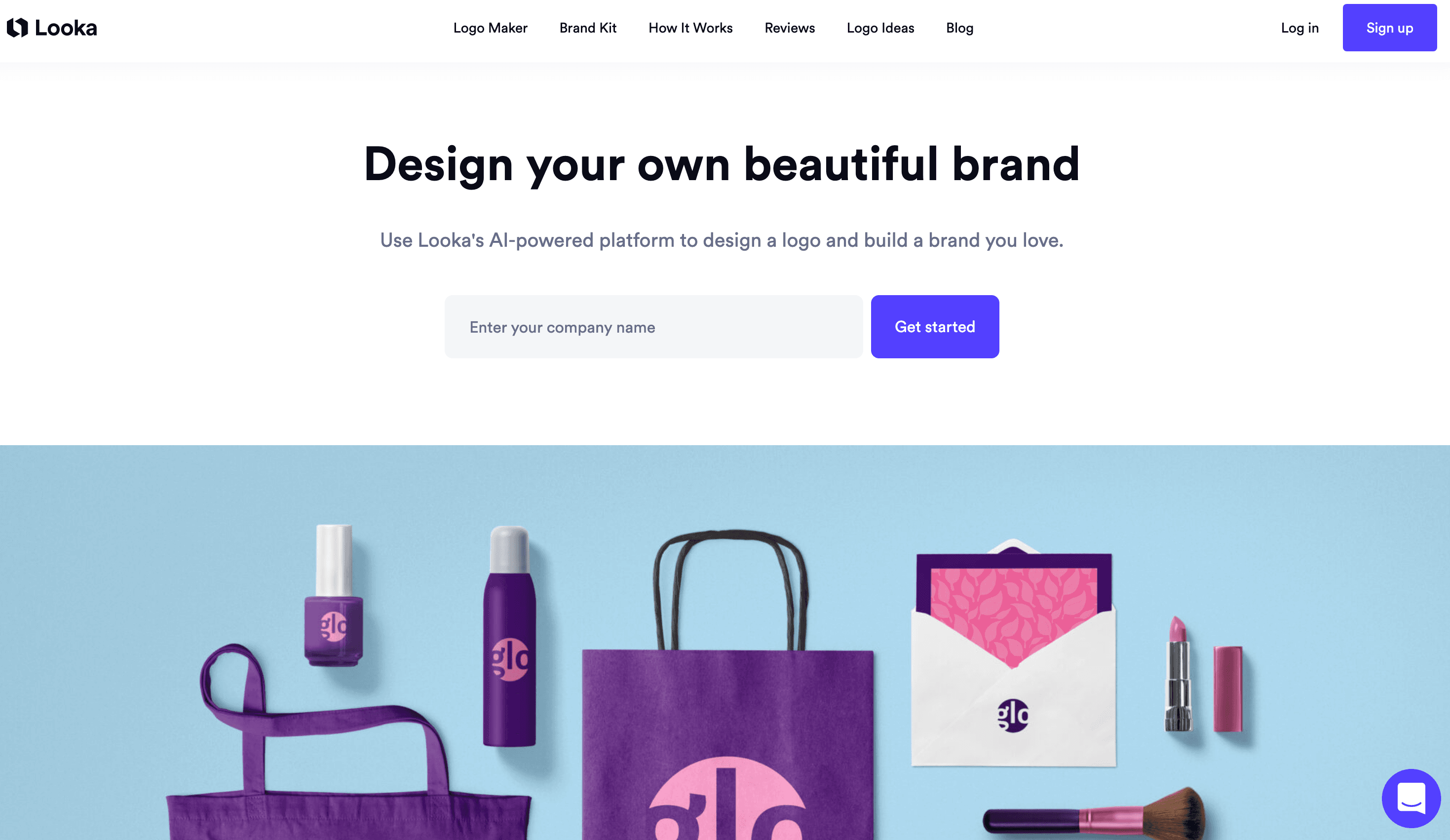
Logo design tools are specialized software or platforms that help users create unique logos for their brand or business. They provide templates, icons, fonts, and editing options to simplify logo creation even for those without design experience.
What are the top 10 Design Software products for Logo Design Tools Software?
Newest Logo Design Tools Software Products
Logo Design Tools Software Core Features
- Pre-made logo templates
- Easy drag-and-drop interface
- Customizable fonts and colors
- Icon and symbol libraries
- Export options in multiple formats
Advantages of Logo Design Tools Software?
- Fast and easy logo creation
- No design skills required
- Cost-effective compared to hiring a designer
- Access to professional templates and icons
- Flexible customization options
Who is suitable to use Logo Design Tools Software?
Small business owners, startups, freelancers, and anyone needing a quick and professional-looking logo without hiring a designer.
How does Logo Design Tools Software work?
Users start with a blank canvas or a template, then customize elements such as text, icons, colors, and layout. Most tools offer AI-powered suggestions or automated design options to speed up the process. Once done, the logo can be downloaded for use on websites, business cards, and more.
FAQ about Logo Design Tools Software?
Can I design a logo without any design experience?
Yep, these tools are made exactly for folks who aren’t designers but wanna make a slick logo.
Are logos created with these tools unique?
While templates are shared, you can customize a lot to make your logo stand out.
Can I use the logos commercially?
Most tools let you use the logos for business, but always check the license terms.
Do I need to pay to download a high-res logo?
Some tools offer free low-res downloads but usually high-res files require a fee.
Can I edit the logo after downloading it?
Depends on the tool, but many let you save your design so you can update it later.