Best 55 3D Modeling Software products
What is 3D Modeling Software?
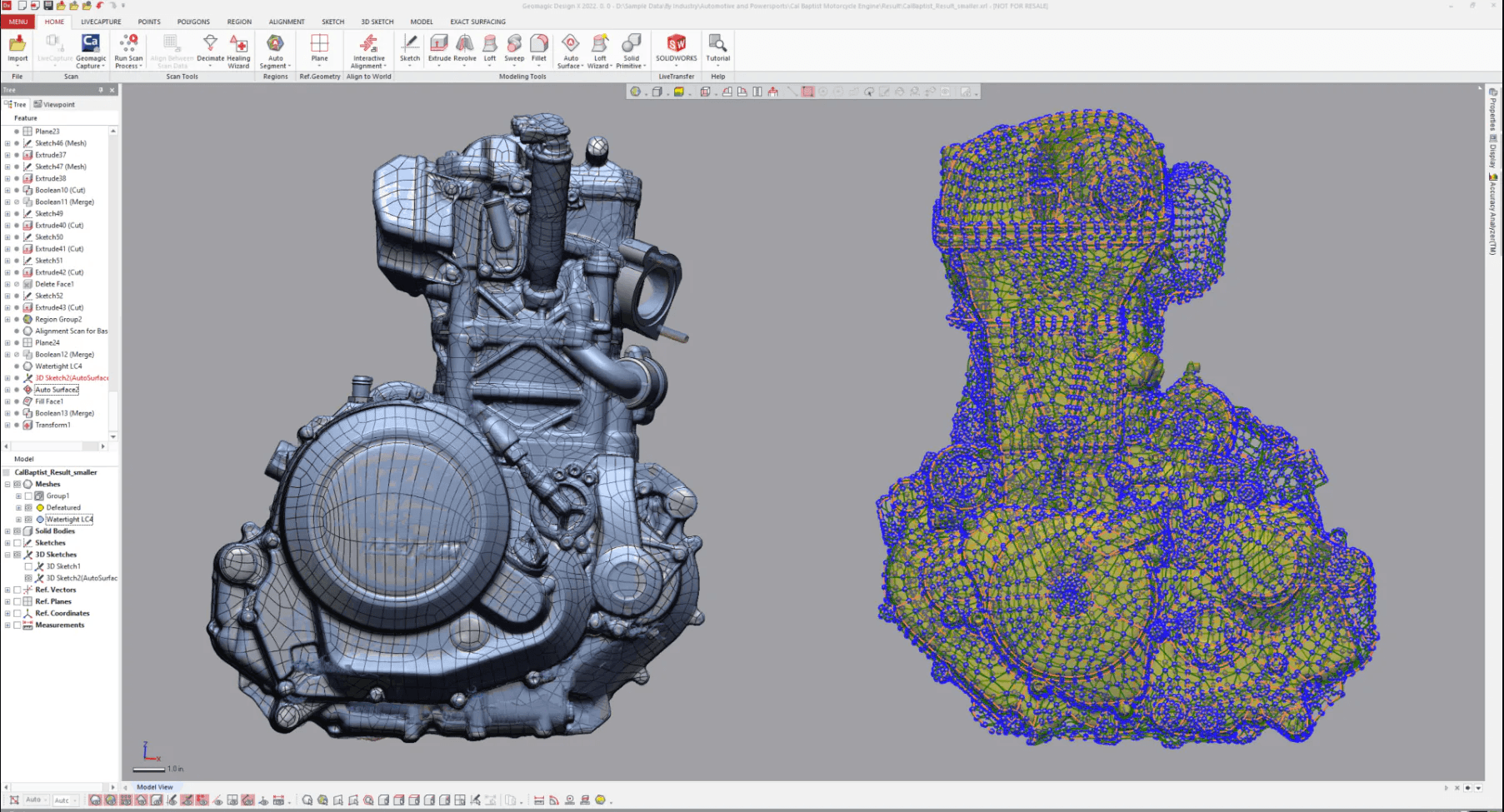
3D Modeling Software allows users to create three-dimensional digital objects, ranging from simple shapes to complex designs used in games, movies, architecture, and manufacturing.
What are the top 10 Design Software products for 3D Modeling Software?
Newest 3D Modeling Software Products

3D Modeling Software Core Features
- Polygonal and sculpting tools
- Texture and material mapping
- Rendering and animation capabilities
- Support for various 3D file formats
- Integration with CAD and animation software
Advantages of 3D Modeling Software?
- Enables creation of detailed digital models
- Supports visualization and prototyping
- Enhances creativity and design precision
- Integrates with other design tools
- Facilitates animation and simulation
Who is suitable to use 3D Modeling Software?
Artists, designers, engineers, architects, game developers, and animators who need to create detailed 3D models.
How does 3D Modeling Software work?
Users start with basic shapes or meshes and use tools to sculpt, reshape, and texture the object. The software provides views from different angles and lighting to refine the model. Finished models can be rendered for images or animations, or exported for 3D printing or game engines.
FAQ about 3D Modeling Software?
Is 3D modeling software hard to learn?
It can be tricky at first but lots of tutorials make it easier.
Can I use it for 3D printing?
Yep, most support exporting models for printing.
Do I need powerful hardware?
Better hardware helps, especially for complex models and rendering.
Are there free 3D modeling tools?
Yes, several free options are good for beginners.
Can I animate my 3D models?
Many programs include animation features or integrate with animation software.