Best 55 Virtual Workspaces products
What is Virtual Workspaces?
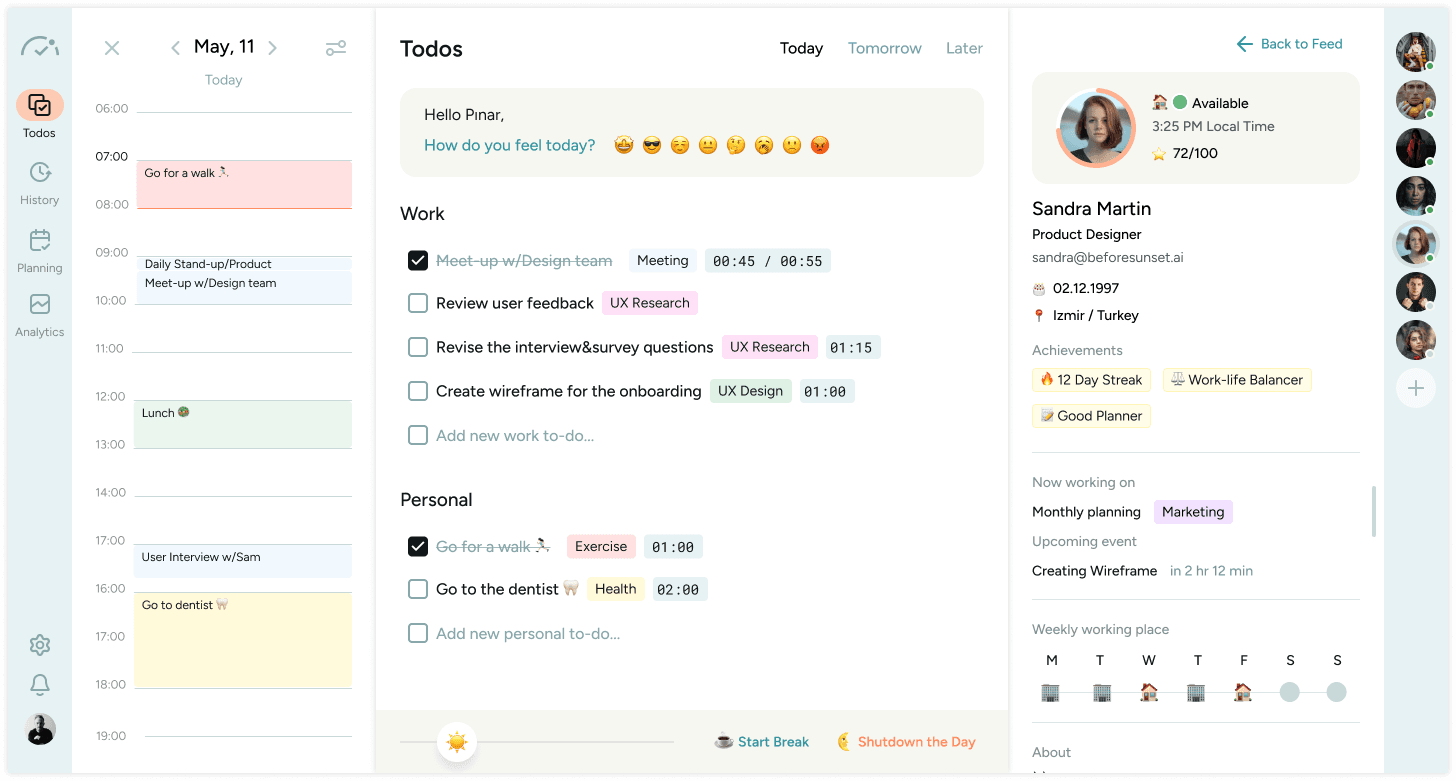
Virtual Workspaces are online environments designed to simulate a physical workspace where teams can collaborate, share files, chat, and manage projects all in one place. They help remote teams stay connected and productive as if they were working side by side.
What are the top 10 Collaboration & Productivity Software products for Virtual Workspaces?
Newest Virtual Workspaces Products

Virtual Workspaces Core Features
- Shared document editing
- Real-time messaging and video calls
- Task and project management
- Integration with other apps
- Customizable workspace layouts
Advantages of Virtual Workspaces?
- Enhances remote team collaboration
- Centralizes work resources
- Reduces tool switching
- Improves project tracking
- Facilitates real-time communication
Who is suitable to use Virtual Workspaces?
Remote teams, freelancers, project managers, creative agencies, and businesses looking to unify their workflows digitally.
How does Virtual Workspaces work?
Users join a virtual workspace via an app or browser where they access shared files, participate in chats or video meetings, and track project progress. The workspace integrates tools and apps so teams can manage everything without switching platforms.
FAQ about Virtual Workspaces?
Do virtual workspaces support video calls?
Most platforms include built-in video conferencing or integrate with popular video tools.
Can I customize my workspace?
Yes, you can usually tailor layouts, tools, and notifications to fit your team’s needs.
Is it easy to switch from other tools?
Many virtual workspaces offer import options and integrations to ease migration.
Can freelancers use virtual workspaces?
Definitely, they’re great for individuals joining client teams remotely.
Are virtual workspaces secure?
Good ones use encryption and access controls to keep your data safe.