Best 67 Live Chat Software products
What is Live Chat Software?
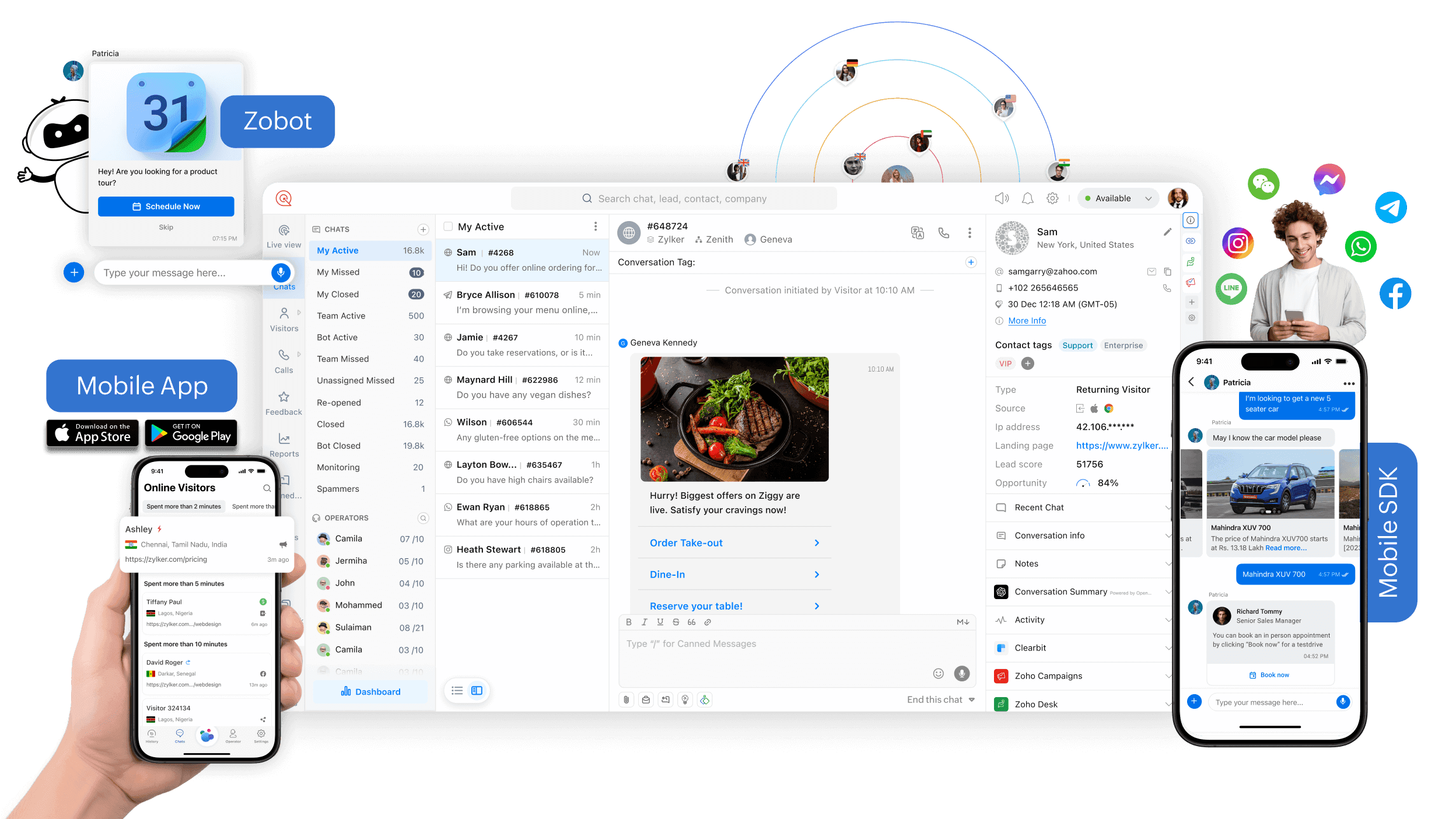
Live chat software is a tool that allows businesses to communicate instantly with their website visitors or customers in real-time. It helps provide quick support, answer queries, and even drive sales by chatting directly with users while they're browsing.
What are the top 10 Customer Service Software products for Live Chat Software?
Newest Live Chat Software Products
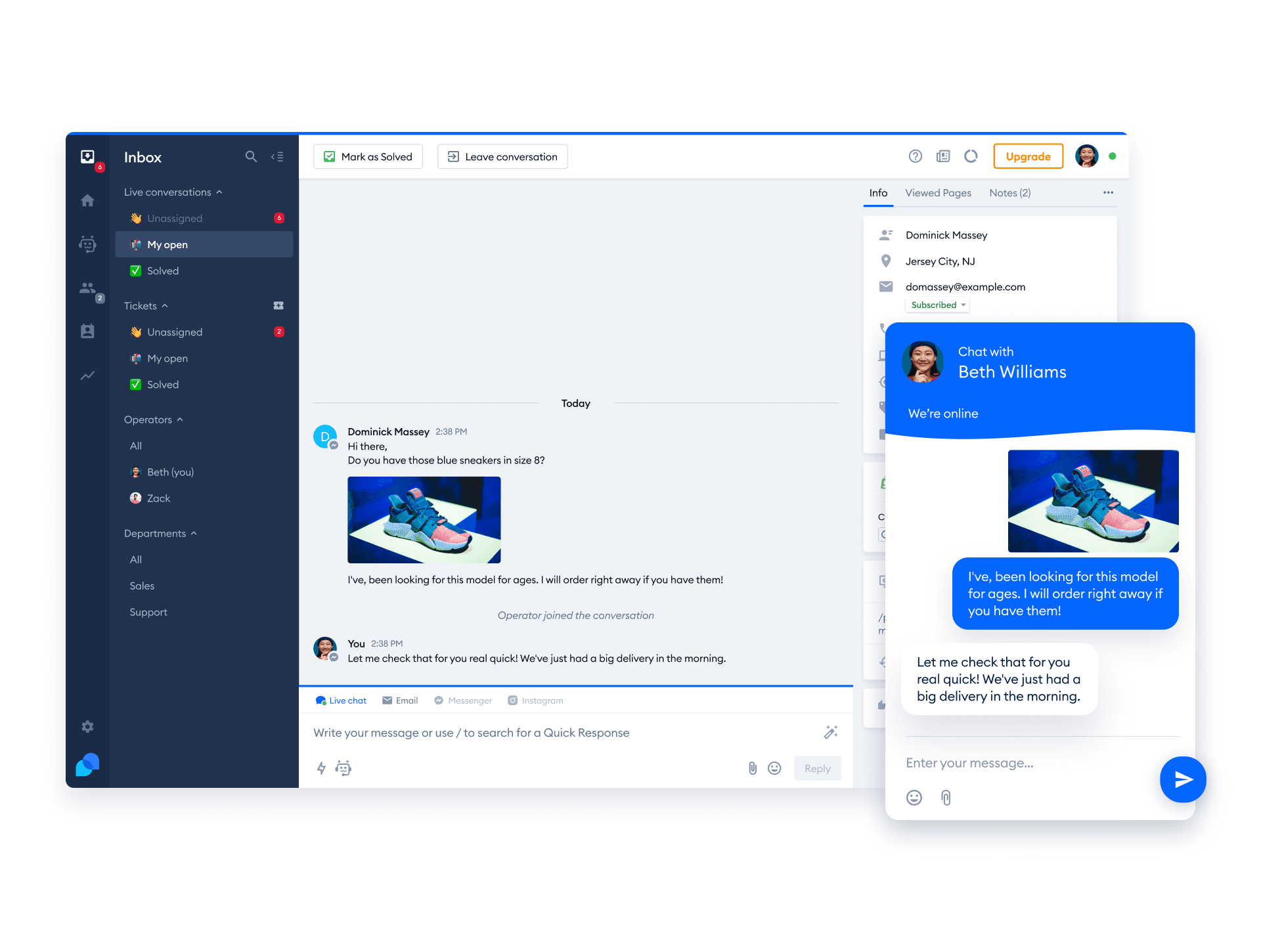
Live Chat Software Core Features
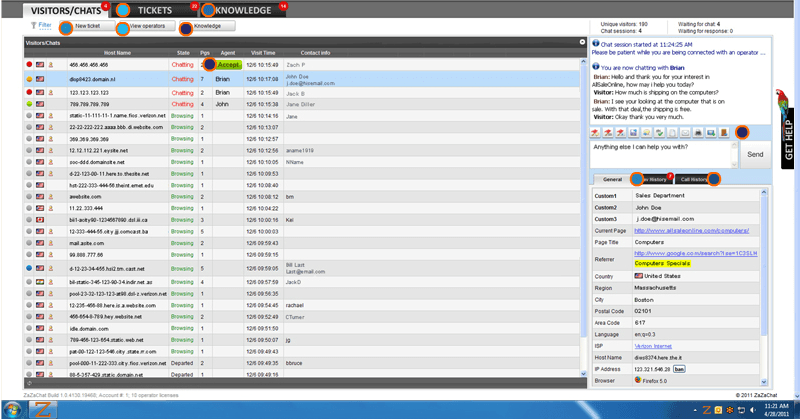
- Real-time messaging between customer and agent
- Chat transcripts and history available
- Automated greetings and chat triggers
- Integration with CRM and other tools
- Support for multimedia like images and files
Advantages of Live Chat Software?
- Improves customer satisfaction by quick responses
- Increases sales by engaging visitors timely
- Reduces waiting time compared to emails or calls
- Provides valuable insights with chat analytics
- Easy to use and integrate with existing systems
Who is suitable to use Live Chat Software?
Businesses of all sizes that want to offer immediate customer support and boost engagement on their websites.
How does Live Chat Software work?
The software embeds a chat widget on your website which visitors can use to start a conversation. When a message is sent, it reaches the support agent who replies instantly. Many platforms also let you set canned responses and automated messages to speed things up.
FAQ about Live Chat Software?
Can I use live chat software on mobile devices?
Yeah, most live chat tools have mobile apps or mobile-friendly versions so you can chat with customers on the go.
Is live chat software hard to set up?
Not really, most provide simple setup guides or embed codes that you just add to your website.
Does live chat support multiple agents?
Yep, you can have multiple agents managing chats and even assign chats to specific team members.
Can I customize the chat widget?
Most tools let you change colors, messages, and look to match your brand style.
Do I need special training to use live chat software?
Usually no, the interfaces are user-friendly and intuitive, though some training helps for advanced features.