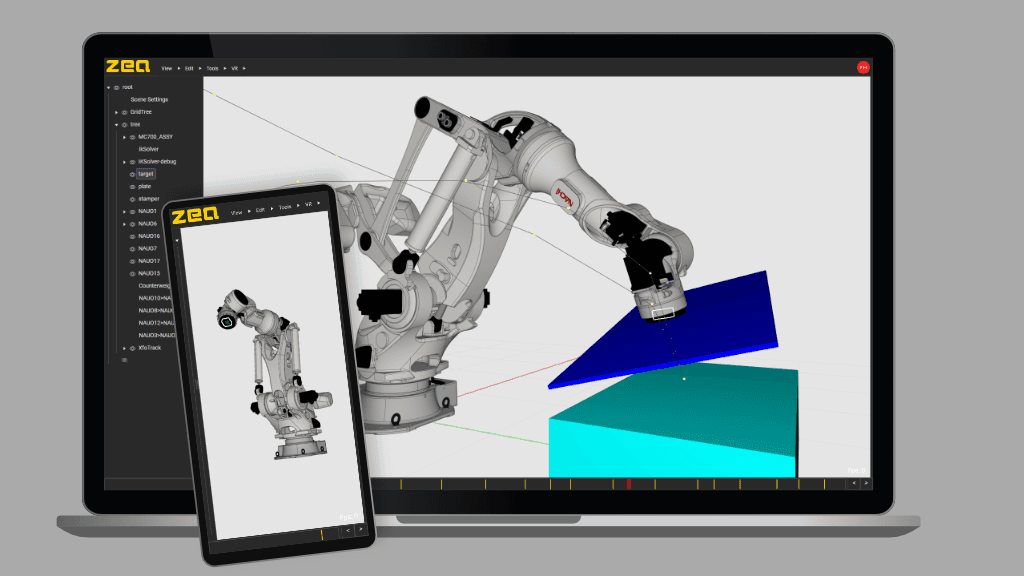
Best 30 3D Rendering Software products
What is 3D Rendering Software?
3D Rendering Software is used to convert 3D models into photorealistic images or animations. It simulates light, shadows, reflections, and materials to produce visuals that look like real-world photographs or stylized art.
What are the top 10 Design Software products for 3D Rendering Software?
Newest 3D Rendering Software Products
3D Rendering Software Core Features
- Realistic lighting simulation
- support for various materials and shaders
- animation rendering
- GPU acceleration
- integration with modeling software
Advantages of 3D Rendering Software?
- Produces stunning visuals
- helps in design validation
- supports multiple output formats
- speeds up visualization with GPU
- enables creative lighting effects
Who is suitable to use 3D Rendering Software?
Great for architects, designers, animators, visual effects artists, and anyone who needs high-quality visuals from 3D models.
How does 3D Rendering Software work?
The software takes a 3D scene with models, lights, and cameras, then calculates how light interacts with surfaces to generate an image. It uses algorithms like ray tracing or rasterization to achieve this, allowing control over shadows, reflections, and textures.
FAQ about 3D Rendering Software?
What's the difference between ray tracing and rasterization?
Ray tracing simulates light paths for more realism; rasterization is faster but less accurate.
Can I render animations with 3D rendering software?
Yes, most tools support rendering sequences of frames for animation.
Do I need special hardware for faster rendering?
Having a powerful GPU helps speed up rendering times a lot.
Is it possible to render in real-time?
Some software offer real-time rendering but usually with less detail than offline rendering.
Can I add my own textures and materials?
Definitely, custom materials and textures are fully supported.