Best 6 Drawing Software products
What is Drawing Software?
Drawing software is a digital tool that lets users create artwork, sketches, and illustrations on a computer or tablet. It offers brushes, pencils, and other tools that mimic traditional drawing mediums.
What are the top 10 Design Software products for Drawing Software?
Newest Drawing Software Products

Drawing Software Core Features
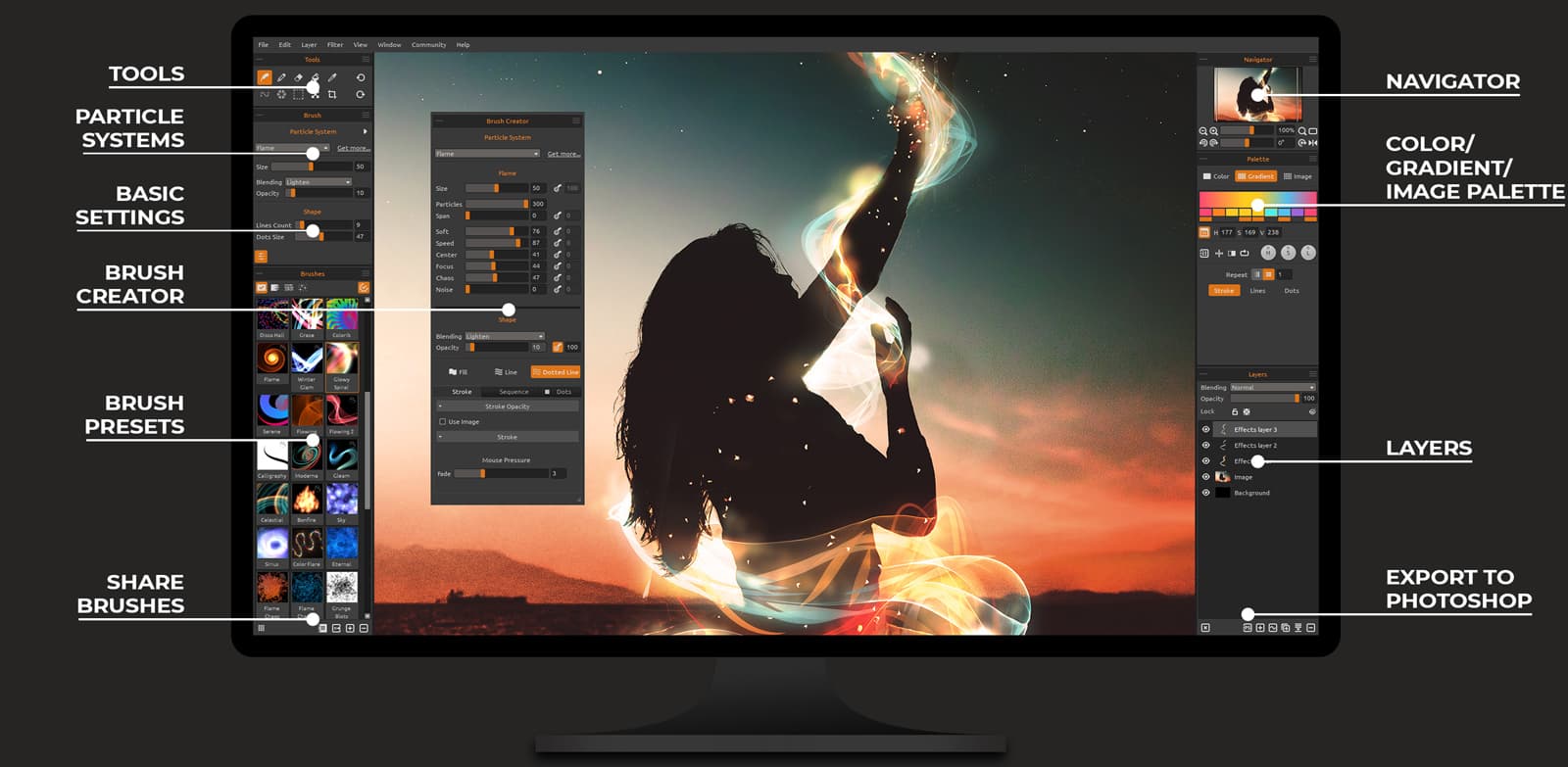
- Variety of brush types and textures
- layers for complex drawings
- pressure sensitivity support
- vector and raster toolsets
- export to multiple image formats
Advantages of Drawing Software?
- Offers creative freedom with digital tools
- easy to correct mistakes
- supports complex compositions with layers
- allows infinite undo
- enables high-quality exports
Who is suitable to use Drawing Software?
Great for artists, illustrators, designers, hobbyists, and anyone interested in creating digital drawings.
How does Drawing Software work?
You select different brushes and colors to draw on a blank canvas using a mouse, stylus, or touchscreen. Layers help separate elements, allowing edits without affecting the whole image. Completed artwork can be saved or exported for use elsewhere.
FAQ about Drawing Software?
Do I need a drawing tablet to use drawing software?
Not always, but tablets with stylus make drawing way easier and more natural.
Can I work with layers in drawing software?
Yep, layers let you separate parts of your drawing and edit them independently.
Is drawing software suitable for beginners?
For sure, many have simple interfaces plus tutorials for newbies.
Can I use different brush types and effects?
Most apps offer a variety of brushes, pencils, and effects to choose from.
Can I export my drawings in common image formats?
Yes, export options usually include PNG, JPG, PSD, and more.