Best 56 Photo Editing Software products
What is Photo Editing Software?
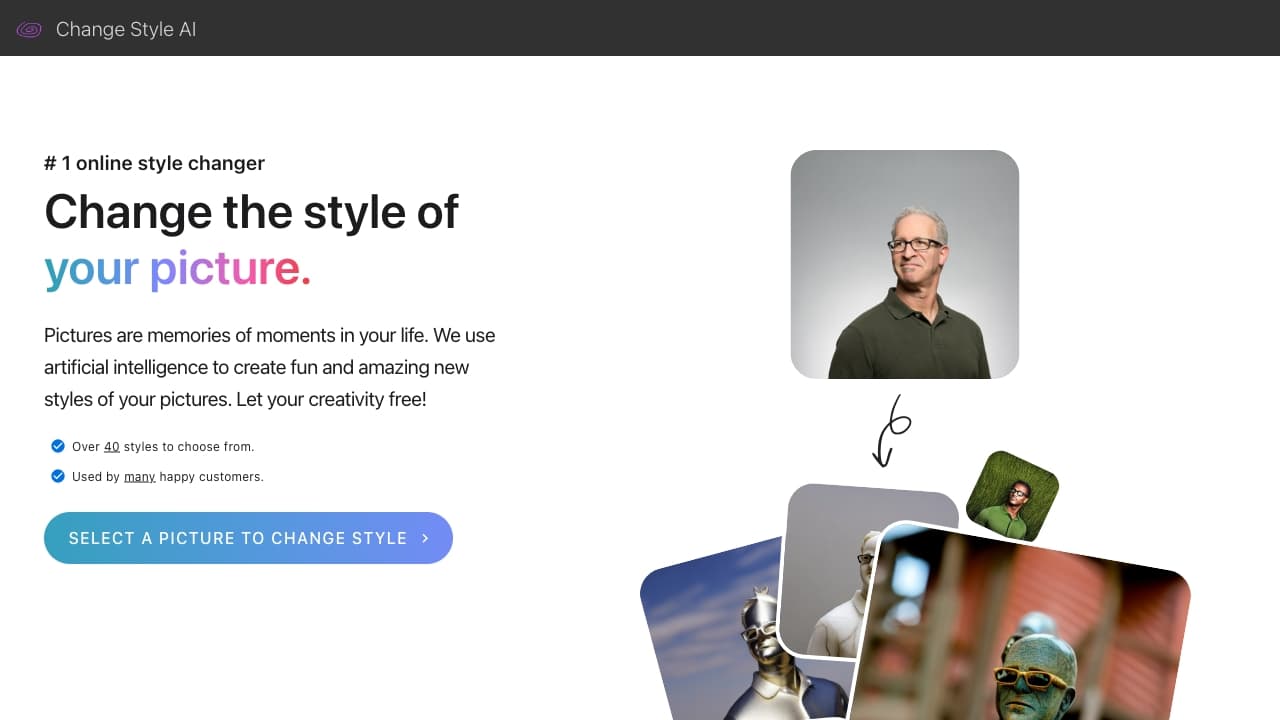
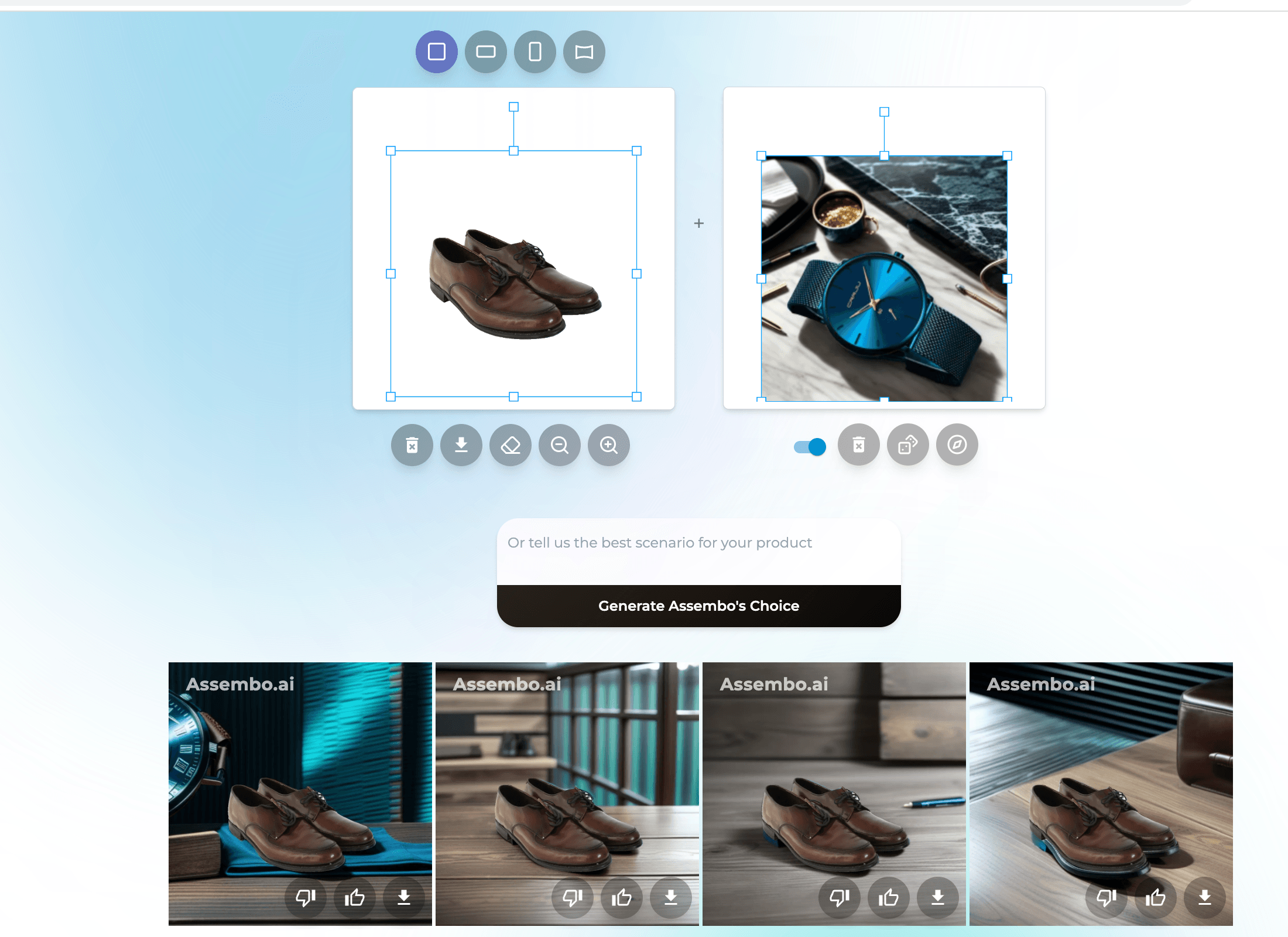
Photo editing software lets users enhance, retouch, and manipulate images digitally. It's used by photographers, designers, and hobbyists to improve photo quality, apply effects, and create artistic compositions.
What are the top 10 Design Software products for Photo Editing Software?
Newest Photo Editing Software Products
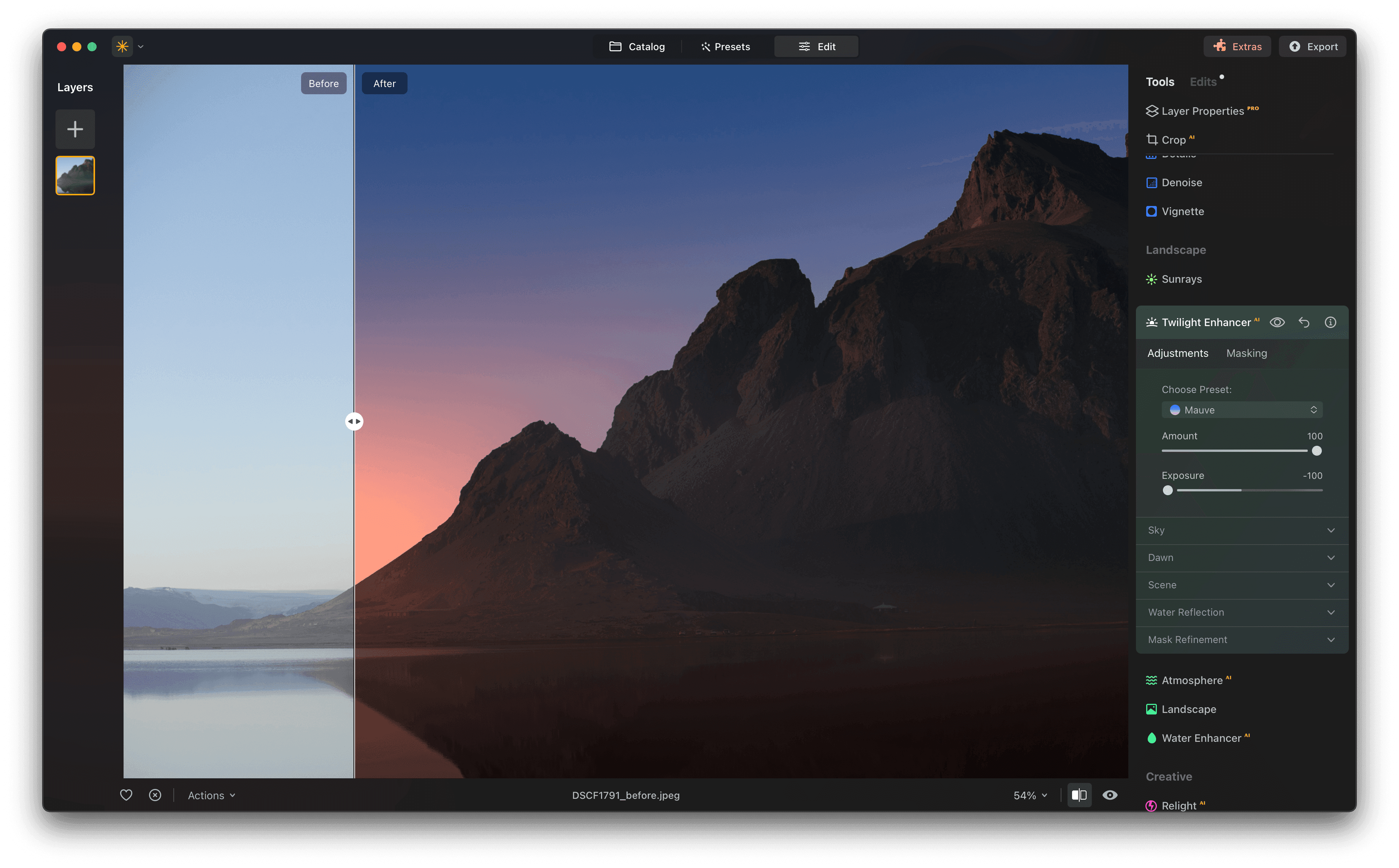
Photo Editing Software Core Features
- Crop and resize images
- Adjust brightness and contrast
- Apply filters and effects
- Remove unwanted objects
- Support for layers and masks
Advantages of Photo Editing Software?
- Improves image quality quickly
- Offers creative freedom with effects
- Helps fix photo flaws
- Supports batch editing for efficiency
- Enhances visual storytelling
Who is suitable to use Photo Editing Software?
Photographers, graphic designers, social media managers, and anyone who wants to tweak or enhance photos.
How does Photo Editing Software work?
Users import photos into the software and use a variety of tools to adjust colors, fix imperfections, add creative effects, or combine images. Many programs support layers to work non-destructively and allow undoing changes easily.
FAQ about Photo Editing Software?
Is photo editing software suitable for beginners?
Sure, many apps have simple modes for newbies, plus tutorials to get started.
Can I remove unwanted objects from photos?
Yep, most software has tools like healing brushes or clone stamps to do that.
Does photo editing software support RAW files?
Most professional and semi-pro tools support RAW for better editing control.
Can I edit photos on my phone?
Definitely, a lot of photo editors have mobile versions with powerful features.
Is it expensive to buy good photo editing software?
There are both free and paid options, so you can find something that fits your budget.