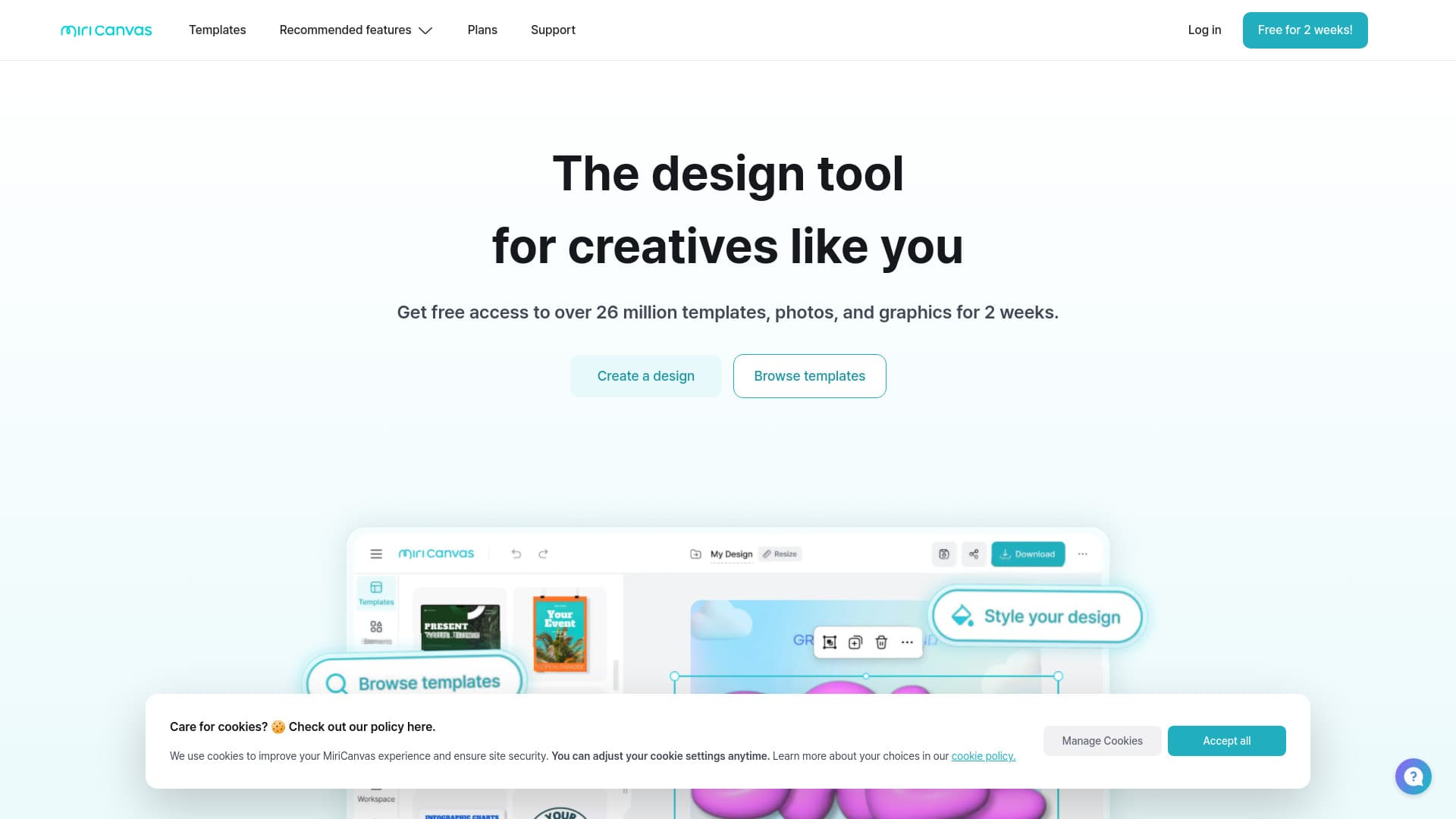
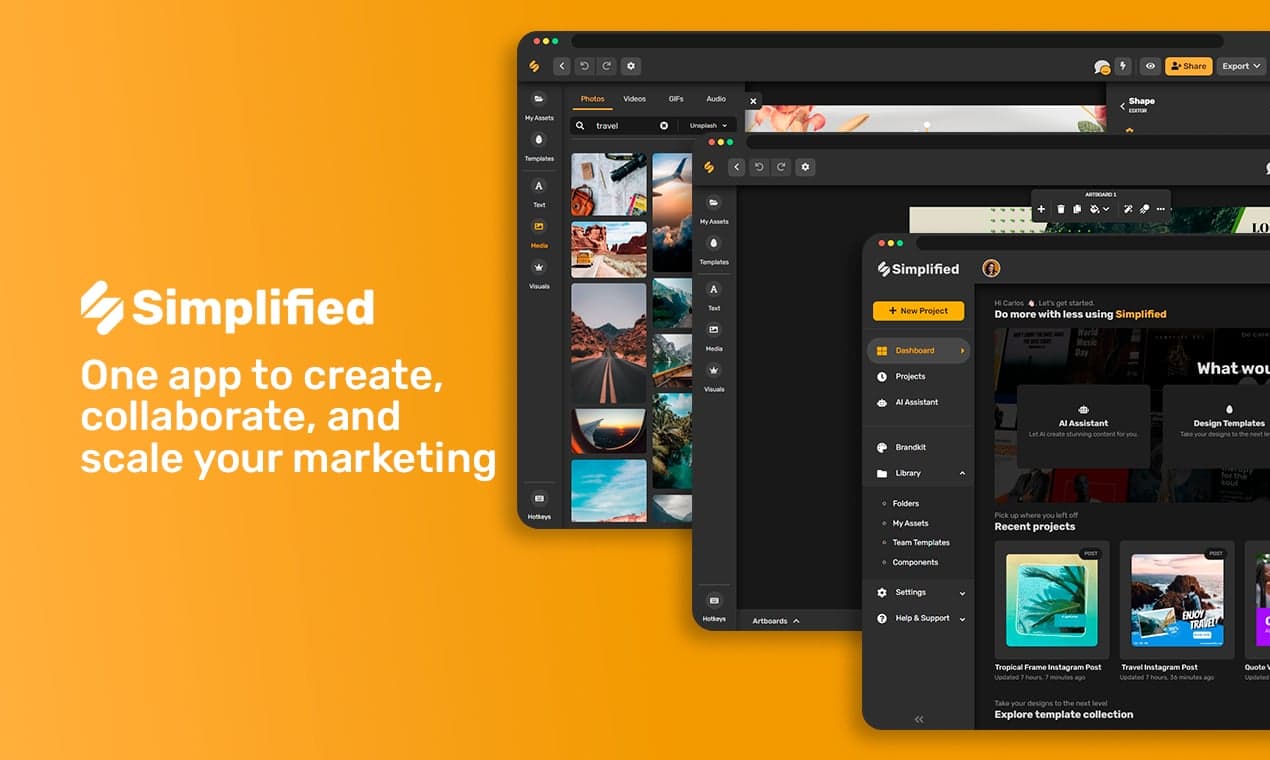
Best 14 Display Ad Design Software products
What is Display Ad Design Software?
Display ad design software helps marketers and designers create eye-catching ads for websites, social media, and other digital platforms. It offers tools to build animated or static banners, pop-ups, and other ad formats to grab attention and drive clicks.
What are the top 10 Design Software products for Display Ad Design Software?
Newest Display Ad Design Software Products
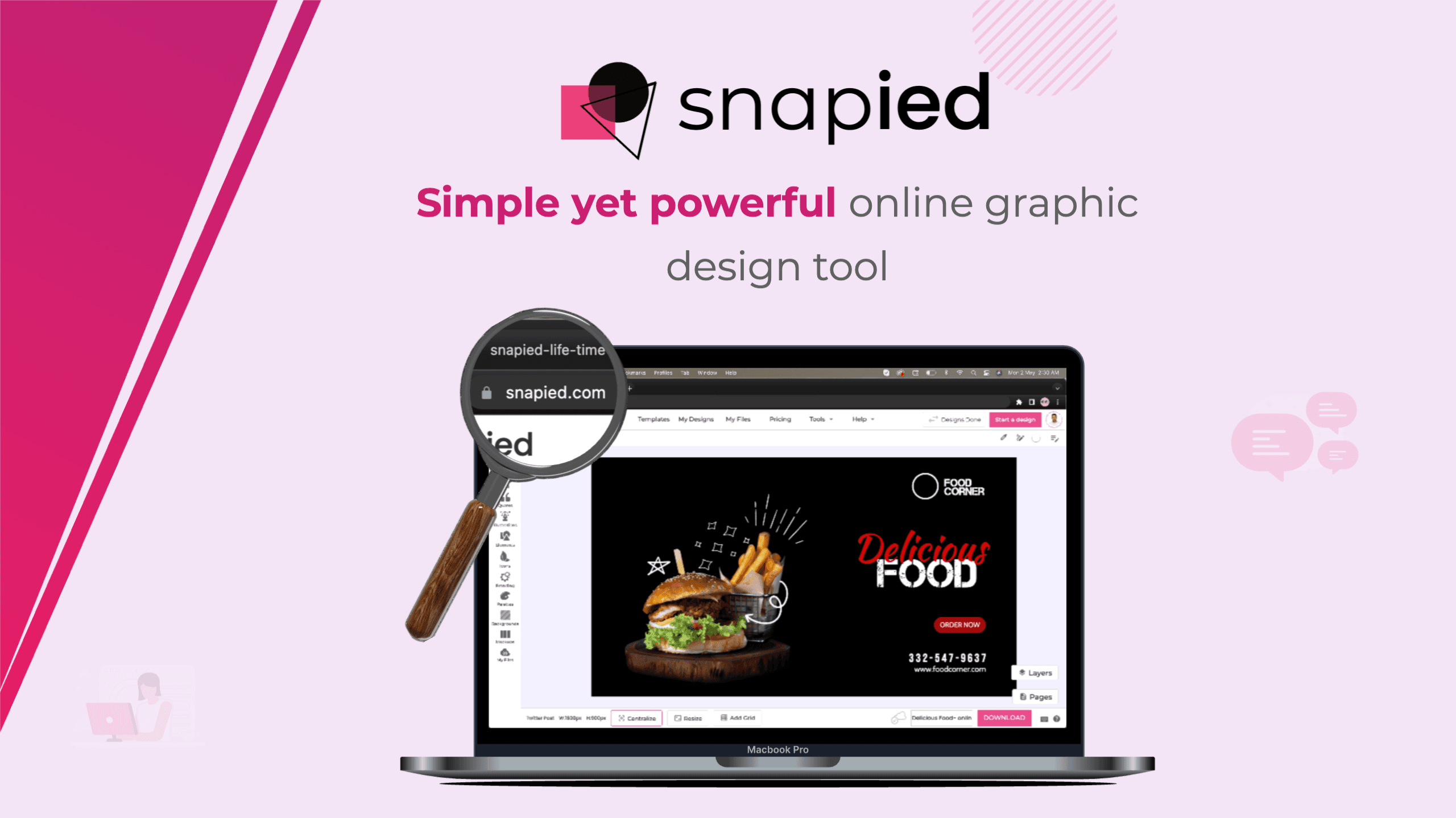
Display Ad Design Software Core Features
- Template library for quick ad creation
- animation and transition effects
- customizable text and graphics
- support for multiple ad sizes
- export optimized for web use
Advantages of Display Ad Design Software?
- Speeds up ad creation process
- no need for advanced design skills
- ensures ads are optimized for digital platforms
- supports brand consistency
- allows easy updates and edits
Who is suitable to use Display Ad Design Software?
Ideal for digital marketers, graphic designers, advertisers, and small business owners who wanna build professional looking ads without needing heavy design skills.
How does Display Ad Design Software work?
Users pick a pre-made template or start from scratch, then add images, text, and animations using simple editing tools. Once done, they export the ad in the needed format and upload it to the ad platform or website.
FAQ about Display Ad Design Software?
Do I need design experience to use display ad design software?
Nah, most tools are built so newbies can create ads with drag n drop and ready templates.
Can I create animated ads with this software?
Yep, many support animations and effects to make your ads more engaging.
Are the ads exportable to all standard digital ad formats?
Most software lets you export in popular formats like GIF, JPG, PNG, or HTML5.
Can I customize ads to fit my brand style?
Definitely, you can tweak colors, fonts, images to match your branding perfectly.
Is it possible to preview ads before exporting?
Yes, preview features help you see how ads will look and behave before finalizing.