Best 16 Prototyping Software products
What is Prototyping Software?
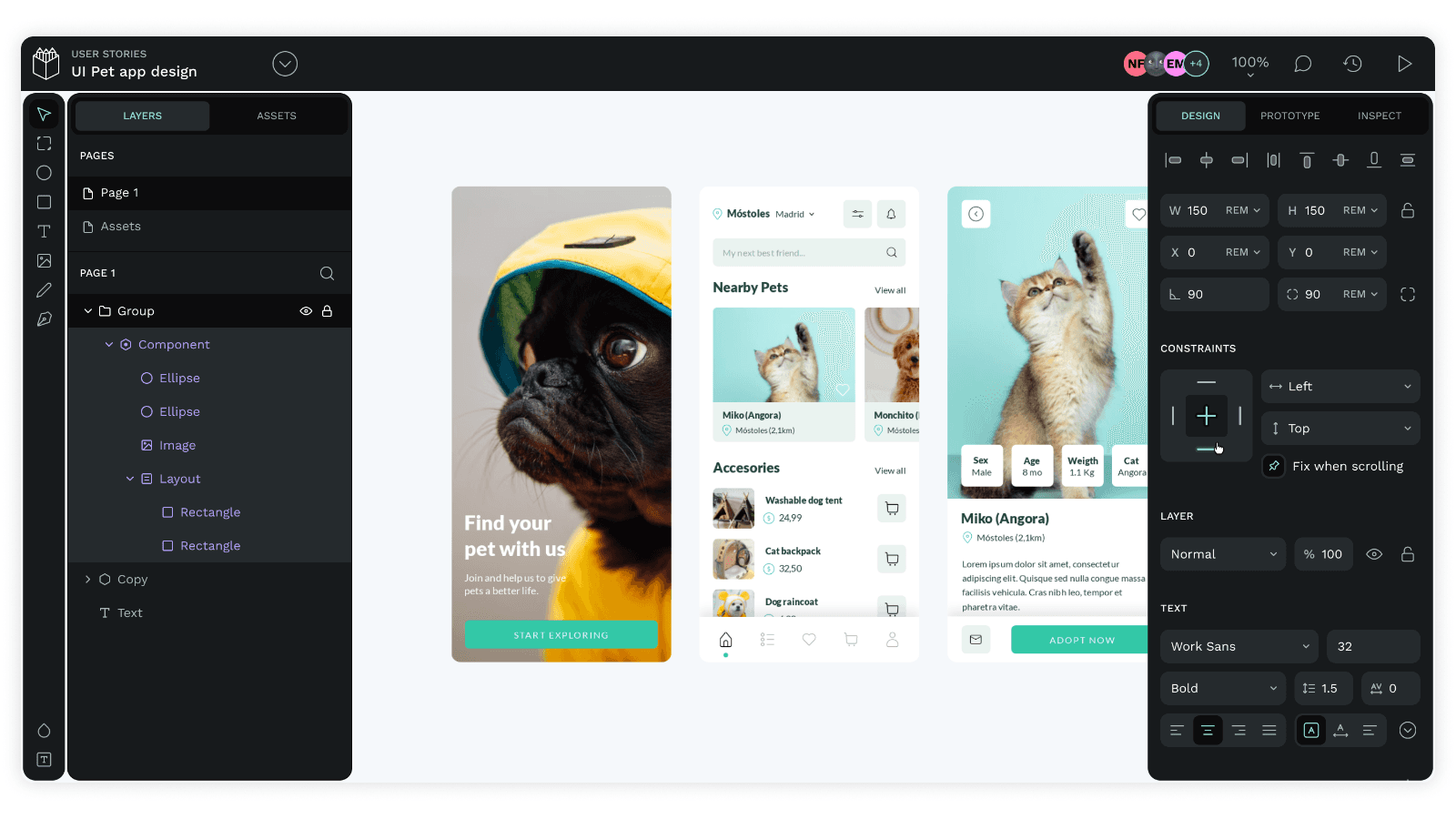
Prototyping Software lets designers and developers create interactive mockups of digital products like websites or apps. It helps visualize and test ideas before full development, saving time and resources.
What are the top 10 Design Software products for Prototyping Software?
Newest Prototyping Software Products

Prototyping Software Core Features
- Drag-and-drop interface for design
- Interactive elements and animations
- Collaboration tools for teams
- Version control and feedback collection
- Supports exporting to different formats
Advantages of Prototyping Software?
- Reduces development errors
- Speeds up feedback cycles
- Enhances communication within teams
- Allows realistic user experience testing
- Saves costs by catching issues early
Who is suitable to use Prototyping Software?
UI/UX designers, product managers, developers, and teams involved in digital product design and testing.
How does Prototyping Software work?
Users design screens and link them with interactions to simulate user flow. The prototypes can be shared with stakeholders for feedback or testing. Changes can be iterated on rapidly, improving designs before coding begins.
FAQ about Prototyping Software?
Can I create clickable prototypes without coding?
Yep, most prototyping tools let you build interactive demos with no code needed.
Is it possible to collaborate in real-time?
Many platforms offer live collaboration so teams can work together seamlessly.
Can prototypes be tested on actual devices?
Yes, you can preview and test prototypes on phones, tablets, or desktops.
Are these tools suitable for beginners?
Some are super user-friendly for newbies, while others might need some design experience.
Do prototyping tools support exporting designs to developers?
Most provide options to export assets and specs that developers can use directly.